
Share your Telegram profile or channel with a branded, scannable QR code
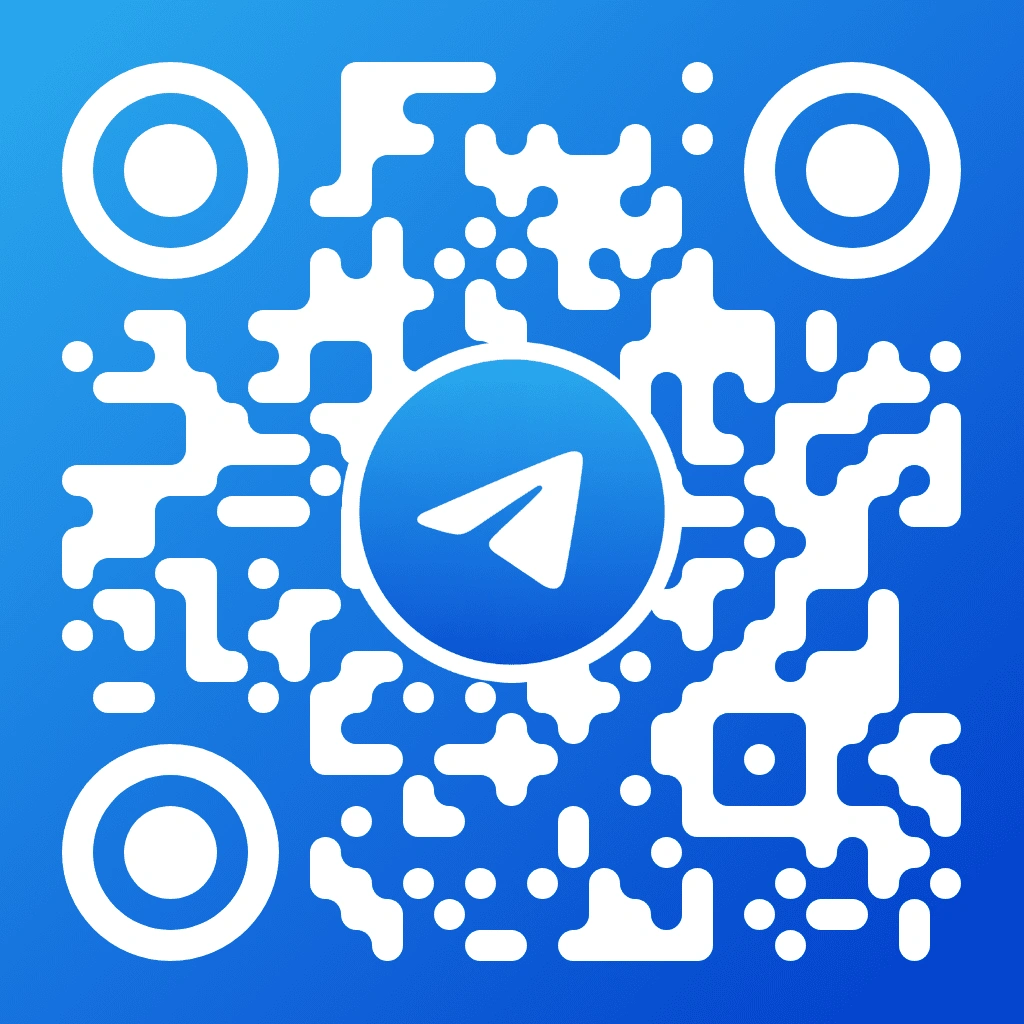
A Telegram QR code template is a pre-designed scannable code that embeds the Telegram paper plane logo and blue colour scheme into a branded layout. QR Code AI generates this template with 50+ customisation parameters including 7 pixel styles, 7 marker shapes, gradient backgrounds, and text overlays to link directly to any t.me profile, group, or channel URL. Community managers, event organisers, and businesses use Telegram QR codes on business cards, conference badges, shopfronts, and printed invitations.
A Telegram QR code is a scannable code that encodes a t.me link pointing to a Telegram profile, group, channel, or bot. When scanned with a smartphone camera, the Telegram QR code opens the Telegram app directly to the linked destination. QR Code AI generates Telegram QR codes with the official blue paper plane branding, 7 pixel styles, and 7 marker shapes so the code is instantly recognisable as a Telegram link.
QR Code AI generates Telegram group and channel QR codes by encoding the invite link from Telegram settings (format: t.me/yourchannel or t.me/+invitecode). You select this template, paste the t.me link, and customise the design with 50+ parameters including colours, gradients, pixel styles, and logo placement. You can download the finished Telegram QR code in PNG, SVG, or WebP format for printing on business cards, posters, or sharing digitally.
QR Code AI provides 50+ customisation parameters for the Telegram QR code template. You can modify background colour, gradient direction, pixel style (7 options from square to rounded to diamond), marker shape (7 options), logo size, text overlays, and visual effects. The template defaults to Telegram's blue (#0088CC) colour scheme, but you can adjust every design element while Reed-Solomon error correction maintains scannability.
QR Code AI exports Telegram QR codes in PNG, SVG, or WebP formats. PNG works for social media, websites, and email signatures at a fixed resolution. SVG is a vector format that scales to any print size without quality loss, suitable for business cards, posters, and banners. WebP offers smaller file sizes for web use. The free plan includes PNG and SVG downloads; premium plans add WebP and higher resolution options.
Telegram QR codes remain functional on devices without the Telegram app installed. When scanned, the t.me link opens in the device's default web browser, where the user can preview the profile, group, or channel content. The browser page includes a prompt to download the Telegram app. QR Code AI encodes standard HTTPS URLs, so the code works with any smartphone camera or QR reader app on iOS and Android.