

Share menus, catalogues, and manuals by linking any PDF to a scannable QR code
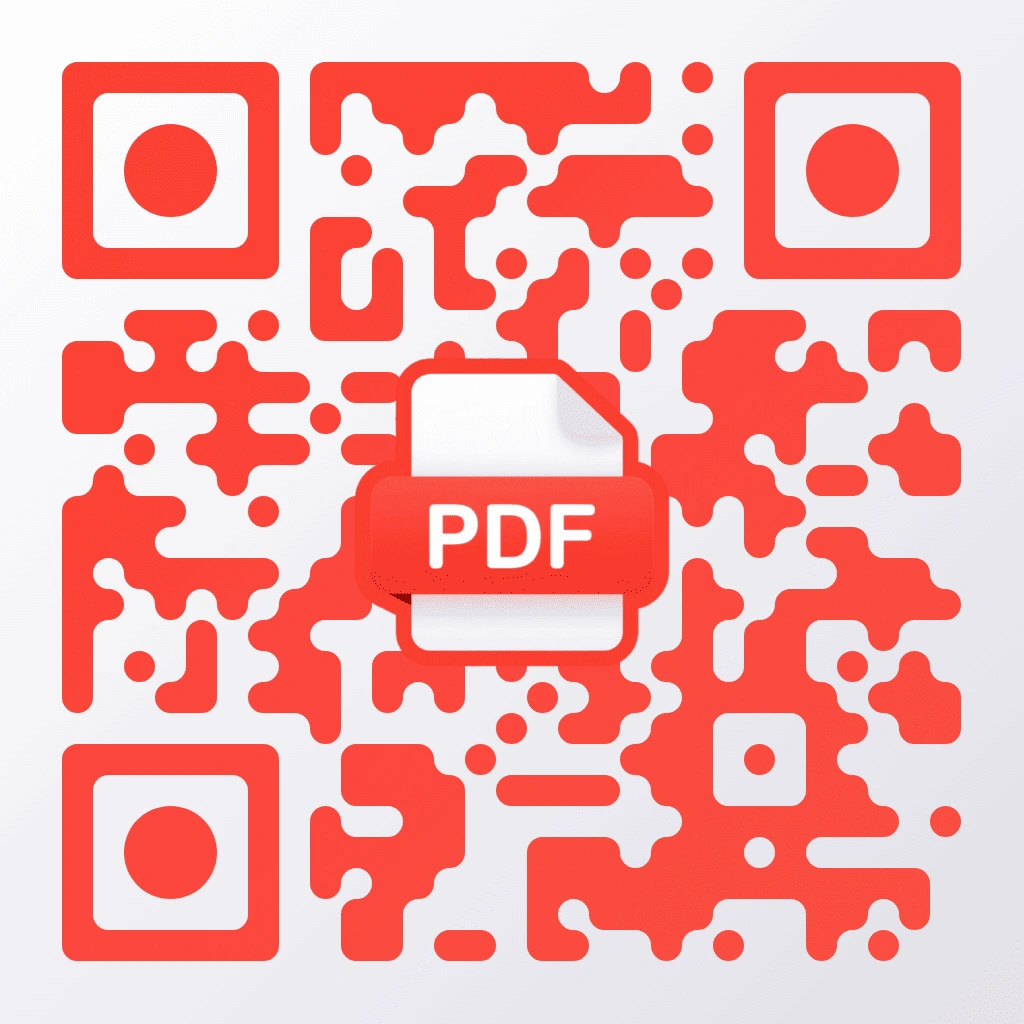
A PDF QR code template is a pre-designed scannable code that links any hosted PDF document to a branded pattern with a red file icon. QR Code AI generates this template with 50+ customisation parameters, including 7 pixel styles, 7 marker shapes, gradient backgrounds, and text overlays, to encode any PDF URL from Google Drive, Dropbox, or a custom domain. Restaurant owners, product managers, real estate agents, and event coordinators use PDF QR codes on table tents, packaging inserts, property flyers, and conference handouts.





A PDF QR code is a scannable code that encodes the URL of a PDF document hosted online (Google Drive, Dropbox, or a custom domain). When you scan it with a smartphone camera, the PDF opens directly in the device’s built-in browser PDF viewer on both iOS and Android. QR Code AI generates PDF QR codes with a red file icon, 7 pixel styles, 7 marker shapes, and Reed-Solomon error correction for reliable scanning with custom designs.
QR Code AI creates PDF QR codes by encoding the direct link to a hosted PDF file. You upload the PDF to Google Drive, Dropbox, or your own website, copy the shareable URL, then paste it into the QR Code AI editor with this template selected. The editor includes 50+ customisation parameters, and you can download the final QR code in PNG, SVG, or WebP.
Yes, QR Code AI supports dynamic PDF QR codes that route through a short URL (qrc-ai.com), so you can swap the linked PDF anytime without reprinting. You just change the destination in your QR Code AI dashboard. Dynamic QR codes also include scan analytics such as location, device type, and scan count. Dynamic codes require a premium plan.
PDF QR codes work best for documents people need to open quickly on mobile, such as restaurant menus, product catalogues, instruction manuals, event programmes, price lists, real estate brochures, and training handouts. For the best experience, optimise the PDF for phone screens with readable font sizes and a portrait layout. QR Code AI can link to PDFs hosted on Google Drive, Dropbox, or any custom domain.
No, a dedicated PDF reader app is not required to open a PDF from a PDF QR code. On iOS (Safari) and Android (Chrome), modern phones open PDF files directly in the browser’s built-in PDF viewer. People can read, zoom, scroll, and save the file without installing extra software. QR Code AI encodes standard HTTPS URLs, so the QR code scans with any smartphone camera.