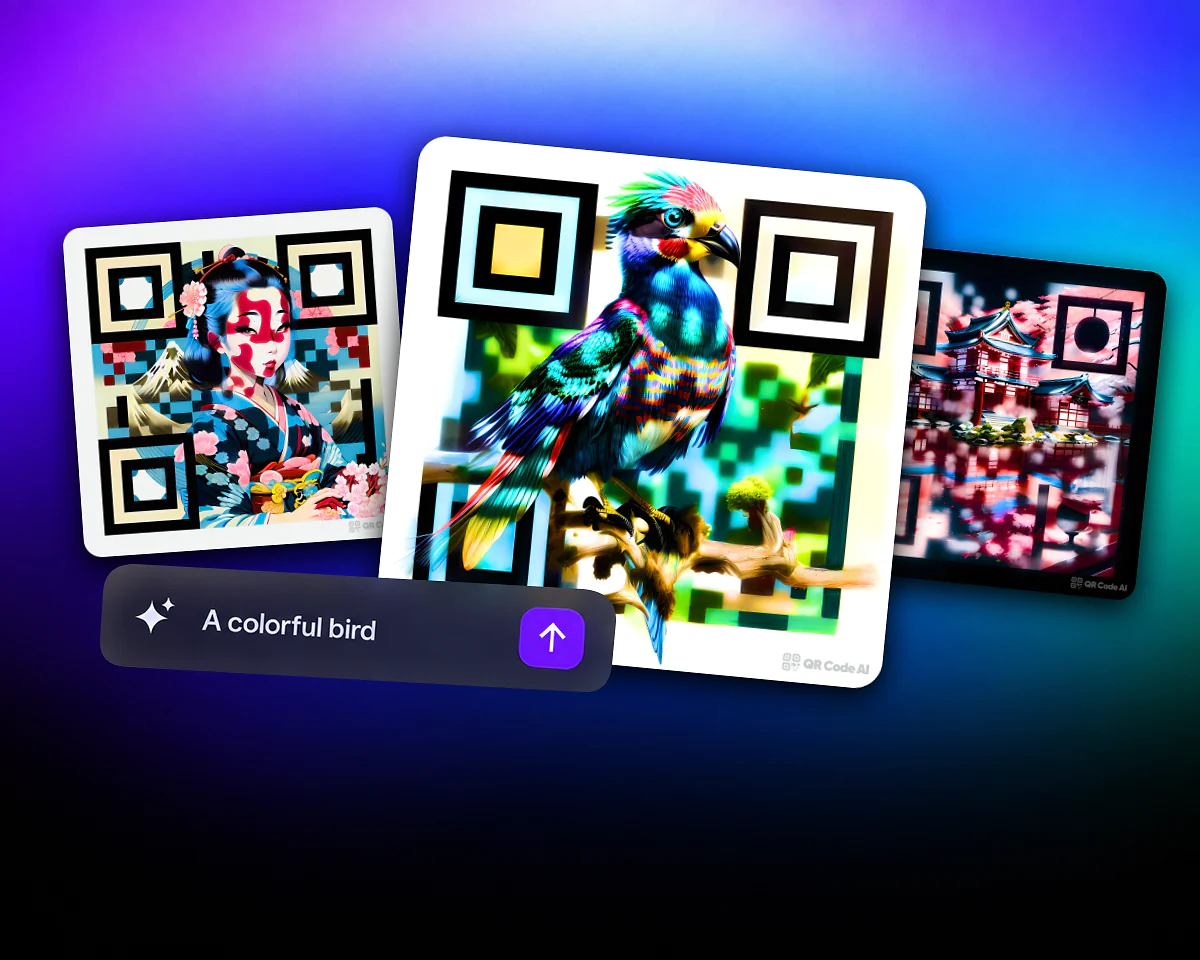
QR Code Art Generator
Create QR code art with AI. Choose a template or describe your idea with a text prompt.
Add your logo, choose colors and adjust module and marker styles in the custom QR designer. Use a transparent background where the selected export supports it. Before putting the code on a card or poster, test it at its final size and on the intended background.








A custom QR code uses your chosen appearance while retaining the destination or data it represents. For a business card, add your logo, choose colors with enough contrast and leave a clear margin around the code. Download a sample and check it on the printed card. Appearance customization is separate from destination management: a managed website link can be updated while its service is active, but printed direct data cannot be rewritten.

Level up your QR code capabilities with powerful features like Artistic QR Codes by AI, flexible Dynamic QR Codes, and Short Links for efficient sharing. Track performance with detailed Analytics, add personalization with Custom Domains, and manage multiple campaigns with Workspace Management. Even integrate QR codes directly into Apple Wallet for easy access.
Create QR code art with AI. Choose a template or describe your idea with a text prompt.
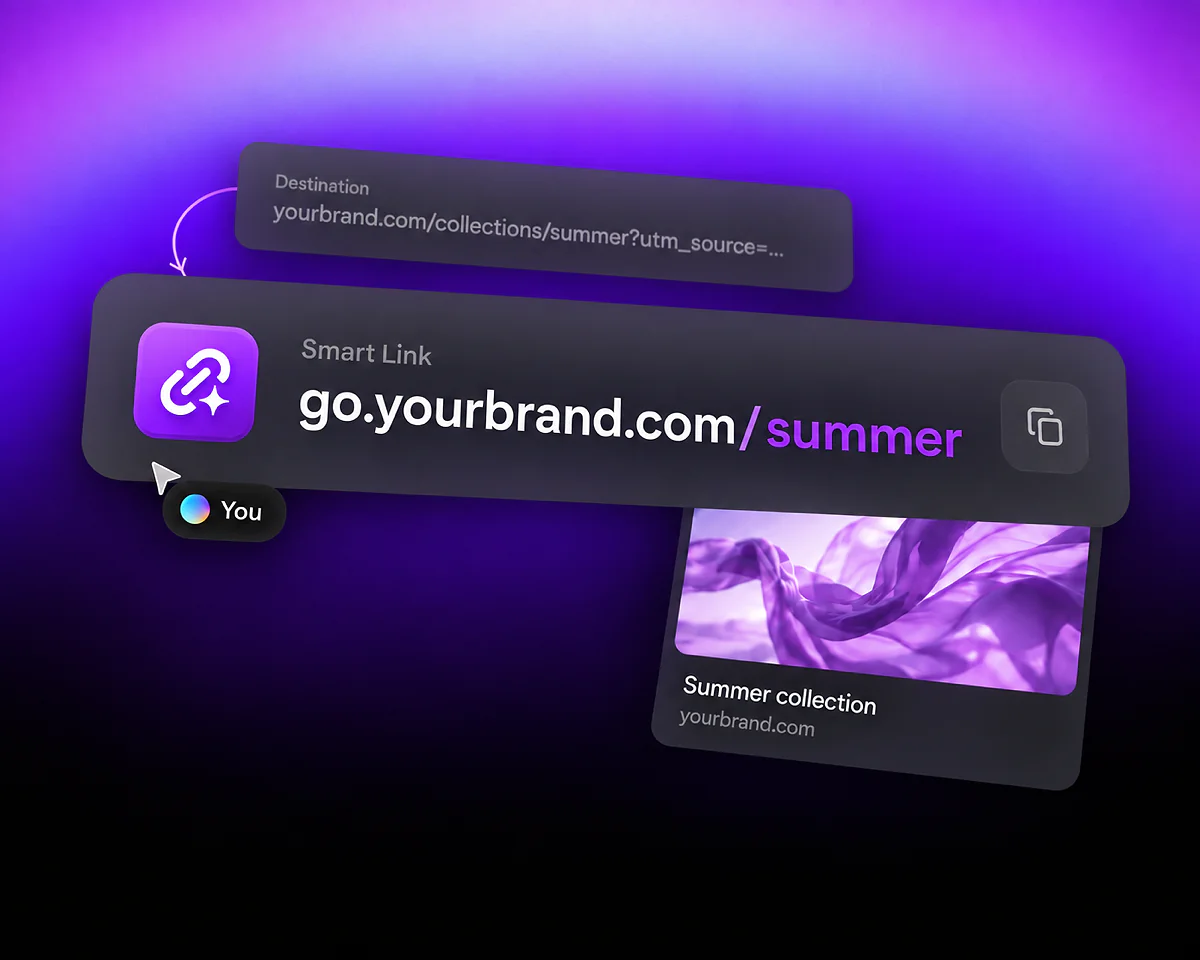
Create a short address, edit its destination and sharing preview, and measure clicks in your campaign reports.
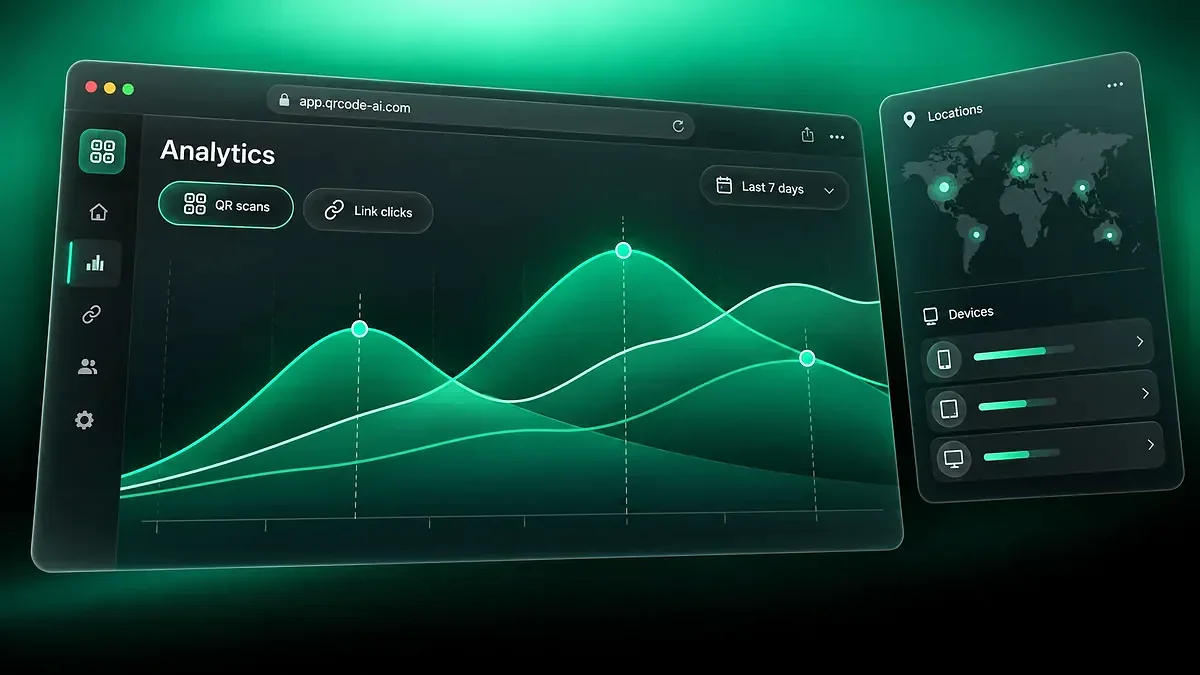
Compare managed QR code scans and Smart Link clicks, explore campaign reports and share aggregated analytics.
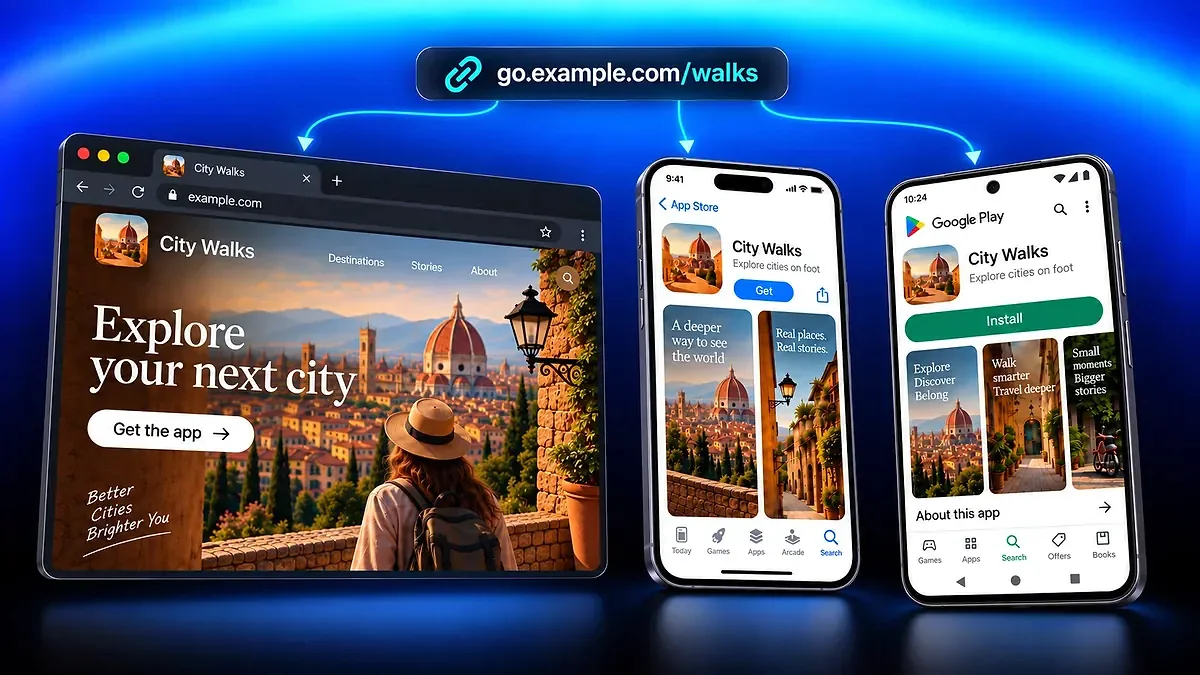
Share one app link across your campaigns, send visitors to the matching store or website, and track clicks.
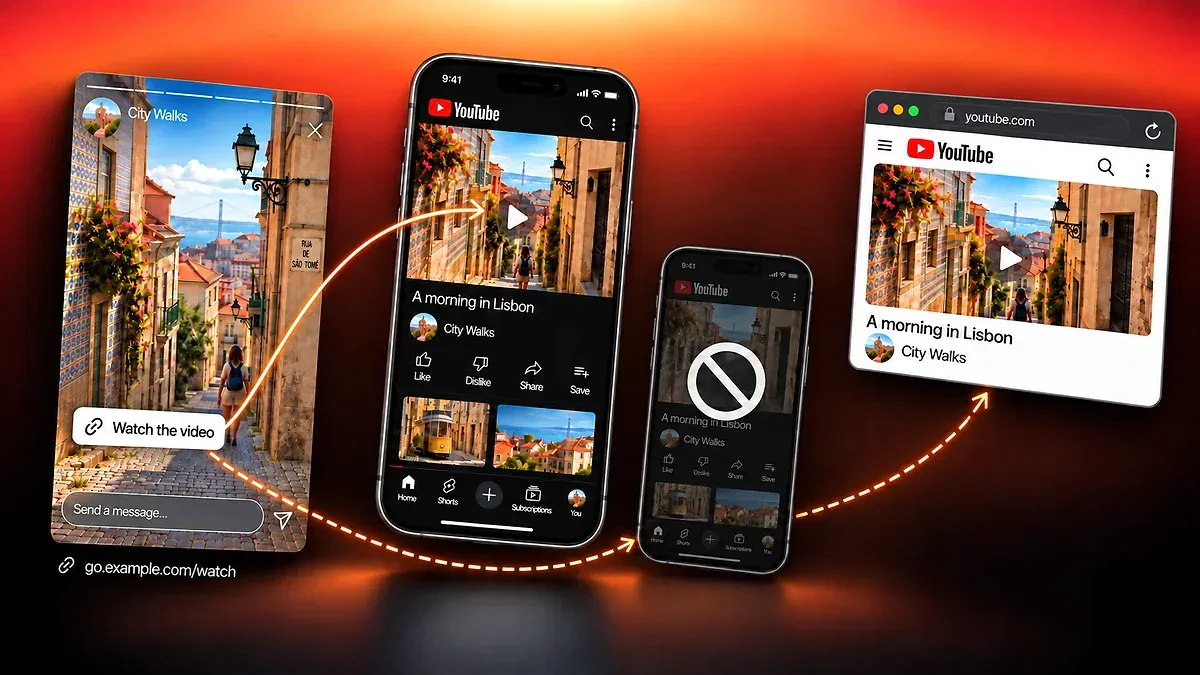
Share compatible content with a link that opens it in the app when possible, keeps a web fallback and tracks clicks.
No. You can change colors, module styles, markers and logos. Keep enough contrast between the code and its background, and preserve a clear margin. QR Code Art is a separate design mode; test the final code instead of assuming that a decorative design will scan.
Yes. Adjust colors, modules, markers, logos and backgrounds to match your design. Check the available settings in the selected mode, since Custom QR, Image QR and QR Code Art have different controls.
Create the QR and download a format supported by the editor, such as PNG, SVG or PDF. Place it in your design software, preserve its proportions and test a printed sample. Export availability depends on the design mode; a PDF does not automatically provide editable layers or a transparent background.
Upload your logo in the custom designer and adjust its size and placement. Keep the QR’s markers visible and test the final code before printing. A large logo can make reading harder, so do not judge the result by appearance alone.
Yes. Choose code and background colors that fit your brand while keeping sufficient contrast. Check the result against the actual background, especially when using transparency or a gradient. Color choices alone do not guarantee successful scans.
For a managed destination, such as a website link, you can update its supported content while the connected service is active without reprinting. A direct QR containing fixed data, such as WiFi credentials or a vCard, cannot change that encoded data after printing. Editing the visual design also requires downloading and replacing the printed image.
Use a custom QR on a business card, event poster or product insert to open a relevant destination. For example, a product insert could link to its instructions. Add a nearby label explaining what the code opens and test access from a recipient’s device.
QR Code AI offers website URL, WiFi, email, vCard and other content types. Choose the content type first, then customize its appearance. Direct data and managed destinations have different editing and tracking capabilities.
QR Code Art generates an artistic design from a prompt. Custom QR provides manual design settings, while Image QR integrates an image. Choose the mode that fits the project, then test the final result; AI generation does not guarantee readability or marketing performance.
Yes, within the free creation limits. Creating the first QR code or Smart Link starts a seven-day trial for that personal account or Workspace. After the trial, Premium is needed to keep connected destinations active. Personal accounts and Workspaces have separate limits and trials. API generation uses separate credits; a product subscription does not replace them.
The editor offers exports such as PNG, SVG and PDF, depending on the design mode. Choose the format supported by your print or design workflow. Check dimensions, background and readability in the final output; a file extension alone does not guarantee vector content or transparency.