QR Code Generator with 40 Content Types

Create free QR codes with AI-powered artistic designs. Add logos, brand colours, and unique shapes for URL, WiFi, PDF, YouTube and more. Generate scannable, custom QR codes in seconds.

Draft saved
1
Generate QR code from website URL
2
Choose Your QR Code Style
3
Design Your QR Code
Templates
4
Preview Your QR codeReview and download your QR code
High scannability

COMPANIES OF ALL SIZES TRUST US

How to Create a Free Custom QR Code

Create a branded, trackable QR code in three steps using QR Code AI’s free generator. Customise for any purpose: websites, contact info, surveys, WiFi, or social media. Download in high-quality PNG, SVG, or PDF formats ready for printing on business cards, flyers, stickers, or packaging.

Choose Your QR Code Type

Select the type of content your QR code will link to: URL, vCard, Google Review, PDF, or social media profiles like Instagram, Telegram, and TikTok. QR Code AI supports 40 content types, each with optimised input fields and design previews.
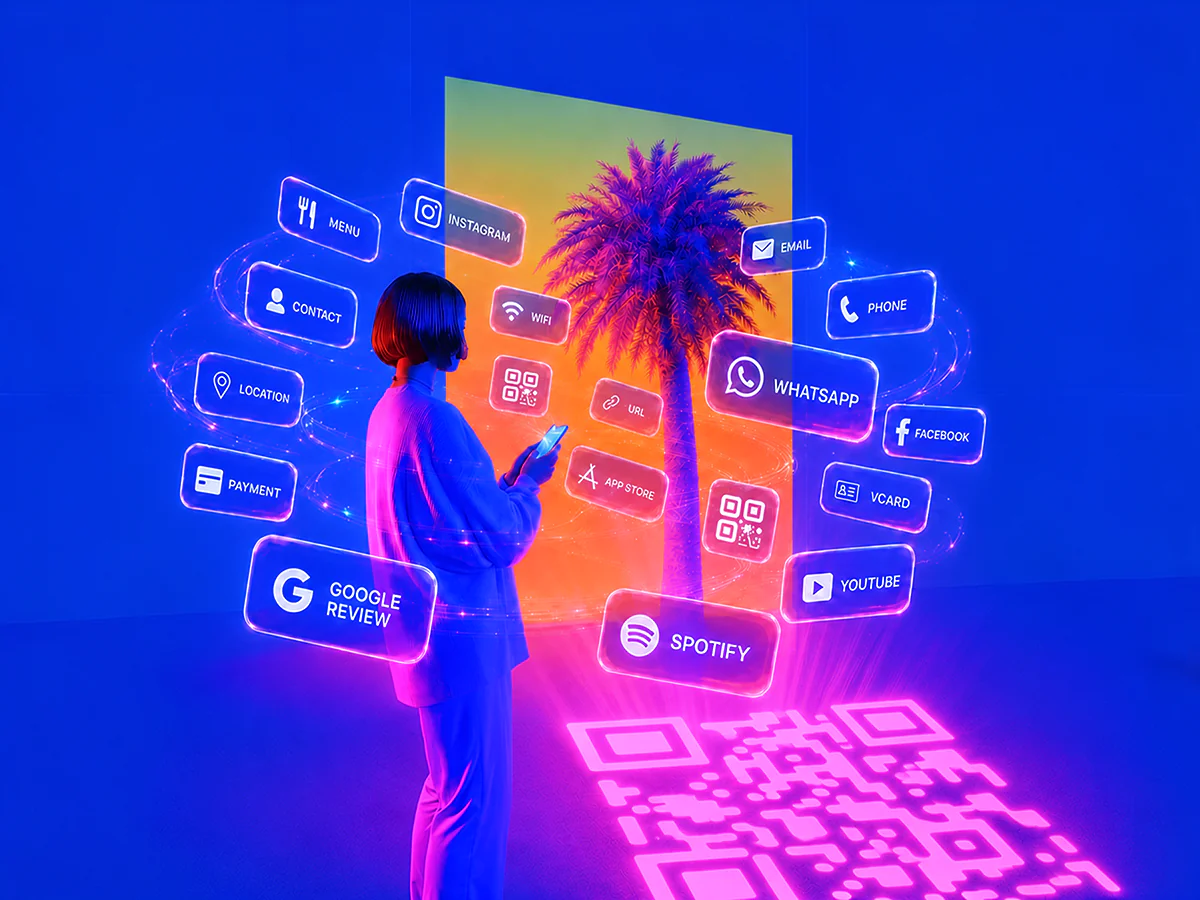
Stylised neon woman with large afro and glasses holding a smartphone, surrounded by floating social media and app icons and a QR code like Instagram, Facebook and WhatsApp.

Customise Your QR Code Design

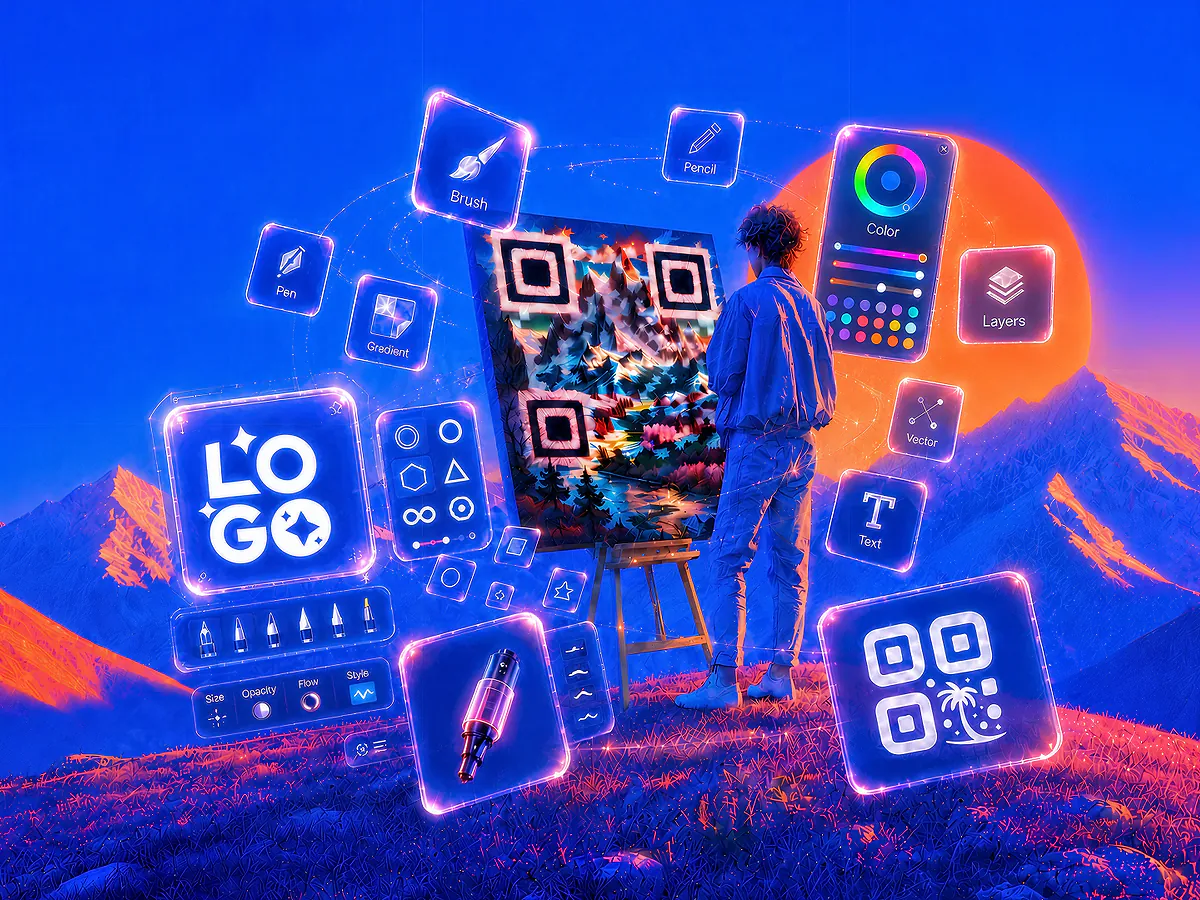
Add your logo, choose brand colours, and select a shape: heart, circle, square, or custom. Enable a transparent background or add a frame. For artistic designs, use QR code art to generate AI-powered styles that turn your QR code into a unique visual while keeping it fully scannable.

Artist personalising QR codes, including one with a tiger illustration and another in purple featuring a WiFi symbol, representing creative and dynamic QR code designs.

Download, Print and Track Scans

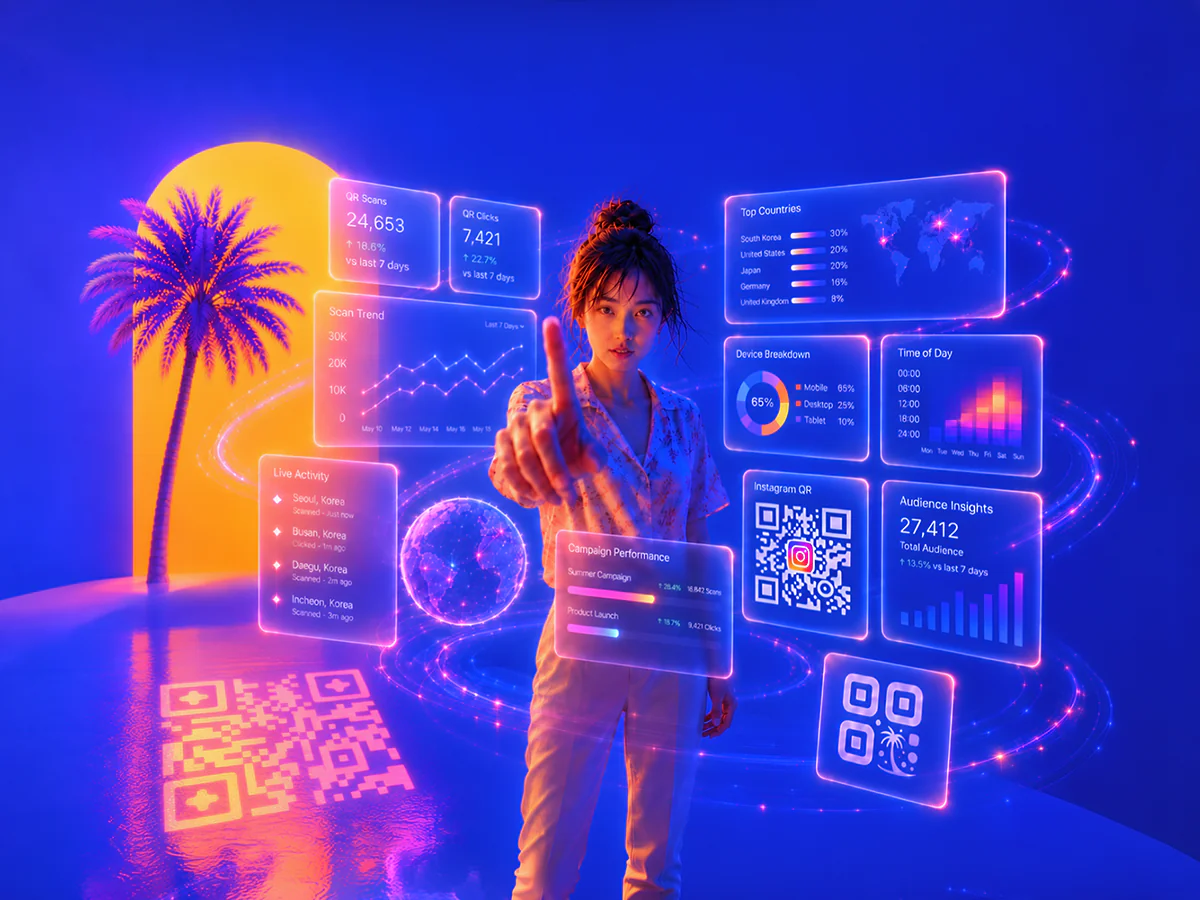
Download your finished QR code in PNG, SVG, or PDF format for digital use or high-quality printing. Use it on business cards, menus, flyers, packaging, or event materials. Track scan performance with built-in analytics or integrate with Google Analytics via UTM parameters.

Person scanning a glowing orange QR code with a smartphone, while a group of people look at the large digital code displayed on a city wall.

AI-Powered Secure QR Code Generator for Custom Designs

Create personalised, scannable, and secure QR codes with trackable analytics. Choose between custom QR code, QR code art, and image QR code for high-quality, tailored designs. Our encrypted, GDPR-compliant servers protect against QR code scams, fake QR codes, and phishing. Advanced anti-scam technology ensures smooth scanning and reliable tracking, reducing blurry scan issues.

Colourful monkey QR code, dinosaur QR code, Instagram logo QR code, WeChat QR code, and a safe icon on a vibrant night city background.
After
Black and white QR codes with a hooded hacker in a futuristic cityscape, illustrating QR code scam, fake QR code, phishing, and QR code security risks.
Before
Generate Your QR Code Now

Built to scale

QR Code AI’s infrastructure processes hundreds of millions of QR codes and scans each month, scaling with businesses of every size across 150+ countries.

QR Codes Created

12.4M

QR Codes Scanned

76.8M

QR Code Templates

1200+

QR Code Generator Features and Benefits

QR Code AI combines AI-powered designs, full customisation, and real-time scan analytics. Track performance, personalise with your brand, and scale across all platforms.

Stylised QR code with a palm tree icon, a free label, and an infinity symbol inside blue spheres on a dynamic digital background.

Free to Start

Generate custom QR codes for free to get started. Upgrade to premium for unlimited creation across all three QR code types, with no credits consumed via the UI.

30% growth indicator with a stylised QR code and palm tree icon on a vibrant blue background with digital squares and a hand holding a smartphone.

Up to 30% More Scans with Custom Designs

Custom-branded QR codes with logos, colours, and unique designs attract more attention than standard black-and-white codes. Based on QR Code AI platform data, artistic QR codes receive up to 30% more scans on average.

Stylised QR code icon next to a stopwatch on a vibrant digital background with blue and orange squares.

No Expiration

Your QR codes never expire, so they stay active and scannable for as long as you need, ideal for long-term marketing use.

Colourful QR codes in rounded and square styles featuring logos from McDonald's, Starbucks, Red Bull, Chanel, Ferrari, and MrBeast on a vibrant digital background.

Customisation for Branding

Match your QR codes to your brand identity by customising logos, colours, backgrounds, and shapes to create a consistent, memorable look.

Artificial Intelligence (AI) graphic with a stylised QR code icon and a laptop on a vibrant futuristic digital background with glowing cubes.

AI-Powered Capabilities

Use AI to create advanced artistic designs, track scan performance, and analyse real-time data so you can optimise your QR code marketing campaigns.

Creative QR code examples with logos from Amazon, Google Drive, Gmail, App Store, WiFi, Iron Man, Dragon Ball, and Minecraft on a vibrant digital background.

Examples Library

Browse a ready-to-use library of QR code examples (templates) for WiFi, URL, business cards, vCard, LinkedIn, Instagram, WeChat, forms, and more.

Digital locked folder with QR code examples, featuring a Starbucks logo and a Japan-style portrait QR code on a futuristic blue and orange background.

Advanced Security

Protect your QR codes with encryption and secure tracking, helping you reduce scam risks and keep scans reliable for your audience.

Set of QR code type icons including URL, email, phone, SMS, text, WiFi, vCard, form, UPI, PIX, App Store, Instagram, YouTube, and more on a colourful digital background.

40 QR Code Types Supported

From WiFi, website URLs, and LinkedIn to payment links and forms, QR Code AI supports 40 QR code content types to fit different use cases.

Futuristic robot with QR code icons on its body and the text 'API' in the background, symbolising QR code integration with APIs in a vibrant digital setting.

QR API Integration

Integrate with our QR code API to automate creation and manage QR codes at scale across your apps, websites, and campaigns.

Create My QR Code

All QR Code Types Supported by QR Code AI

Create personalised QR codes for any purpose using QR Code AI’s free generator with full customisation options. Track scans to measure marketing performance and optimise campaigns across all platforms.

Abstract graphic of a link icon surrounded by QR codes, representing a URL link QR code generator with a futuristic design.

Make QR Code from URL

Create a QR code for any website URL, ideal for sharing web addresses, shortening links, and enabling fast access.

Futuristic graphic with a text icon surrounded by QR codes, symbolising a text QR code generator interface.

Text to QR Code Generator

Convert text into a QR code for quick access and easy sharing, suitable for short messages or key information.

Digital illustration of a WiFi icon with surrounding QR codes, depicting a WiFi QR code generator in a dynamic design.

WiFi QR Code Generator

Generate a QR code for WiFi with transparent options, so users can connect quickly and securely.

Digital illustration with a WeChat icon surrounded by QR codes, representing a WeChat QR code generator concept.

Create WeChat QR Code

Make a dedicated WeChat QR code for groups or profiles, making it easier to connect within the WeChat ecosystem.

Vibrant illustration with the LINE chat icon surrounded by QR codes and characters, representing a LINE QR code generator.

Create Line QR Code

Generate a QR code for Line to share contacts, connect via bulletin boards, or enable smooth data transfers.

Colourful graphic with the Instagram icon surrounded by QR codes and hearts, symbolising an Instagram QR code generator concept.

Instagram QR Code Generator

Generate an Instagram QR code to promote your profile, with options for custom images and backgrounds.

Dynamic design with the Facebook icon surrounded by QR codes and social symbols, representing a Facebook QR code generator.

Facebook QR Code Generator

Create a custom QR code for your Facebook page, suitable for increasing page visits and social engagement.

Graphic featuring a document icon with QR codes, representing a Google Form QR code generator in a dynamic design.

QR Code for Google Form

Generate a QR code for any Google Forms link to simplify access and improve survey participation.

Digital design featuring a business card icon with QR codes, symbolising a visiting card and vCard QR code generator.

Business Card QR Code

Share contact info using a QR code generator for business cards, visiting cards, or vCards, ideal for networking.

Abstract illustration with an SMS message icon surrounded by QR codes, representing an SMS message QR code generator.

SMS QR Code Generator

Create a quick QR code for SMS messages, so users can text you instantly with pre-filled details.

Abstract illustration featuring an email icon with surrounding QR codes, representing an email QR code generator.

QR Code for Email

Make a QR code for any email address, so users can start an email with a simple scan.

Illustration featuring a PDF document icon surrounded by QR codes, representing a PDF QR code generator concept.

Convert a PDF to a QR Code

Turn a PDF document into a QR code, useful for sharing files quickly and reducing printed pages.

Vibrant illustration with the YouTube play icon surrounded by QR codes, representing a YouTube QR code generator concept.

YouTube QR Code Generator

Create a QR code for YouTube videos or channels to increase views and improve audience engagement.

Colourful illustration with the TikTok logo surrounded by QR codes, symbolising a TikTok QR code generator concept.

TikTok Shop Affiliate QR Code

Generate a TikTok Shop affiliate QR code that links users directly to your shop or specific content.

Illustration with the Google Reviews icon surrounded by QR codes, symbolising a Google Review QR code generator for businesses.

Google Review QR Code

Send users to your Google Reviews page, making it easier to collect reviews and build credibility.

Graphic showing the Amazon logo with surrounding QR codes and packages, symbolising an Amazon QR code generator concept.

QR Code for Amazon

Create a QR code for Amazon links, whether for wish lists, Whole Foods, or Prime, to improve customer access.

Abstract design featuring a phone icon with surrounding QR codes, symbolising a phone call QR code generator concept.

QR Code to Phone Number

Generate a QR code that links directly to a phone number, so calls are just one scan away.

Illustration featuring the Twitter (X) logo with surrounding QR codes, representing a Twitter (X) QR code generator concept.

Twitter QR Code Generator

Create a Twitter / X QR code to promote your profile or specific posts, suitable for quick social access.

Illustration with the WhatsApp logo surrounded by QR codes, symbolising a WhatsApp QR code generator concept.

WhatsApp QR Code Generator

Create a WhatsApp QR code that links to your chat or profile, useful for personal and business messaging.

Illustration featuring the Excel logo surrounded by QR codes, symbolising an Excel QR code generator concept.

Excel QR Code Generator

Convert Excel sheets or specific data into a QR code, making data access and sharing easier for work.

Illustration featuring the App Store and Google Play logos surrounded by QR codes, symbolising an app download QR code generator.

App Store QR Code Generator

Generate QR codes for Apple App Store / Play Store links, helping users find and download apps quickly.

Explore All QR Code Types

Frequently Asked Questions About QR Codes

Understanding QR Codes

A QR code is a two-dimensional barcode that, when scanned by a smartphone or QR code reader, instantly links users to online content, websites, contact info, and more. Beyond simple links, QR codes can embed advanced functionalities like payment gateways, location sharing, event RSVPs, and multimedia files, making them suitable for quick information sharing across marketing, events, and product interactions.

The father of the QR code is Masahiro Hara, an engineer at Denso Wave, who invented the QR code in 1994 in Japan to address barcode limitations, especially in the automotive industry, by creating a two-dimensional code with high storage capacity and fast readability. Denso Wave holds the patent but chose not to enforce it, making the QR code freely accessible.

A QR code is a two-dimensional matrix that stores data horizontally and vertically, so it can hold more information and be scanned from any angle. A barcode is one-dimensional and stores data only horizontally, which limits capacity and requires more precise alignment for scanning.

Yes, people still use QR codes widely in 2026. According to recent data, the number of smartphone users in the U.S. who scan QR codes continues to grow significantly each year, with millions using them for payments, marketing, and quick access to information. QR codes remain a practical tool for brands and businesses because they work across most phones and apps.

The future of QR codes in marketing is promising because QR codes keep evolving with technologies like augmented reality and blockchain. QR codes can improve the customer journey through dynamic product information, secure digital transactions, and immersive brand experiences. With personalised, trackable destinations, brands can learn more about engagement patterns and optimise campaigns.

China leads global QR code adoption, with platforms like WeChat and Alipay using QR codes for daily payments; over 50% of Chinese consumers regularly scan QR codes for transactions. India follows, with nearly 40% of the population using QR codes, especially via UPI. In the U.S., usage surged post-pandemic, with 90% of Americans having scanned at least one QR code. [Japan and South Korea](https://persuasion-nation.com/qr-code-statistics) are also major adopters.

Yes, QR codes can work indefinitely because a QR code itself doesn’t expire. However, the destination it points to must stay active. With QR Code AI, you can improve long-term reliability by using a custom domain for your QR code links, so you keep control of the destination even if your setup changes later.

Creating and Customising QR Codes

To make a QR code for free, enter your content in a QR code generator like QR Code AI, then customise it with colour, a logo, or an artistic design. You can download the QR code in high-quality PNG, SVG, or PDF formats, suitable for branding, marketing, or personal use.

Yes, QR Code AI lets you add a logo in the middle of your QR code. Adding a logo helps with branding because your QR code looks recognisable and professional. You can adjust the logo size, placement, and colours so it blends well while keeping the QR code fully scannable.

To change the colour or background of your QR code in QR Code AI, select your QR code type first, then open the customisation options. You can apply brand colours, set a transparent background, and add a logo to match your style. After that, download your QR code in high quality for use on print or digital channels.

QR Code AI offers shapes beyond the traditional square, including circular, triangular, and heart-shaped designs, plus fully custom options. You can also set a transparent background, apply brand colours, or generate artistic QR codes powered by AI. These shapes help your QR code stand out while staying functional.

QR Code AI supports many QR code types for different needs, including website URLs, email, WiFi, and social profiles like LinkedIn, Facebook, Instagram, and YouTube. It also supports QR codes for payment links, event check-ins, location sharing, and multimedia files. With advanced features like dynamic and artistic QR codes, QR Code AI gives you flexible, customisable options.

You can download your QR code in high-quality PNG, SVG, PDF, and EPS formats in QR Code AI. These formats keep your QR code sharp for digital use and for printing on business cards, brochures, posters, and signage.

Yes, QR Code AI’s API supports bulk QR code generation with full customisation. You can personalise each QR code using templates like custom QR code and QR code art, including logos, shapes, colours, and other design settings via API. This is useful when you need high-volume, consistent branded QR codes.

Yes, QR Code AI lets you convert QR codes from platforms like Linktree, QR Tiger, QR Monkey, Adobe, Canva, or even game codes from Mii, Pokemon, and Tomodachi Life. After importing, you can customise the QR code with logos, colour changes, and unique shapes to match your brand style.

Analytics, Security and Privacy

QR Code AI provides detailed analytics such as scan locations, device types, scan times, and aggregated audience insights. These metrics help you monitor engagement, optimise campaigns, and understand behaviour trends, so you can adjust your strategy in real time.

QR Code AI provides comprehensive tracking data, including real-time scan insights, user demographics, and engagement trends. Analytics cover device, browser, geo-location, UTM parameters, scan validation, and bot filtering to support campaigns of any size.

No, QR Code AI does not collect personal information about individual users, so QR Code AI cannot identify who scans a QR code. QR Code AI does provide general analytics such as scan locations, device types, and scan times to help you understand overall engagement trends.

Yes, QR Code AI lets you integrate QR codes with Google Analytics by using UTM parameters. This gives you detailed tracking of interactions, so you can measure traffic sources and campaign performance inside Google Analytics.

QR Code AI secures QR codes using encryption, AI-based checks, and a global server network to reduce risks from QR code scams, an increasing concern highlighted by the FTC. QR Code AI helps protect users from phishing by generating tamper-resistant QR codes and maintaining GDPR-aligned handling for tracking data.

QR Code AI collects anonymised, non-personal scan data such as scan location, device type, scan time, and total scan counts. QR Code AI uses this data to show engagement patterns without collecting personally identifiable information, supporting privacy-focused analytics.

QR codes themselves don’t collect personal information, but a QR code can link to a website or form that asks users to submit details. QR Code AI only collects non-identifiable analytics such as scan location and scan time to protect privacy. This approach aligns with GDPR and helps reduce risks associated with data collection.