
Share playlists, albums, and artists with a scannable Spotify-branded QR code
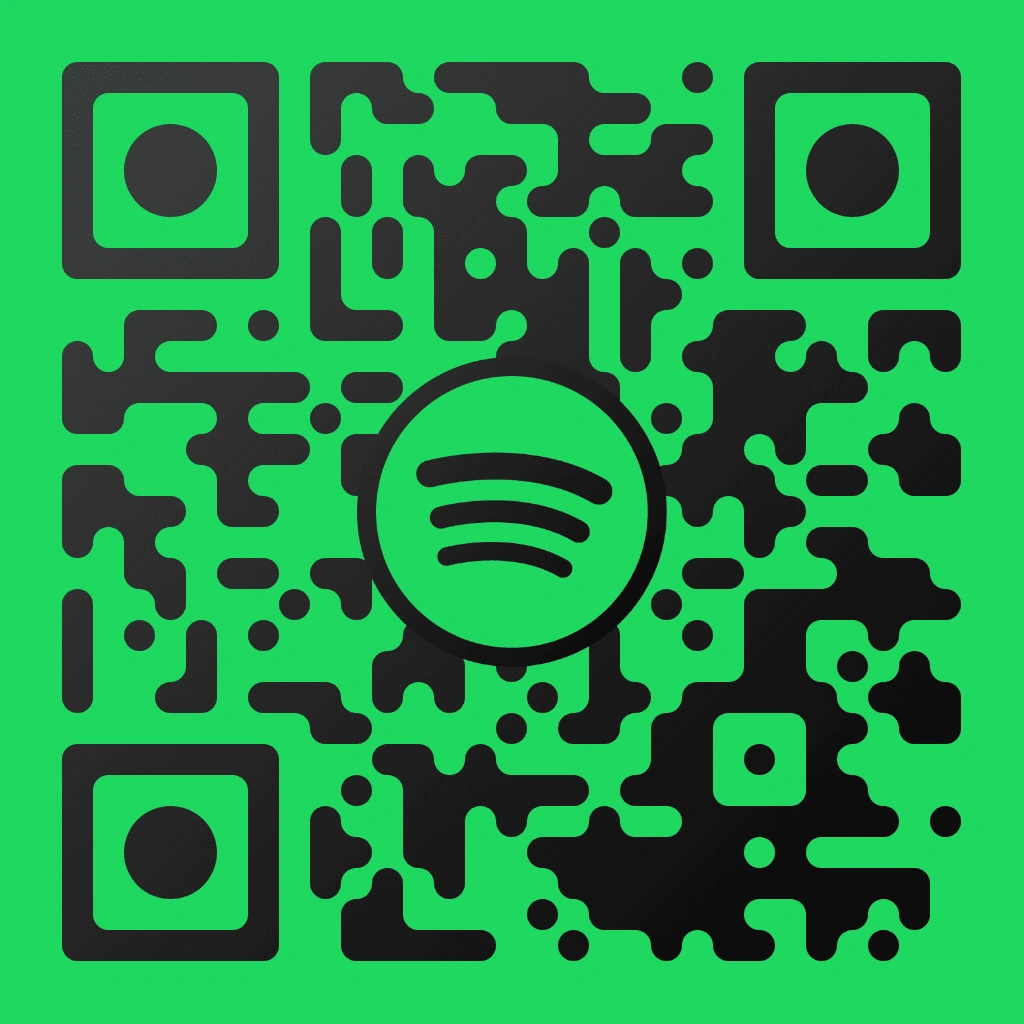
A Spotify QR code template is a pre-designed scannable code that puts the Spotify logo and signature green (#1DB954) colour scheme into a branded layout. QR Code AI generates this template with 50+ customisation parameters, including 7 pixel styles, 7 marker shapes, gradient backgrounds, and logo integration, to link straight to any open.spotify.com playlist, album, artist, or track URL. Musicians, venue owners, wedding planners, and podcast creators use Spotify QR codes on concert posters, album packaging, table cards, and social media.
A Spotify QR code is a standard ISO 18004 scannable code that links to any Spotify content, including playlists, albums, artist profiles, podcasts, and individual tracks. Unlike Spotify’s proprietary barcode-style Spotify Code that only works inside the Spotify app scanner, a Spotify QR code made with QR Code AI scans with any smartphone camera or QR reader app, so it works across more devices and platforms.
QR Code AI creates Spotify playlist QR codes by encoding the share link from the Spotify app (format: open.spotify.com/playlist/...). Choose this QR code template, paste your playlist URL, and customise with 50+ parameters like pixel style, marker shape, gradient, and logo placement. Download the Spotify playlist QR code in PNG, SVG, or WebP for posters, wedding table cards, or social sharing.
QR Code AI supports both static and dynamic Spotify QR codes. A static QR code permanently encodes the Spotify URL. A dynamic QR code routes through a short URL (qrc-ai.com) that you can update to a different playlist, album, or artist page anytime, without reprinting. Dynamic Spotify QR codes also include scan analytics like location, device type, and scan count, and they require a premium plan.
QR Code AI includes the Spotify QR code template in the free plan, which supports unlimited static QR codes with basic customisation of colours, pixel styles, and marker shapes. The free plan lets you export in PNG and SVG. Premium plans unlock dynamic QR codes with editable destinations, full scan analytics, WebP export, API access, and advanced parameters like text overlays and visual effects.
A Spotify QR code still works even if the Spotify app is not installed. When you scan, the open.spotify.com link opens in your default web browser, where the Spotify web player can play previews up to 30 seconds. For full playback, listeners need a free or premium Spotify account. QR Code AI uses standard HTTPS URLs, so it scans on iOS and Android.