Custom Domain for QR Codes and Short Links

Connect Your Domain

Put your own hostname in the address people scan or click. Connect a domain you own, verify its DNS, and use it for branded QR code URLs and Smart Links in QR Code AI.

A verified custom domain you own starts every QR code and Smart Link address

COMPANIES OF ALL SIZES TRUST US

Your shared address and destination have different jobs

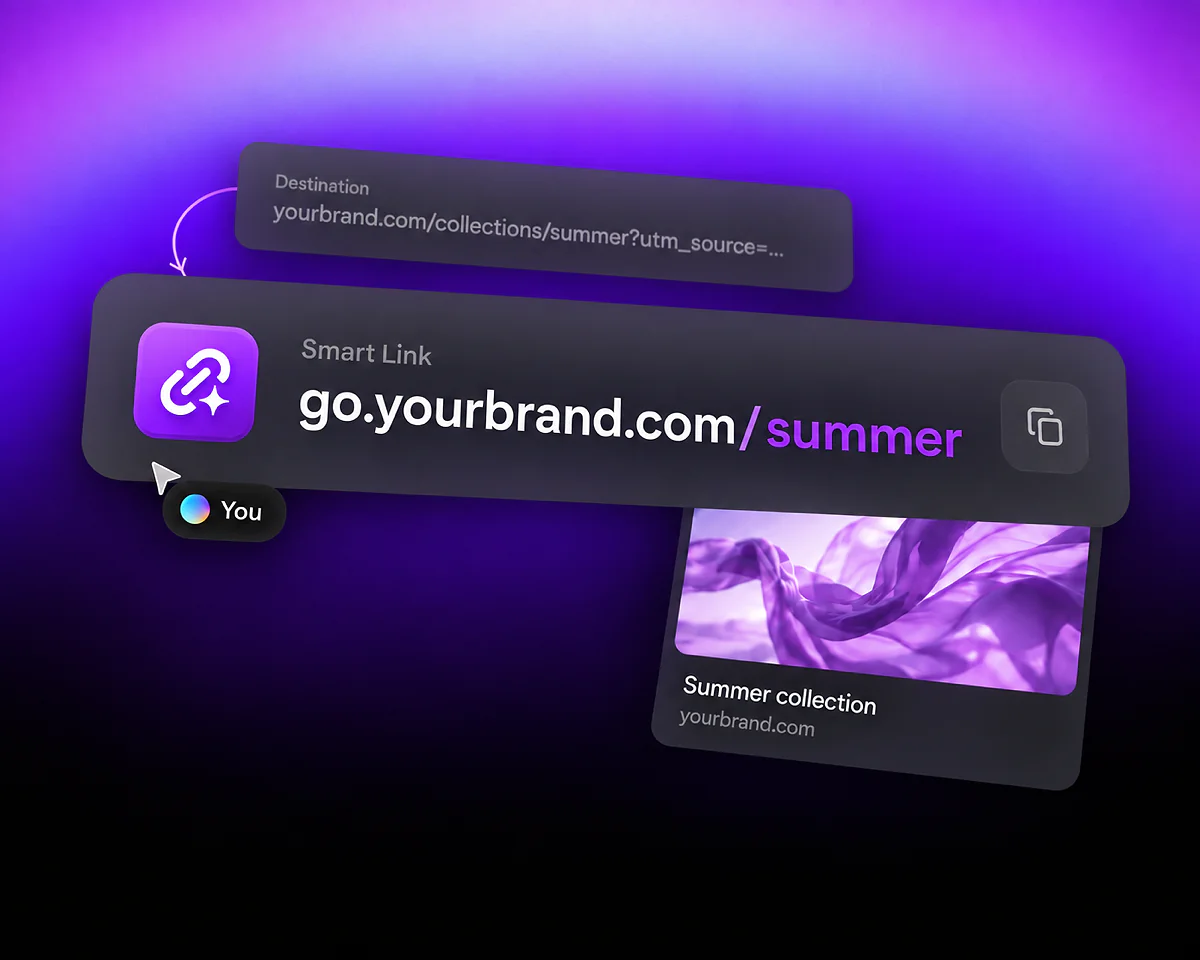
A branded short domain is a hostname you control that forms the start of your short links. In the example go.example.com/summer, go.example.com is the hostname and summer is the short path. The address can redirect visitors to a longer campaign URL on your website.

The short address is what you share. The destination is where visitors arrive. Start with the URL shortener for a clickable link or the Website QR code generator for a code that leads to a web page.

The illustration uses the fictional address go.example.com/summer and two Bloom destinations. Updating an asset's destination keeps its shared address; this is separate from changing the DNS connection.

Use your domain for campaign links and root redirects

One hostname, two campaign destinations

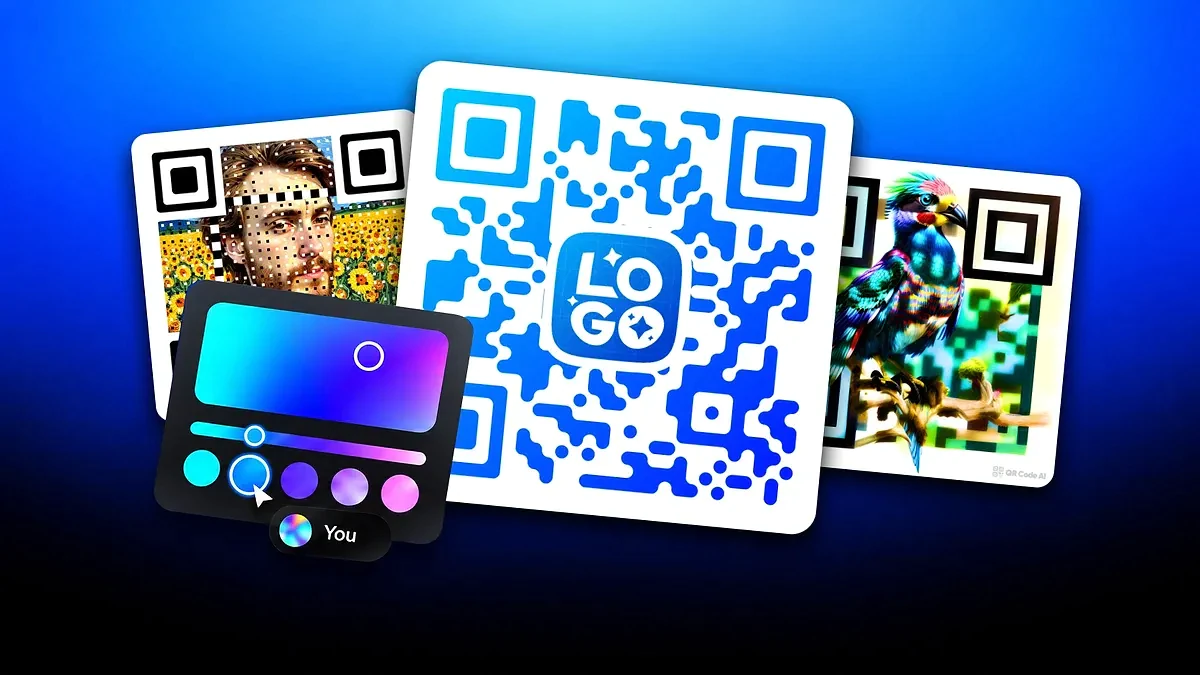
Suppose your brand controls go.example.com. In this example, a poster QR code uses go.example.com/poster to open example.com/summer/event, while a newsletter Smart Link uses go.example.com/newsletter to open example.com/journal/summer. One branded hostname identifies both addresses, while each short path leads to its own destination.

Select the verified domain when setting up each asset. The branded hostname identifies the shared address; the destination website can use a different hostname. Use Tracking and Analytics to inspect the recorded activity for each QR code or Smart Link.
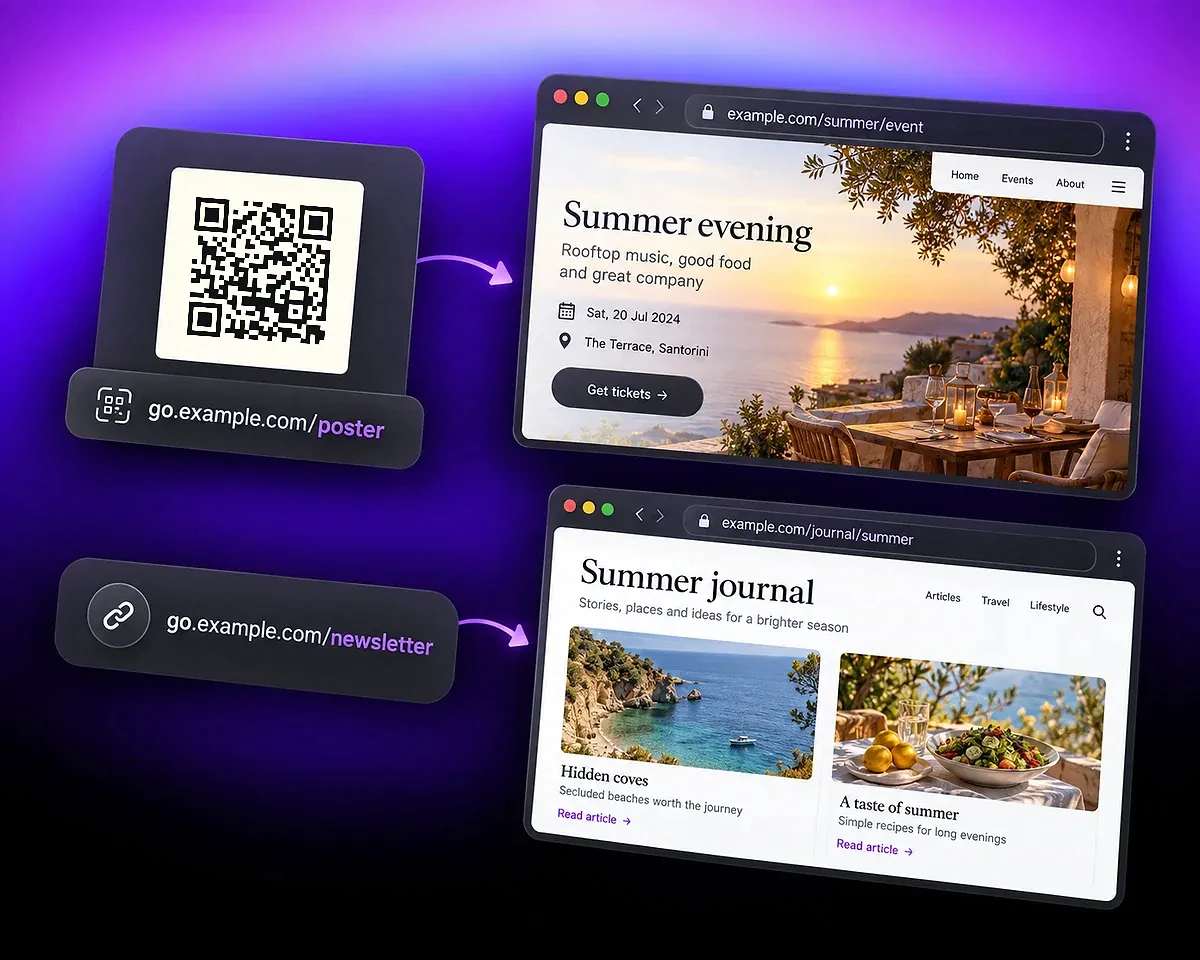
A QR code at go.example.com/poster opens a summer event, while go.example.com/newsletter opens a summer journal.

The root and a short path can lead to different pages

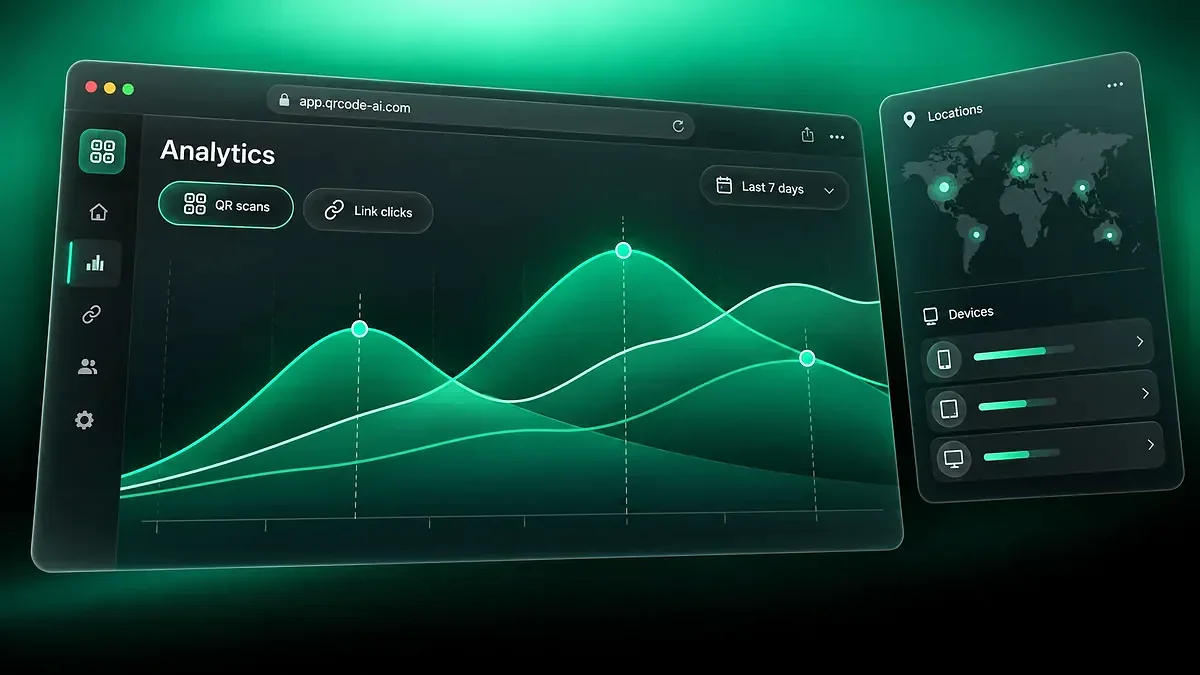
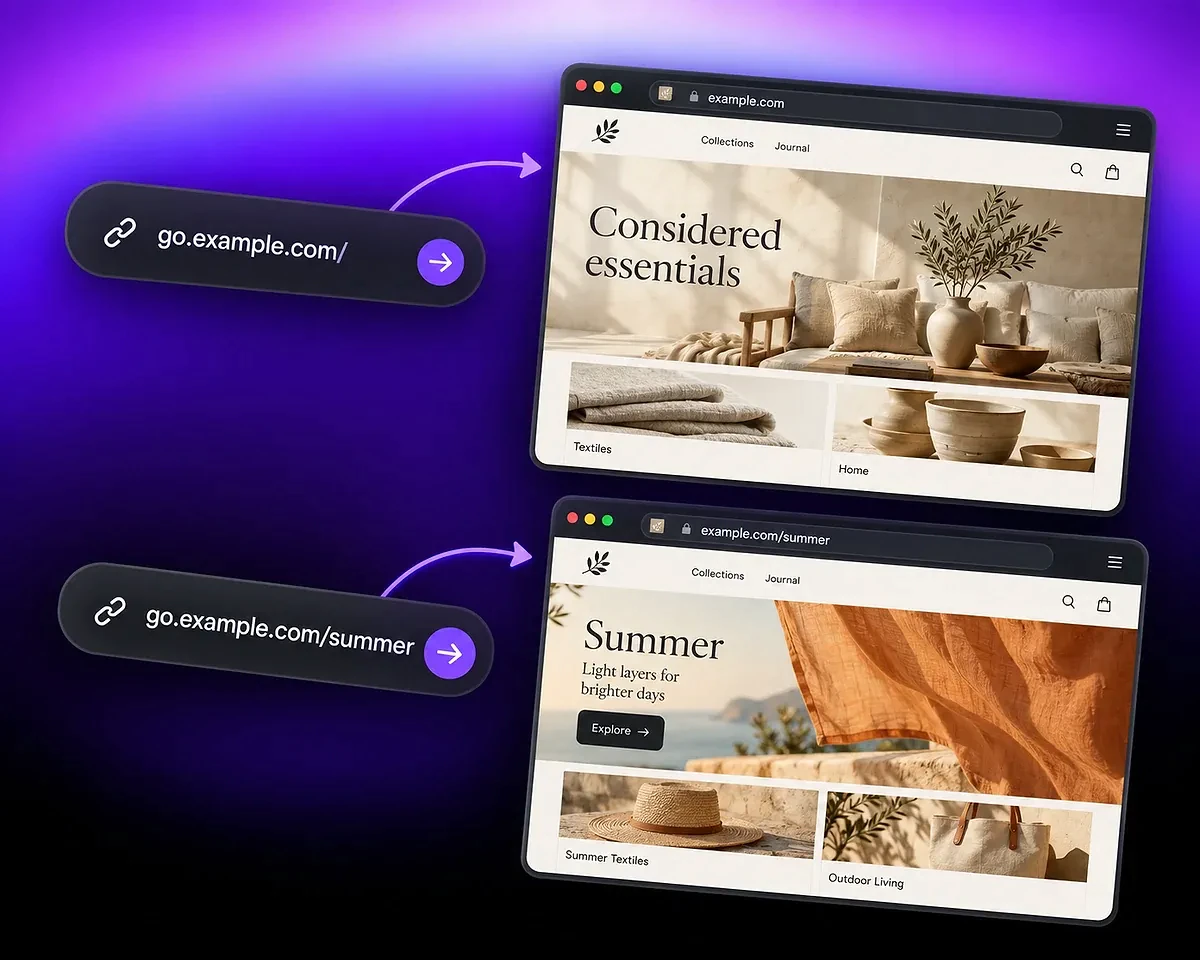
In this example, opening go.example.com/ sends visitors to example.com, while go.example.com/summer sends them to example.com/summer. Set the root redirect for people who open only the hostname. It does not replace the destinations stored for existing short paths.

Test the bare hostname and a saved short address separately. The root setting belongs to the personal account or Workspace that controls the domain; in a Workspace, only the Owner can change it.

The bare go.example.com domain leads to the main homeware site, while go.example.com/summer leads to its summer collection.

Keep your main website's DNS intentional

DNS configuration changes where a hostname points. Before changing a record already used by your website, confirm which service should answer for that name. A dedicated link subdomain is often easier to separate from the main site.

DNS providers use their own interfaces. Cloudflare's subdomain record guide explains the role of these records; QR Code AI's displayed instructions provide the values for your connection.

Connect a domain and check the complete path

Use the domain settings in the personal account or Workspace that will own the branded addresses. The illustrated qr.bloom.example hostname is an example; copy the DNS values shown for your own domain.

  1. Step 1

    Choose a hostname you control

    Use a domain or subdomain you own and can configure. A dedicated hostname, such as go.example.com, can keep campaign links separate from your main website.

  2. Step 2

    Add the requested DNS records

    Enter the hostname in QR Code AI and copy the records shown in its DNS instructions into your DNS provider. Use the exact names and values, then run verification and check the activation status.

  3. Step 3

    Create and test a branded address

    Select the verified domain for a QR code or Smart Link, save the asset, and open the resulting address. Check both the short path and the domain's root redirect before sharing.

Manage the domain after setup

Inspect activation and DNS health when something changes at your registrar or DNS provider. Verification confirms the connection; opening a saved branded address checks the visitor journey.

Set a primary domain in the relevant personal or Workspace context. Check the domain selected on each asset rather than assuming this choice changes an address that has already been printed.

QR Code AI in numbers

QR Code AI is used by 500,000 people across more than 200 countries. Together, they have created 4 million Smart Links.

Smart Links created

4M

Users

500K

Countries represented

200+

Custom Domain FAQ

A branded short domain is a domain or subdomain you control and use as the hostname of shortened URLs. For example, go.example.com could replace a service's default hostname in a campaign address. QR Code AI's defaults are qrc.sh for Smart Links and qrc-ai.com for QR codes.

Yes. Connect a domain you own or are authorised to manage, with access to its DNS records. QR Code AI connects the hostname to the service; it does not register a new domain for you.

Yes. A verified custom domain can be used across eligible QR codes and Smart Links in its personal or Workspace context. Direct QR content, such as WiFi credentials, does not use a managed redirect hostname.

It does not transfer your website files. However, changing DNS for a hostname already serving your site changes where visitors to that hostname go. Use the intended hostname and follow the supplied records carefully; a dedicated subdomain can keep the two uses separate.

Only the Workspace Owner can register, verify, configure, choose a primary domain, set root redirects, archive, or restore Workspace domains. Members and Viewers can inspect domains and their DNS status.

QR Code AI ties saved resources to the verified ownership period in which they were created. If a domain is reassigned to another holder, short paths from the previous ownership period remain deactivated and cannot revive under the new owner.

Yes. Custom domains are a Premium capability. A personal Premium subscription covers its personal scope; a Workspace needs its own Premium subscription, managed by its Owner. The domain itself must also remain under your control.