Enter the correct data
Enter the product's complete 13-digit GTIN. Review any check-digit suggestion against the assigned number instead of accepting it solely to clear an error.







An EAN-13 barcode carries a 13-digit product identifier, including its final check digit. A retail system can use that identifier to look up the corresponding product. The barcode itself does not contain a product description or price. QR Code AI renders the number you provide; it does not assign or register a GTIN. See the GS1 guidance on point-of-sale barcodes for the underlying format.
For a packaged product, copy its assigned GTIN into the EAN-13 field and compare every digit with your product record. The editor can suggest a check digit when a digit is missing or inconsistent, but you should confirm the full number before accepting a correction. Test a printed packaging sample with the intended point-of-sale equipment.
Enter the data, check the symbol and test the downloaded label in the workflow where it will be scanned.
Enter the product's complete 13-digit GTIN. Review any check-digit suggestion against the assigned number instead of accepting it solely to clear an error.
Choose a dark foreground on a lighter background. Keep the built-in quiet zones and add padding if needed. Review the preview and resolve validation or scannability errors.
Choose PNG, JPG, WebP, SVG, PDF or EPS. Preserve proportions and clear margins in your layout, then scan a printed sample with the intended reader and compare the returned data.
Check your data, preserve clear margins and choose the right file for your label.
Add an optional two- or five-digit supplement when your trading partner requires it. The add-on accompanies your existing EAN-13 number; it does not replace the GTIN. Confirm the required supplemental value before exporting.
The generator preserves required quiet zones around the symbol. Keep these areas clear in your layout, and test a printed sample at its intended size with the scanner you will use.
Download SVG, PDF or EPS vectors, or PNG, JPG or WebP images. Every export is checked against the saved data; test the final print on its intended material too. Compare the six barcode download formats in our guide.
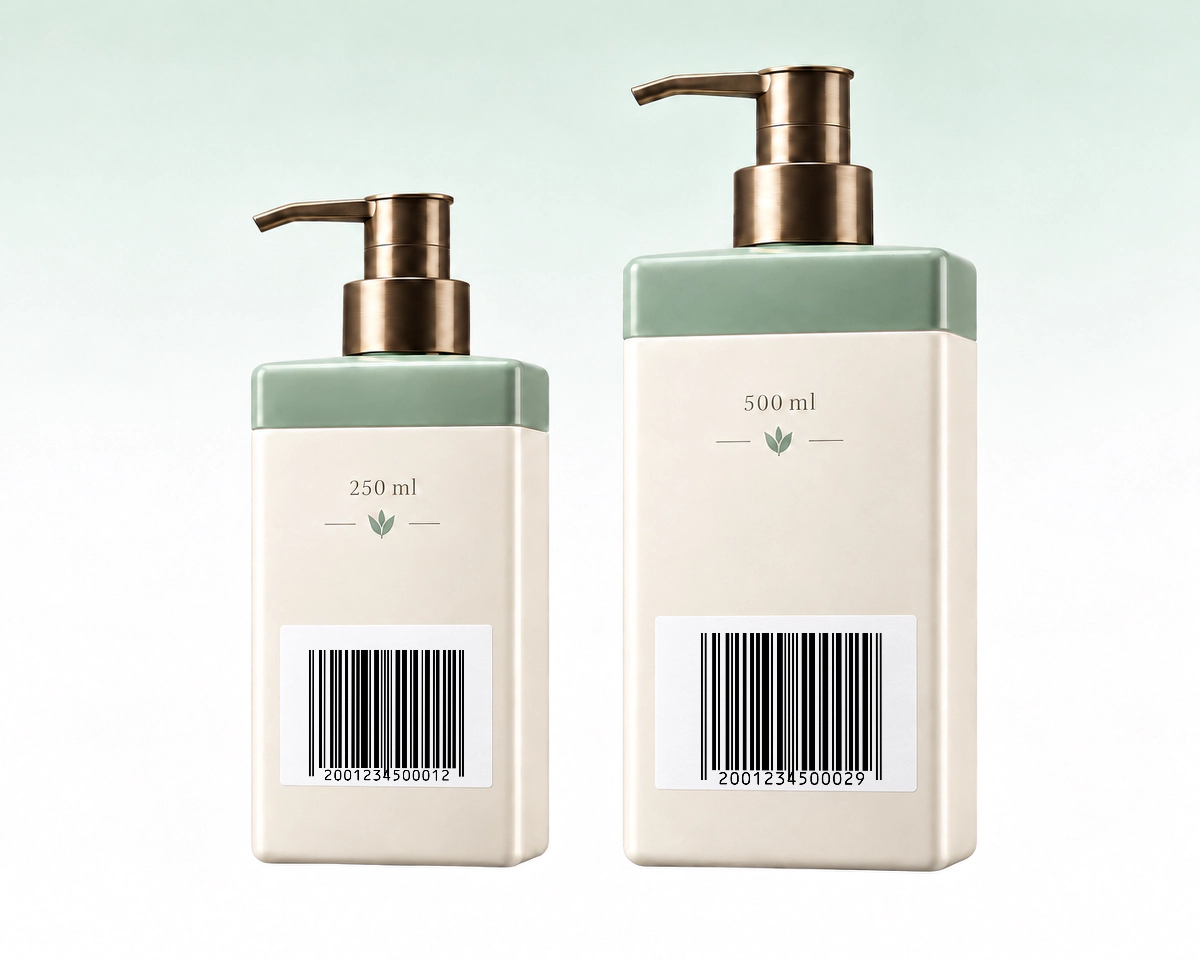
Two retail variants, such as different sizes of the same product, need the identifiers assigned to those variants. Copying one barcode across both packages would make both scans return the same number. Keep each piece of packaging artwork tied to the matching product record.
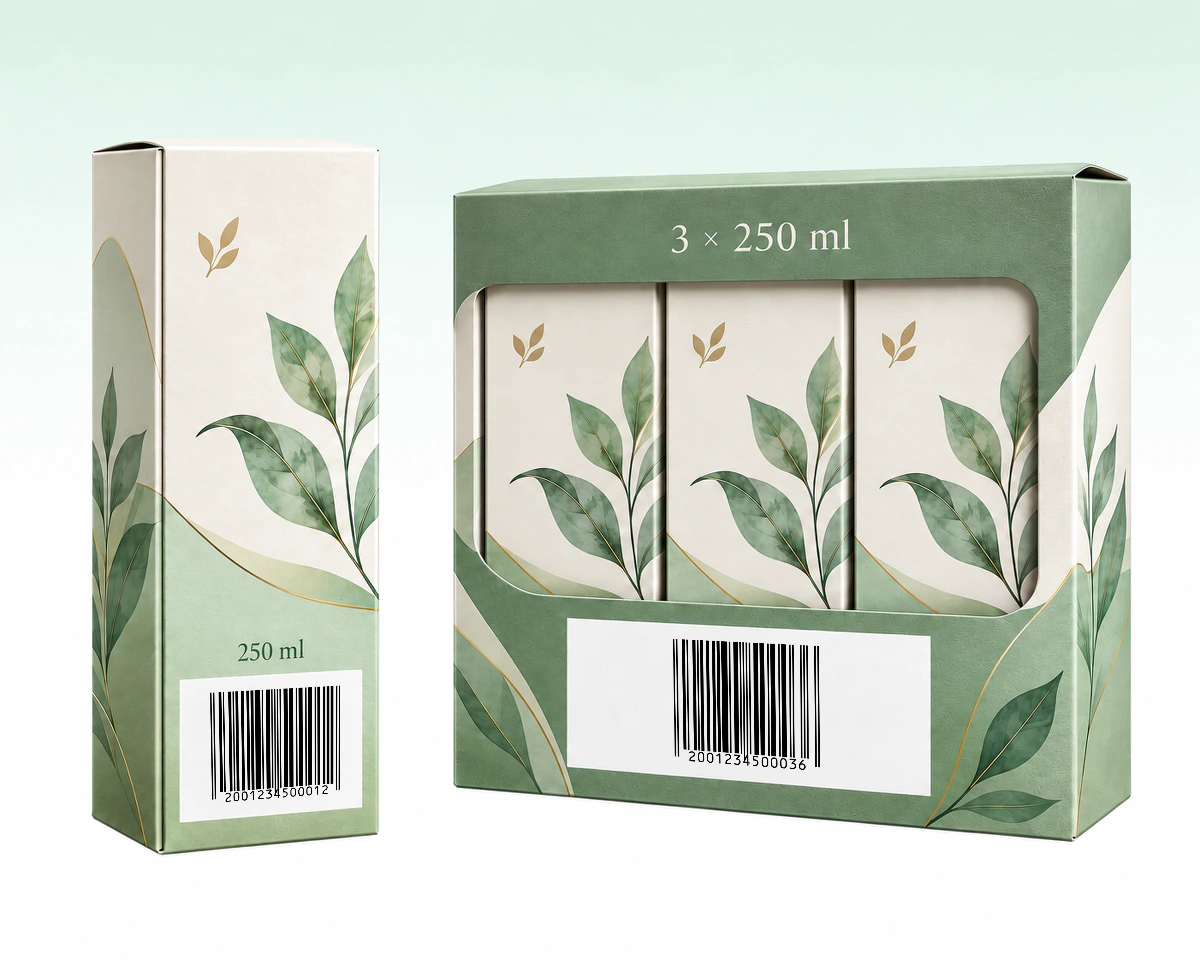
When a multipack is sold as one retail item, use the GTIN assigned to that pack. The barcode on a single item inside it identifies a different trade item. A warehouse shipping carton has its own labelling requirements, so choose its format separately from the pack sold at checkout. For outer distribution cases, see the ITF-14 generator.
QR Code AI checks the EAN-13 value and check digit before creating native SVG, PDF or EPS artwork for product packaging. Use the assigned identifier to choose between EAN-13, EAN-8 and UPC-A. Select an icon or underlined label for details.
| What to compare | EAN-13 | EAN-8 | UPC-A |
|---|---|---|---|
Identifier | GTIN-13 | GTIN-8 | GTIN-12 |
Complete input | 13 digits total13 digits total 13 digits including the check digit | 8 digits total8 digits total 8 digits including the check digit | 12 digits total12 digits total 12 digits including the check digit |
Packaging | GTIN-13 retail itemGTIN-13 retail item Retail item with a GTIN-13 | Small item · GTIN-8Small item · GTIN-8 Small retail item assigned a GTIN-8 | GTIN-12 retail itemGTIN-12 retail item Retail item with a GTIN-12 |
Before switch | Keep assigned GTIN-13Keep assigned GTIN-13 Keep the assigned GTIN-13 | Never trim EAN-13Never trim EAN-13 Do not trim an EAN-13 number | UPC / retailer checkUPC / retailer check Confirm the assigned UPC and retailer requirements |
QR Code AI supports an optional two- or five-digit EAN-13 add-on and keeps the product’s barcode in a searchable library. Workspace Viewers can download artwork without editing the saved barcode, which gives a packaging team a shared source for its files.
EAN and UPC are used internationally; retailer requirements can still differ. Generating artwork does not assign a GTIN or register a product. See GS1 barcode types and GS1 guidance on worldwide EAN/UPC acceptance.
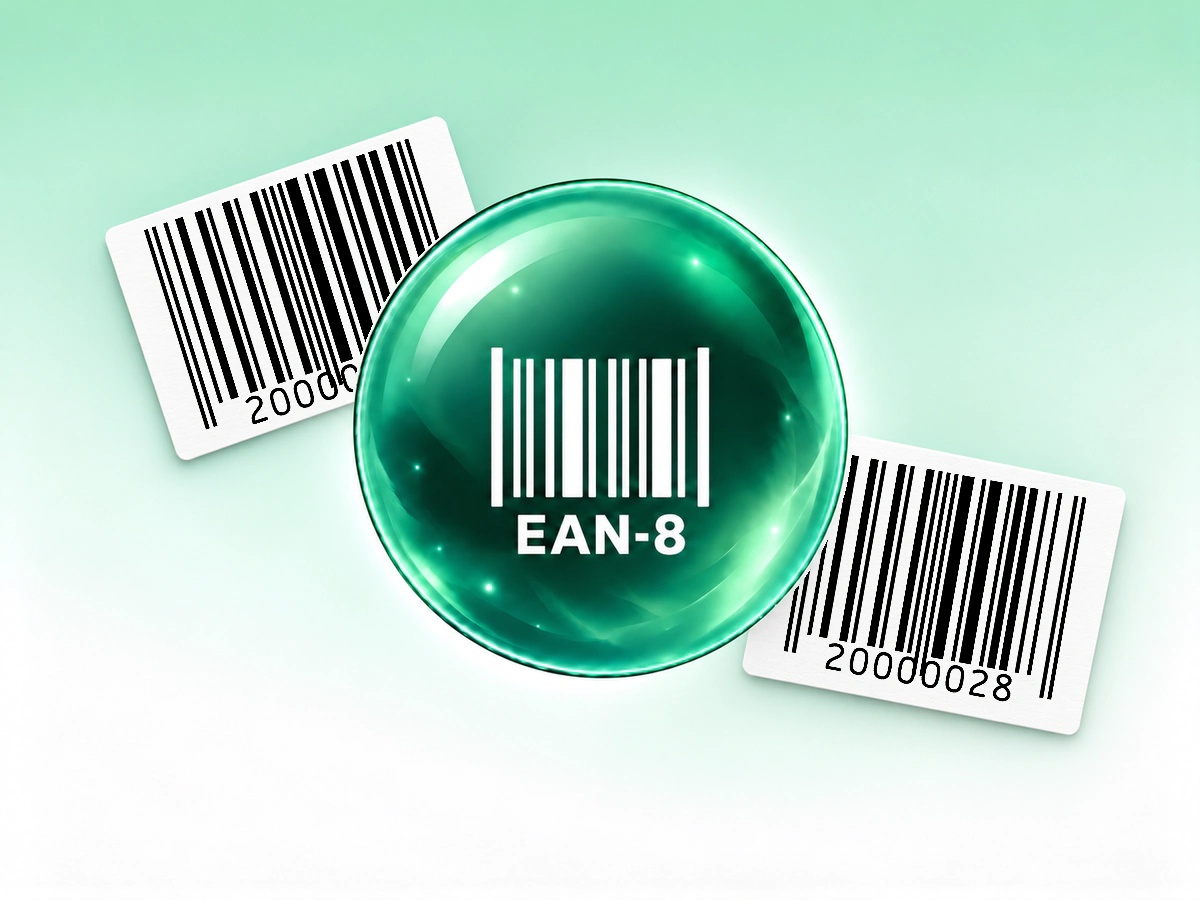
Create EAN-8 labels for products with an assigned 8-digit GTIN.
Create an EAN-8 barcode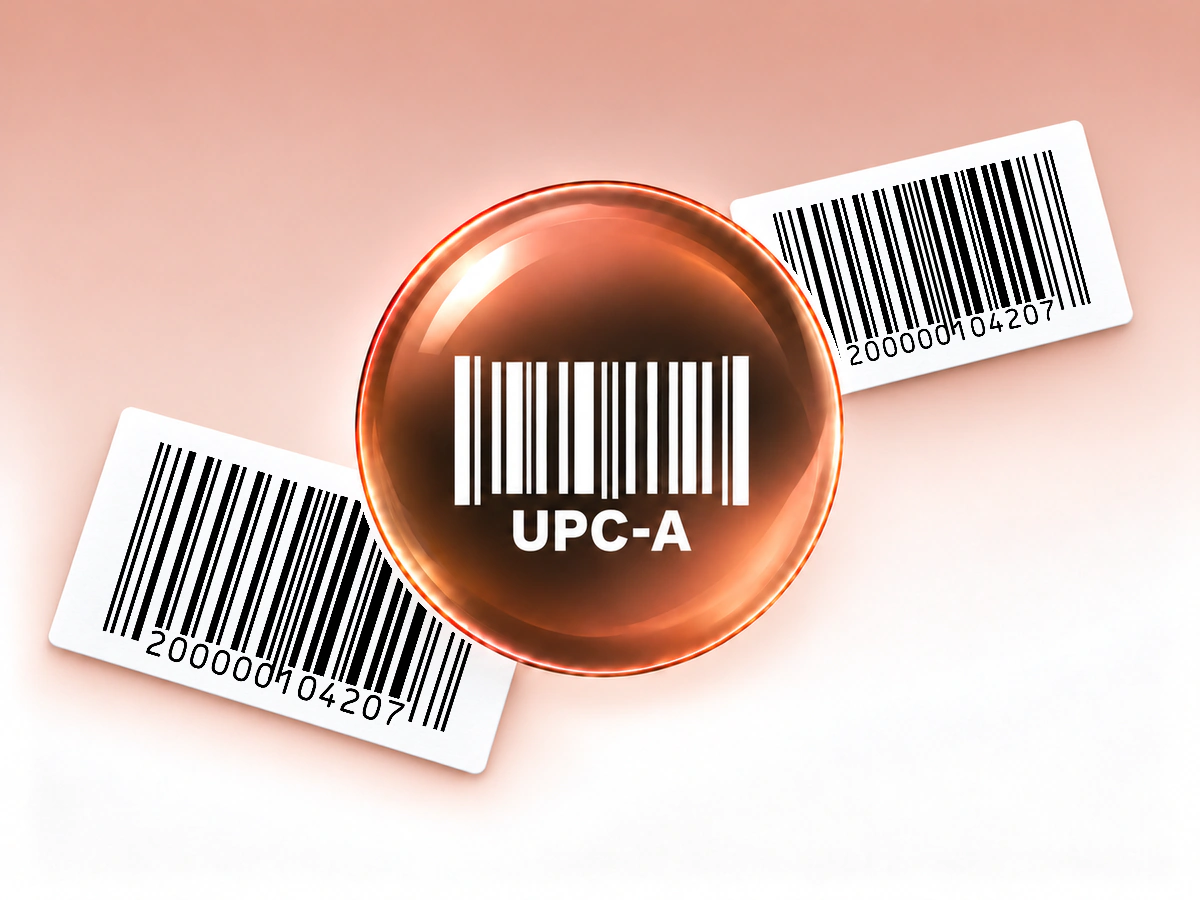
Create a UPC-A barcode for your assigned retail product number.
UPC-A Barcode Generator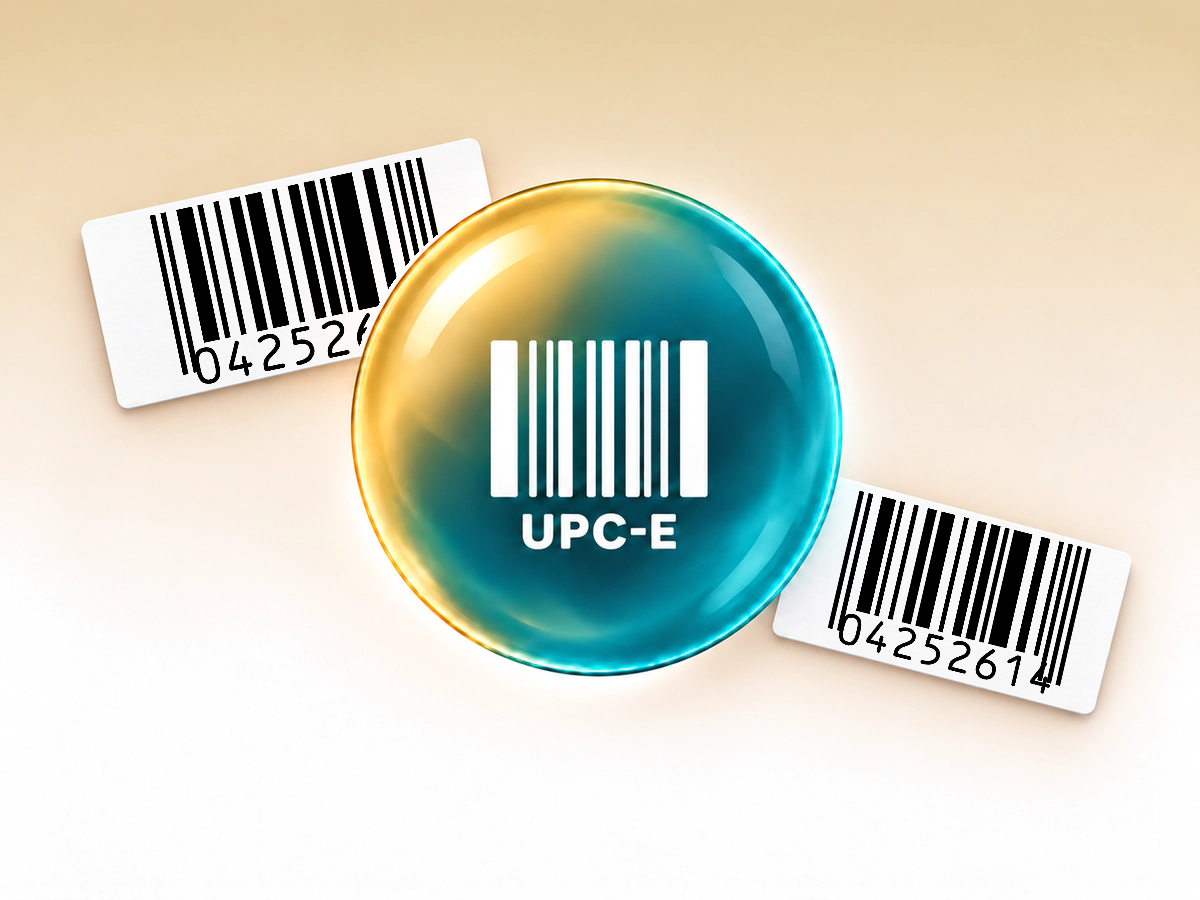
Build a compact UPC-E symbol from a compatible product identifier.
Create a UPC-E barcode
Encode GTIN, lot and date fields in one structured barcode.
Create a GS1-128 barcodeInput, printing and saved barcode behaviour
EAN-13 contains 13 digits, including a check digit at the end. This editor expects the complete number and offers guidance for a missing or inconsistent check digit. A mathematically valid number is not proof of a valid product assignment.
No. QR Code AI creates the barcode image from the number you enter. Obtain the appropriate product identifier through the relevant GS1 process and use the number assigned to your product before preparing retail packaging.
EAN-13 encodes a 13-digit GTIN, while EAN-8 encodes an assigned 8-digit GTIN for small retail products. You cannot make a valid EAN-8 product identifier by trimming digits from an EAN-13 number.
Yes. QR Code AI offers SVG, PDF and EPS vector exports, plus PNG, JPG and WebP raster files. Keep the complete symbol and its blank margins in the layout. Verify a printed sample at its intended size with a compatible scanner.
A downloaded barcode contains fixed data and has no built-in expiry date. Changing a saved value requires downloading and printing a new symbol; existing copies keep their original data. These Barcodes do not provide scan analytics or editable redirects. A connected inventory or checkout system may update its own record for the same identifier. For customer-facing web links with scan analytics, consider a URL QR code and QR code tracking.
Yes. A personal account and each non-Premium Workspace can create three Barcodes. Archiving a Barcode does not free a creation slot; Premium allows additional creations. Creating, editing or downloading a Barcode does not start the seven-day trial. The trial begins with the first dynamic QR code or Smart Link in that scope. The barcode itself retains its directly encoded value when a trial ends; it has no managed redirect to keep active.