Enter the correct data
Enter the edition's existing ISBN-10 or ISBN-13. Review the normalised ISBN-13 and add an optional five-digit supplement only if it belongs in the distribution workflow.








An ISBN barcode represents a book's International Standard Book Number in an EAN-13 symbol. The ISBN identifies a publication and its edition or format; the barcode makes that identifier machine-readable. QR Code AI accepts a valid ISBN-10 or ISBN-13 and converts supported ISBN-10 input to its ISBN-13 representation. It does not issue an ISBN. See the International ISBN Agency's ISBN guide for the underlying format.
For a paperback cover, enter the ISBN assigned to that edition and compare the normalised 13-digit number with the publisher's record. Add a five-digit supplement only when your distributor provides the appropriate value. Download vector artwork for the cover layout and check a printed proof before production.
Enter the data, check the symbol and test the downloaded label in the workflow where it will be scanned.
Enter the edition's existing ISBN-10 or ISBN-13. Review the normalised ISBN-13 and add an optional five-digit supplement only if it belongs in the distribution workflow.
Choose a dark foreground on a lighter background. Keep the built-in quiet zones and add padding if needed. Review the preview and resolve validation or scannability errors.
Choose PNG, JPG, WebP, SVG, PDF or EPS. Preserve proportions and clear margins in your layout, then scan a printed sample with the intended reader and compare the returned data.
Check your data, preserve clear margins and choose the right file for your label.
Check the identifier for the exact publication format before exporting. Normalising a valid ISBN-10 changes its barcode representation; it does not assign an ISBN to a new edition or register a book for distribution.
The generator preserves required quiet zones around the symbol. Keep these areas clear in your layout, and test a printed sample at its intended size with the scanner you will use.
Download SVG, PDF or EPS vectors, or PNG, JPG or WebP images. Every export is checked against the saved data; test the final print on its intended material too. Compare the six barcode download formats in our guide.
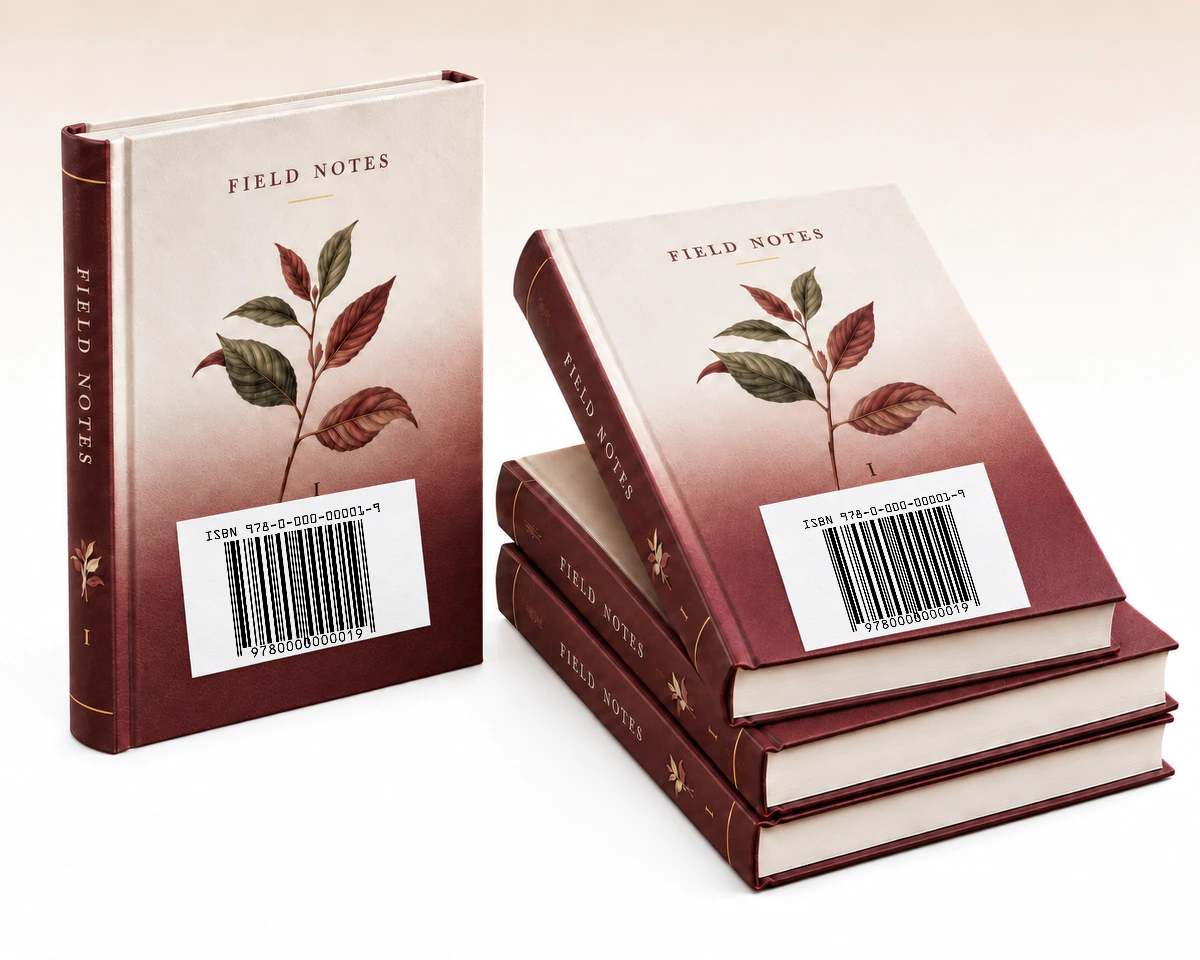
A reprint keeps its original ISBN when the publisher, text and binding remain unchanged. Before reusing the barcode artwork, compare the reprint with that edition's record. A substantially revised edition or a different binding requires its own ISBN.
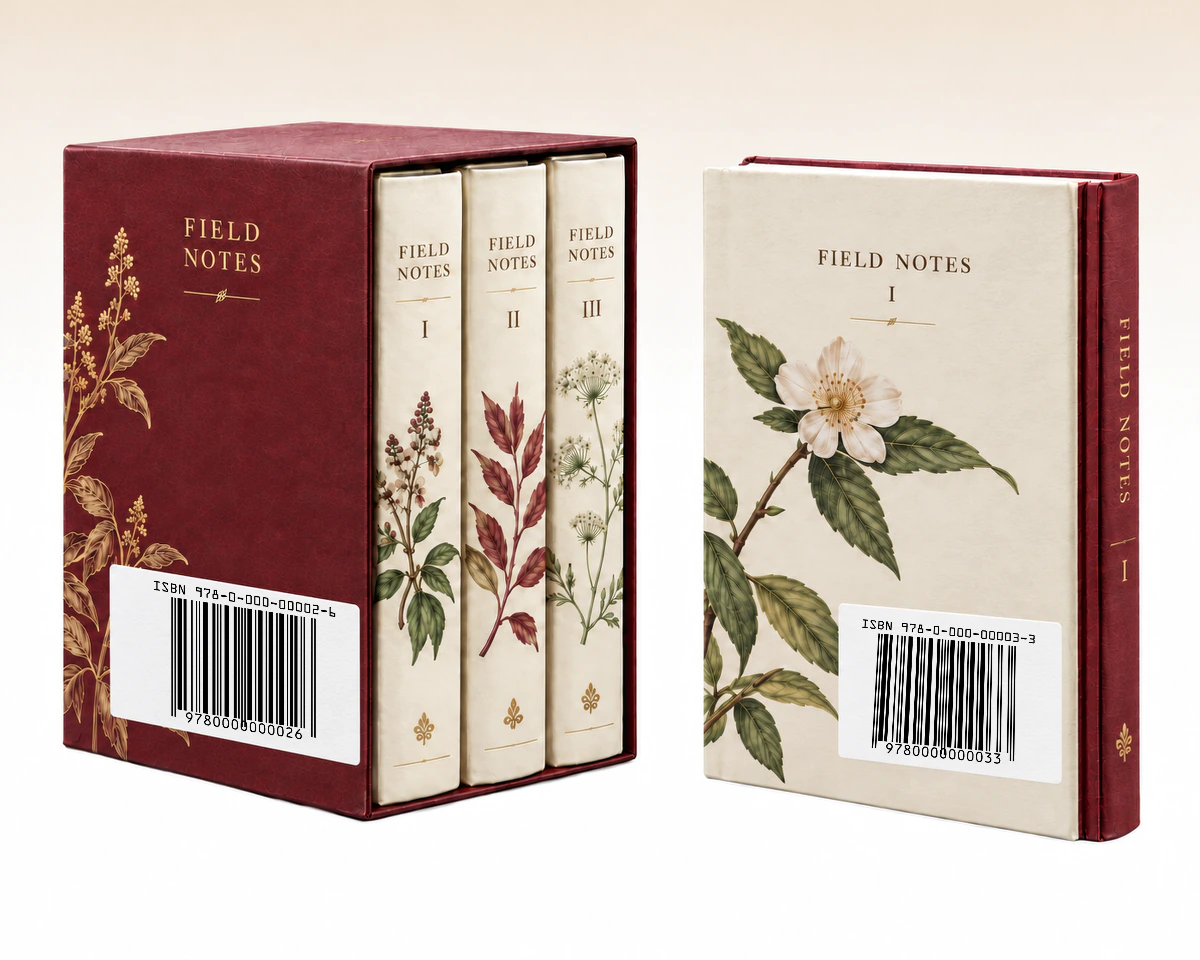
A multi-volume set has an ISBN for the set as a whole. Volumes sold separately also need their own ISBNs. Use the barcode for the item being sold: the complete set or the individual volume.
QR Code AI checks supported ISBN-10 or ISBN-13 input, converts ISBN-10 to its ISBN-13 representation and offers a five-digit add-on for book labels. Compare the inputs and supplement before preparing artwork for your distributor. Select an icon or underlined label for details.
| What to compare | ISBN-10 input | ISBN-13 input | ISBN-13 + add-on |
|---|---|---|---|
Input | Existing ISBN-10Existing ISBN-10 A valid existing ISBN-10 | Assigned ISBN-13Assigned ISBN-13 The assigned ISBN-13 | ISBN + 5-digit add-onISBN + 5-digit add-on The ISBN plus a five-digit supplement |
Main artwork | Converted to EAN-13Converted to EAN-13 Converted ISBN-13 in EAN-13 | EAN-13EAN-13 ISBN-13 in EAN-13 | EAN-13 + add-onEAN-13 + add-on The same EAN-13 with a separate add-on |
Book identity | Same publicationSame publication Conversion keeps the same publication identity | Assigned editionAssigned edition Identifies the assigned edition and format | No new ISBNNo new ISBN The add-on does not assign another ISBN |
Workflow fit | Older ISBN-10 recordOlder ISBN-10 record A backlist record still uses ISBN-10 | Current ISBN-13 recordCurrent ISBN-13 record The current publisher record contains 13 digits | Distributor add-onDistributor add-on The distributor requires the supported price add-on |
Export the book barcode as native SVG, PDF or EPS for a cover layout, then keep its record in QR Code AI’s tagged, searchable library. A one-year change history lets the team review earlier changes, and Viewer access allows downloads without edits.
ISBN and EAN-13 are not competing identifiers. New ISBNs have used 13 digits since 2007; this editor accepts supported older ISBN-10 input and converts it. It does not issue an ISBN. See the International ISBN Agency’s ISBN explanation and barcoding guidance. Confirm any five-digit supplement with your distributor.
Make a retail barcode from your assigned 13-digit product number.
Create an EAN-13 barcode
Create a UPC-A barcode for your assigned retail product number.
UPC-A Barcode Generator
Create EAN-8 labels for products with an assigned 8-digit GTIN.
Create an EAN-8 barcode
Turn inventory IDs and reference numbers into printable barcodes.
Create a Code 128 barcode
Encode text and identifiers in a compact two-dimensional symbol.
Create a Data Matrix barcode
Input, printing and saved barcode behaviour
Yes. The editor validates a supported ISBN-10 and converts it to its ISBN-13 representation for the barcode. It also accepts valid ISBN-13 input beginning with 978 or 979. Check the final value against the assigned ISBN before using the artwork.
No. A barcode generator creates the machine-readable artwork for an existing identifier. Obtain an ISBN through the appropriate ISBN agency and use the number assigned to the book's edition and format.
Yes. This editor accepts an optional five-digit add-on. Confirm the required value with your publisher or distributor before entering it. The tool does not determine a book's price or distribution requirements for you.
Yes. QR Code AI offers SVG, PDF and EPS vector exports, plus PNG, JPG and WebP raster files. Keep the complete symbol and its blank margins in the layout. Verify a printed sample at its intended size with a compatible scanner.
A downloaded barcode contains fixed data and has no built-in expiry date. Changing a saved value requires downloading and printing a new symbol; existing copies keep their original data. These Barcodes do not provide scan analytics or editable redirects. A connected inventory or checkout system may update its own record for the same identifier. For customer-facing web links with scan analytics, consider a URL QR code and QR code tracking.
Yes. A personal account and each non-Premium Workspace can create three Barcodes. Archiving a Barcode does not free a creation slot; Premium allows additional creations. Creating, editing or downloading a Barcode does not start the seven-day trial. The trial begins with the first dynamic QR code or Smart Link in that scope. The barcode itself retains its directly encoded value when a trial ends; it has no managed redirect to keep active.