

Share profiles, company pages, and job posts with a blue-branded, scannable code
The LinkedIn logo QR code template is a pre-configured, scannable design that combines LinkedIn’s professional blue colour scheme with the LinkedIn logo at the centre of an ISO 18004-compliant code. QR Code AI uses Reed-Solomon error correction to keep scannability strong even with the embedded logo, and gives you 50+ customisation parameters, including 7 pixel styles, 7 marker shapes, and logo size controls. Professionals, recruiters, and businesses add this QR code to business cards, CVs, conference lanyards, and presentation slides to link directly to profiles, company pages, or job posts.



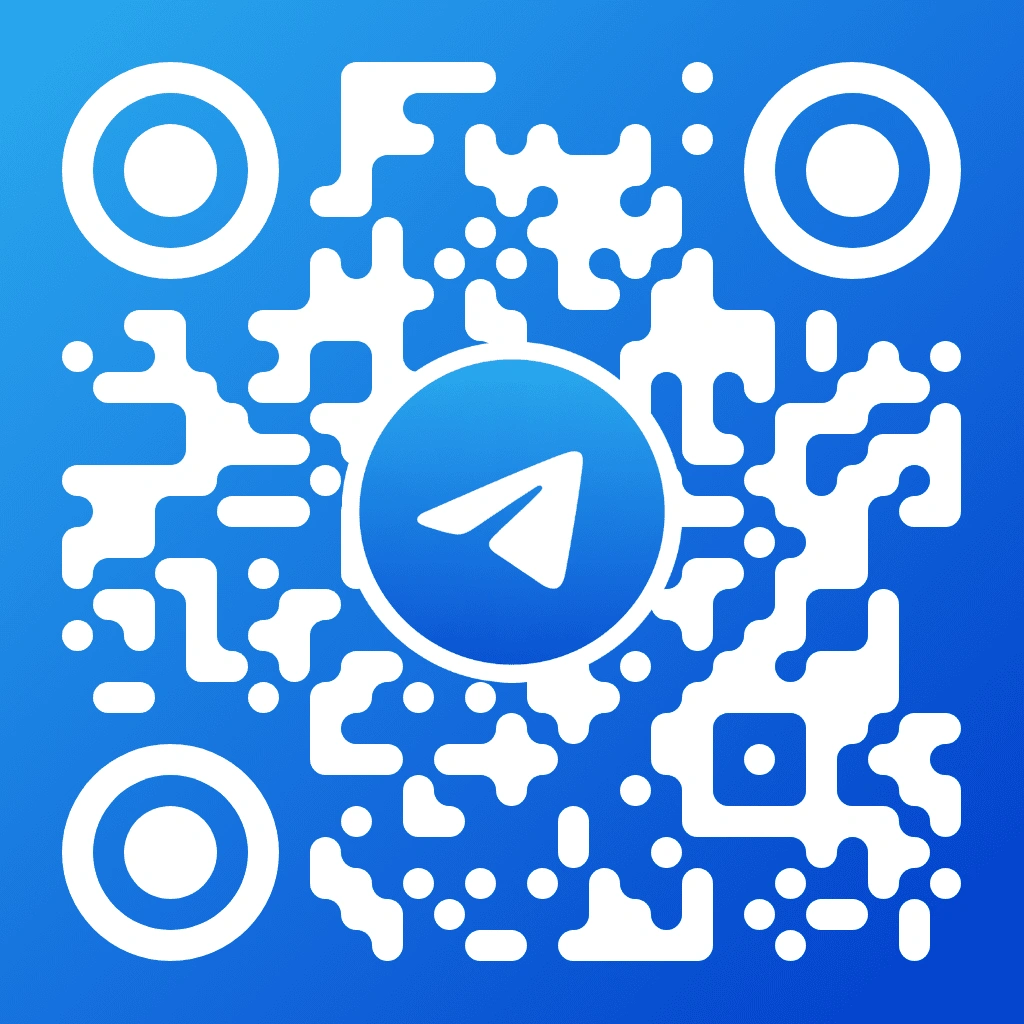


A LinkedIn QR code template is a pre-configured, scannable code design styled with LinkedIn’s blue colour palette and logo inside an ISO 18004-compliant structure. QR Code AI places the logo within the error-correction zone, so the code stays scannable while linking to any LinkedIn URL, including personal profiles, company pages, job listings, and articles. You can fine-tune 50+ parameters like pixel style, marker shape, background colour, and gradient effects, then export in PNG, SVG, or WebP.
Adding a LinkedIn QR code to a business card means choosing the LinkedIn template in QR Code AI, pasting your profile URL, customising the design, and downloading it in SVG for sharp, lossless print scaling. Keep the QR code at least 2 x 2 cm (0.8 x 0.8 inches) on the front or back of the card. Anyone can scan it with a smartphone camera to open your LinkedIn profile instantly, without typing a URL.
The LinkedIn QR code template supports any valid LinkedIn URL, including company pages, showcase pages, job posts, articles, and individual profiles. Businesses use these QR codes on recruitment flyers, trade show banners, employee badges, and office signage to send scanners to their LinkedIn presence. QR Code AI’s dynamic QR code option (premium plans) lets you update the destination after printing, without regenerating the code.
QR Code AI includes the LinkedIn logo QR code template in the free plan, with unlimited static QR code generation and basic customisation for colours, pixel styles, and marker shapes. Free-plan users can download in PNG and SVG at full resolution. Premium plans unlock dynamic QR codes with editable URLs, scan analytics with location and device data, advanced visual effects, and WebP export.
LinkedIn QR codes work best on business cards, name badges, conference lanyards, presentation slides, and email signatures. Professionals display the QR code at networking events so contacts can scan and connect quickly, without typing a profile URL. Adding the QR code to your CV or portfolio website can also speed up recruiter outreach. QR Code AI’s scan analytics (premium plan) shows how many people scanned, from which locations, and on which devices.