Send visitors to the matching app store
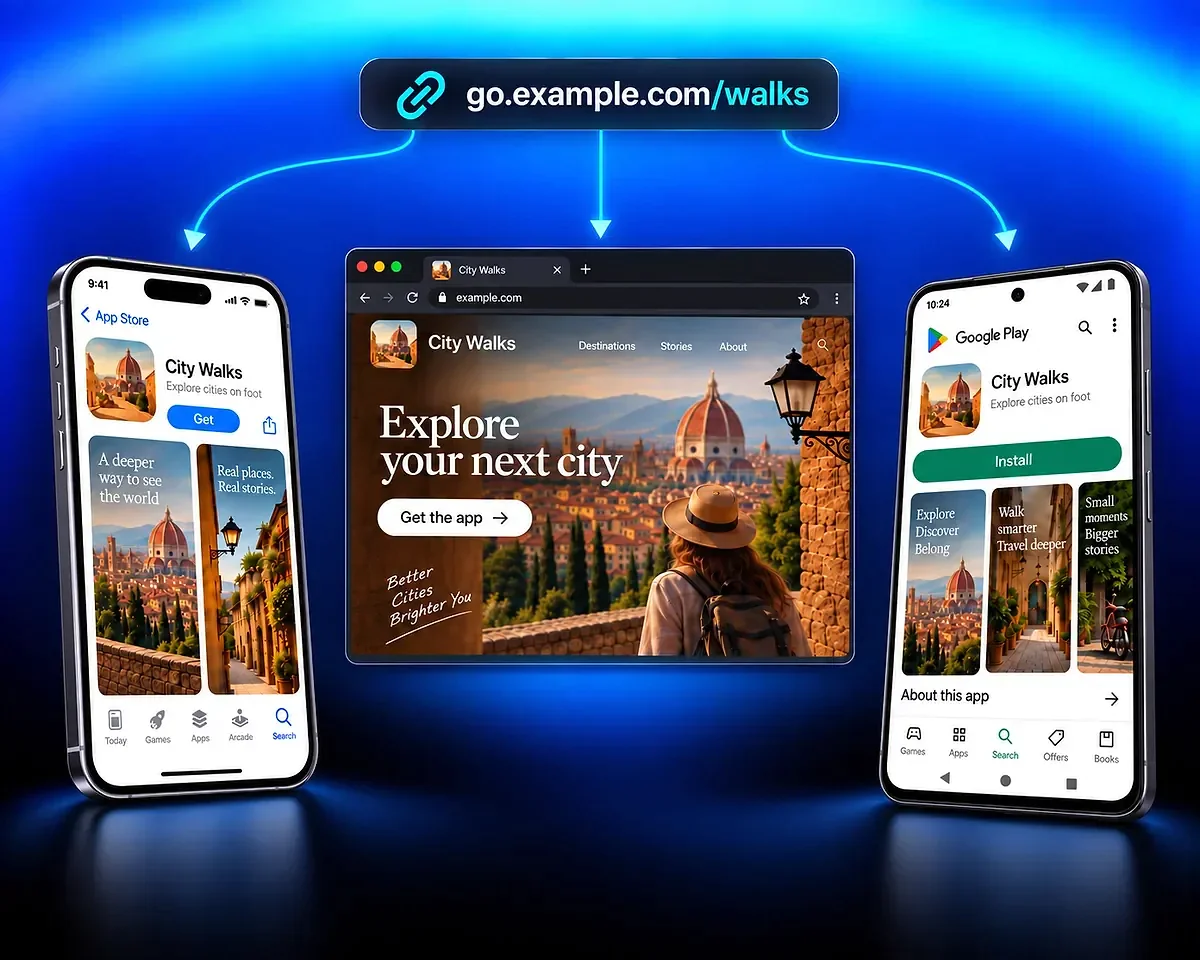
Connect your App Store listing for iPhone and your Google Play listing for Android. Visitors follow the same link to the store you have added for their device, without choosing a store first.








OneLink combines your app’s store listings and website behind one short link. Share the same address across your online channels, and QR Code AI selects a destination based on the visitor’s device.
Connect your App Store listing for iPhone and your Google Play listing for Android. Visitors follow the same link to the store you have added for their device, without choosing a store first.
Add a website for desktop visitors and people without a matching store link. Use it to introduce your app, explain which platforms it supports or offer another way to explore your content.
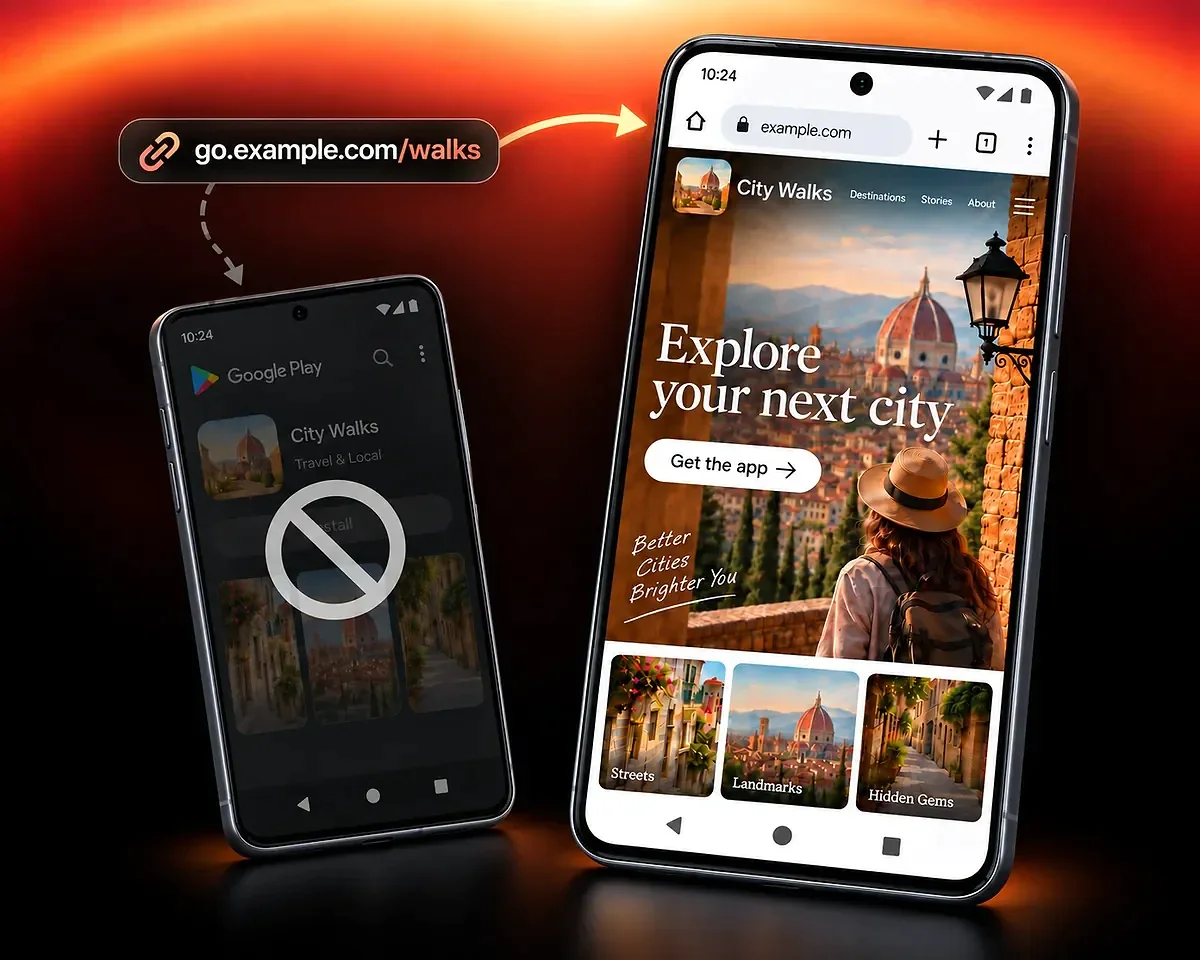
The fictional City Walks example shows how one campaign link can serve iPhone, Android and desktop visitors, including when a store listing is missing.
Share the City Walks link in a travel newsletter, social profile or message. With all three destinations added, iPhone visitors reach the App Store, Android visitors reach Google Play and desktop visitors reach the City Walks website.
If your app is available on iPhone but not Android, add its website as a fallback. Android visitors can explore your app and its supported platforms on the web instead of reaching an unavailable Google Play listing.
Start with the App Store fields in the editor above. You need at least one valid store or website address.
Paste your public App Store and Google Play listing addresses into the matching fields. Add only the versions that exist. Google documents the link format for an app listing; use the listing URL rather than a store search or console page.
Use the Website Link field for your app’s website or another useful page. This gives desktop visitors and people without a matching store link a destination. You can create the link with only one valid address; all three are not required.
Customise the sharing preview, then select Create Smart Link to continue in your QR Code AI account and save the link. Open the saved address on iPhone, Android and desktop to check the stores and web fallback before sharing it.
Use click analytics to see how much traffic your app link receives, which devices visitors use and where clicks come from. Compare link activity across your campaigns to inform where you share next.
These reports measure clicks on your link. Check your app or store reporting separately for installs, onboarding and purchases.
Add a QR code to printed materials, open compatible content in an app or review campaign activity.
Create a QR code for your app destinations, customise its design and test the exported file before printing.
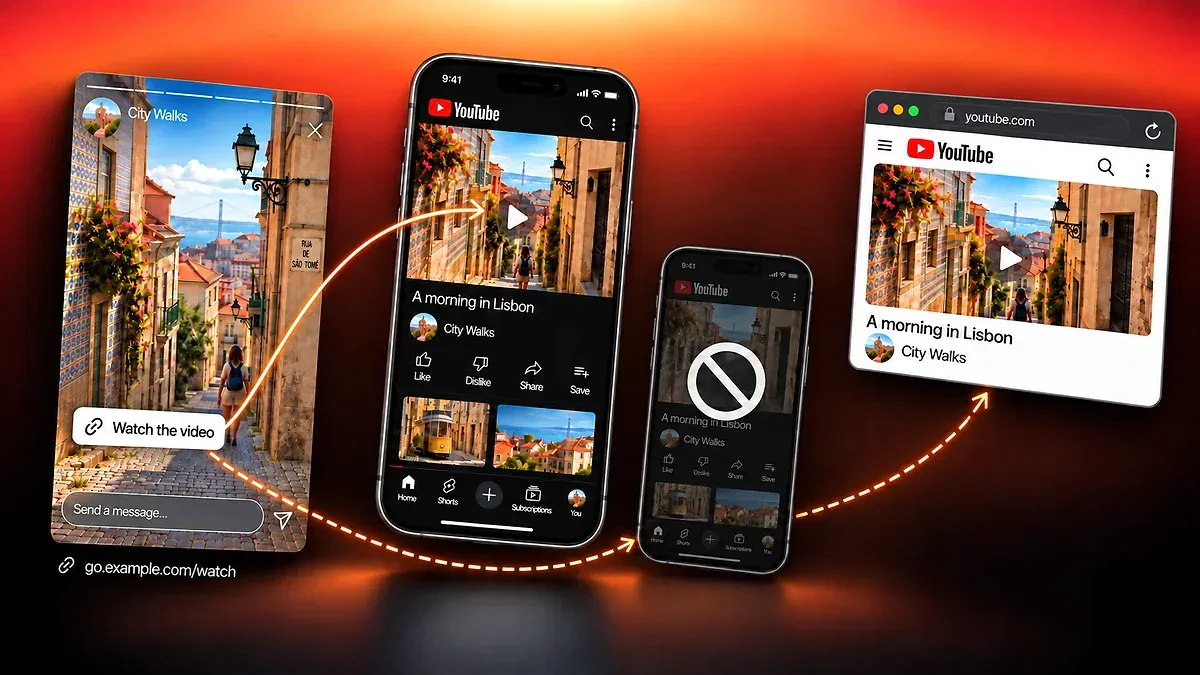
Share compatible content with a link that opens it in the app when possible, keeps a web fallback and tracks clicks.

Compare managed QR code scans and Smart Link clicks, explore campaign reports and share aggregated analytics.
Share your app download link with QR Code AI, a platform used by 500,000 people across more than 200 countries.
4M
500K
200+
Destinations, platform fallback and click measurement
OneLink combines your app’s App Store, Google Play and website destinations into one short link. QR Code AI selects an available destination for the visitor’s device. In the editor, OneLink uses the App Store / Play Store Smart Link type; basic platform routing does not require Destination Rules.
At least one valid destination is enough. Provide the store listings that exist for your app and, when useful, a web page for other visitors. All three fields are optional individually, but the setup must include a valid iOS store, Android store or web destination.
Desktop visitors go to the website you added. When a visitor has no matching store link, the fallback is your website or another available store. With only an iOS store link and no website, Android and desktop visitors therefore reach that listing; it does not make the iOS app installable on Android. Optional Destination Rules can override delivery. When no rule matches, normal platform routing and fallback apply.
Edit the store or website destination and save your Smart Link. Future visitors can keep using the same short address, so you do not need to replace it in each campaign. Check the saved link after changing or removing a destination.
OneLink records counted Smart Link clicks and their supported context. A visit to a store listing is not evidence of an installation, and these reports do not provide an install conversion rate. Use separate app or store reporting for outcomes after the redirect.
An app download link is clicked and routes to an available store or web destination. A deep link attempts to open compatible content inside a native app and retains a web fallback. A QR code is scanned to reach its destination, which makes it useful on physical material.
Free creation allows three Smart Links per personal account and separately per non-Premium Workspace. The seven-day trial starts with the first QR code or Smart Link creation in that scope, or with the first eligible scan or click if an existing code or link has not started that trial. After seven consecutive days, Premium is required in that scope for continued use of the affected managed destinations. Without Premium, visitors to those destinations see a deactivated page after the trial.