

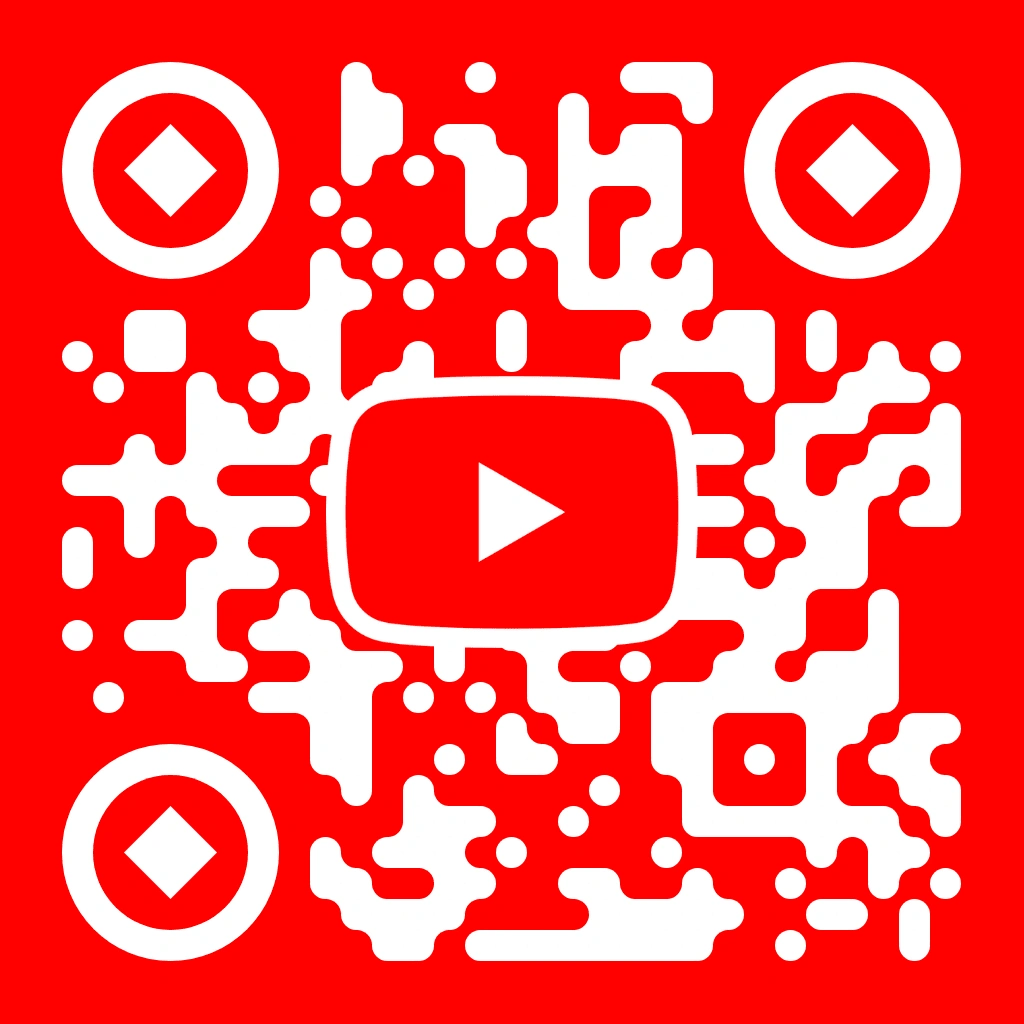
Link viewers to channels, videos, and playlists with a red-branded scannable code
The YouTube logo QR code template is a pre-configured design that combines YouTube’s red colour scheme with the play button logo at the centre of an ISO 18004-compliant scannable code. QR Code AI applies Reed-Solomon error correction so the QR code stays readable even with the embedded logo, and gives you 50+ customisation parameters, including 7 pixel styles and 7 marker shapes. Content creators, marketers, and businesses in Singapore use this QR code template on flyers, posters, product packaging, and business cards to send scanners to channels, individual videos, or playlists.
A YouTube logo QR code template is a pre-configured QR code design that uses YouTube’s red colour palette and play button logo inside an ISO 18004-compliant QR code. QR Code AI places the logo within the error-correction zone so the QR code remains scannable while linking to any YouTube URL, including a channel, video, playlist, or live stream. You can adjust 50+ settings, then export as PNG, SVG, or WebP.
Creating a YouTube channel QR code in QR Code AI takes three steps: choose the YouTube logo QR code template, paste your full channel URL or custom handle into the destination field, then customise the QR code design using 7 pixel styles and 7 marker shapes. The QR code opens your channel page when scanned with any smartphone camera. A dynamic QR code (premium) lets you change the destination after printing.
A YouTube logo QR code template can link to any valid YouTube URL, including individual videos, playlists, live streams, Shorts, and channel pages. Content creators use these QR codes on flyers, posters, business cards, and product packaging to send scanners straight to a specific video. With QR Code AI’s dynamic QR code option, you can update the destination URL after printing, which helps you rotate promos without reprinting.
The YouTube logo QR code template is available on the free plan in QR Code AI, with unlimited static QR code generation and basic customisation for colours, pixel styles, and marker shapes. Free-plan users can download PNG and SVG at full resolution. Premium unlocks dynamic QR codes with editable URLs, scan analytics with location and device data, advanced visual effects, and WebP export.
QR Code AI exports YouTube QR codes in three formats: PNG for sharing on social media and websites, SVG for print items like posters and business cards that need lossless scaling, and WebP for lighter web embeds. SVG is vector-based, so it stays sharp at any size, from 2 cm stickers to large-format banners. All three formats are available on both the free and premium plans.