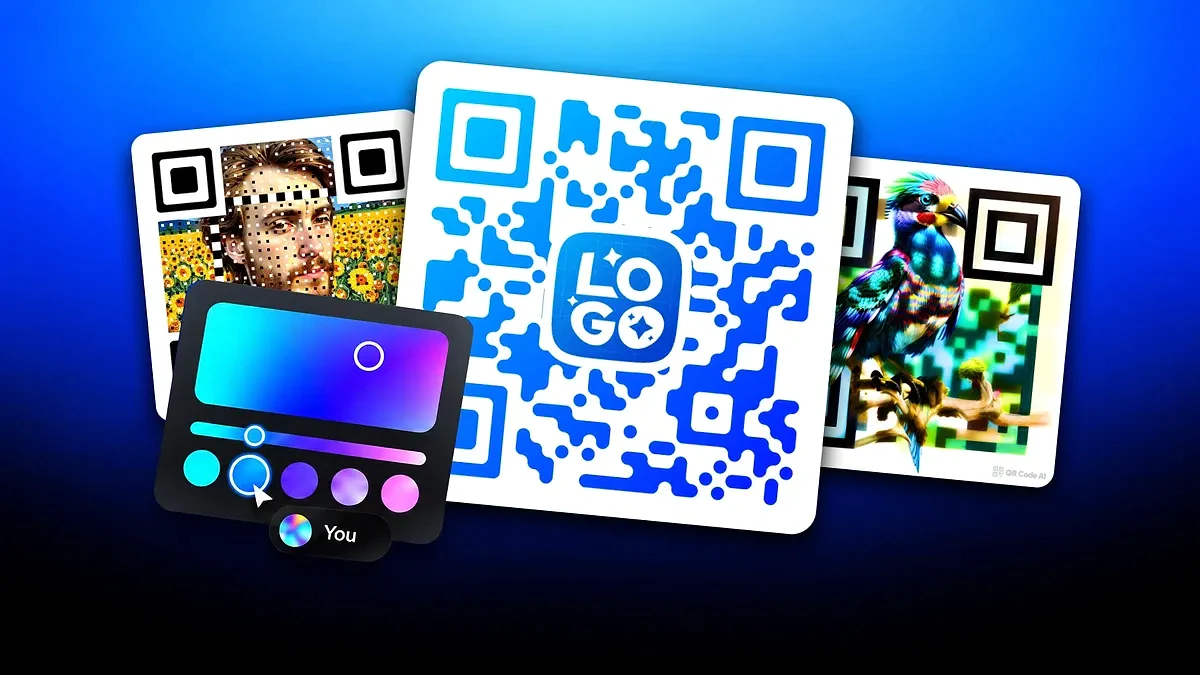
QR Code Generator
Create the QR code you need in one place for links, contacts, WiFi, social profiles, payments, PDFs, menus and more.
Explore a range of QR code and smart links tools built to strengthen your branding, engagement, and security in Singapore. From dynamic QR codes with custom colours, logos, and backgrounds to AI-powered Art Generators for standout visual designs, you get customisation options in one place.
Create the QR code you need in one place for links, contacts, WiFi, social profiles, payments, PDFs, menus and more.
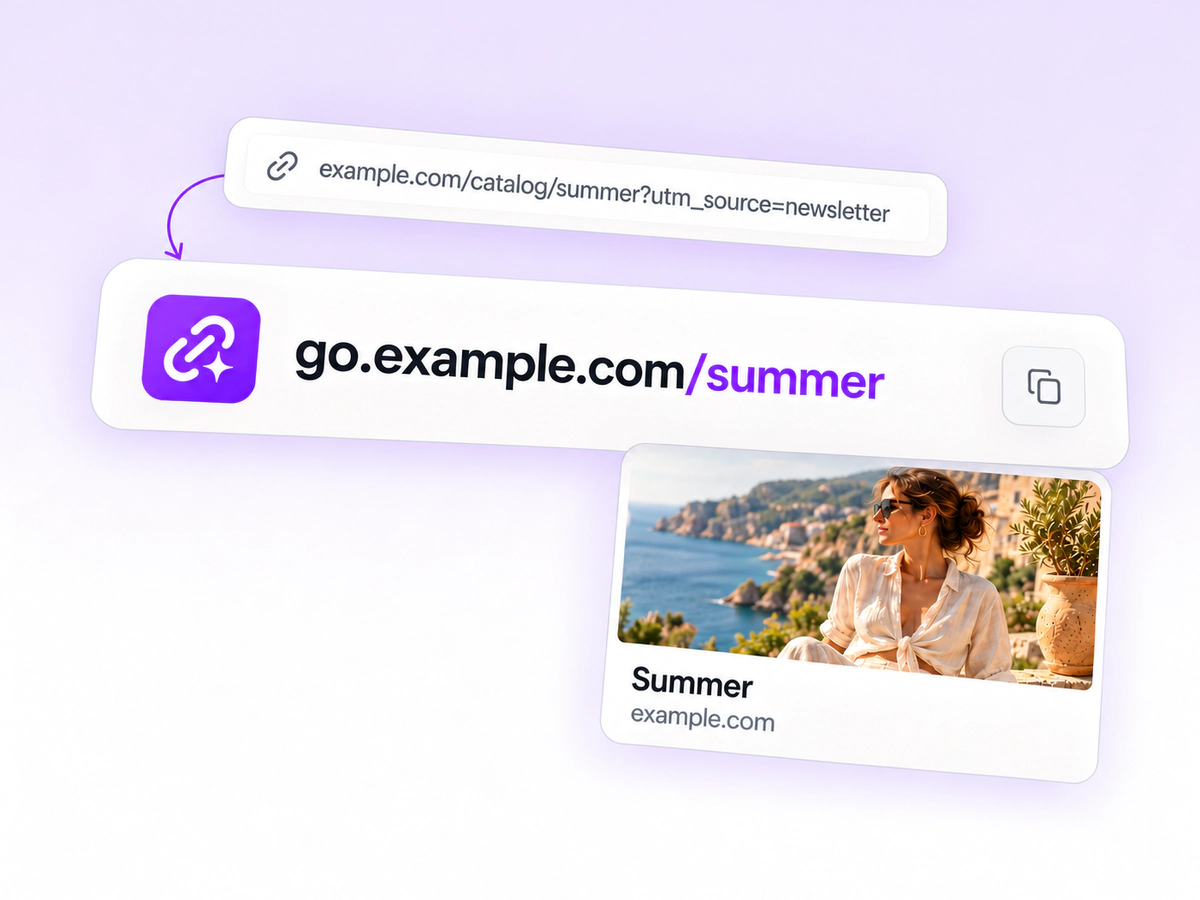
Customise and optimise your links. Shorten URLs, add UTMs, change previews, and track engagement for better performance.
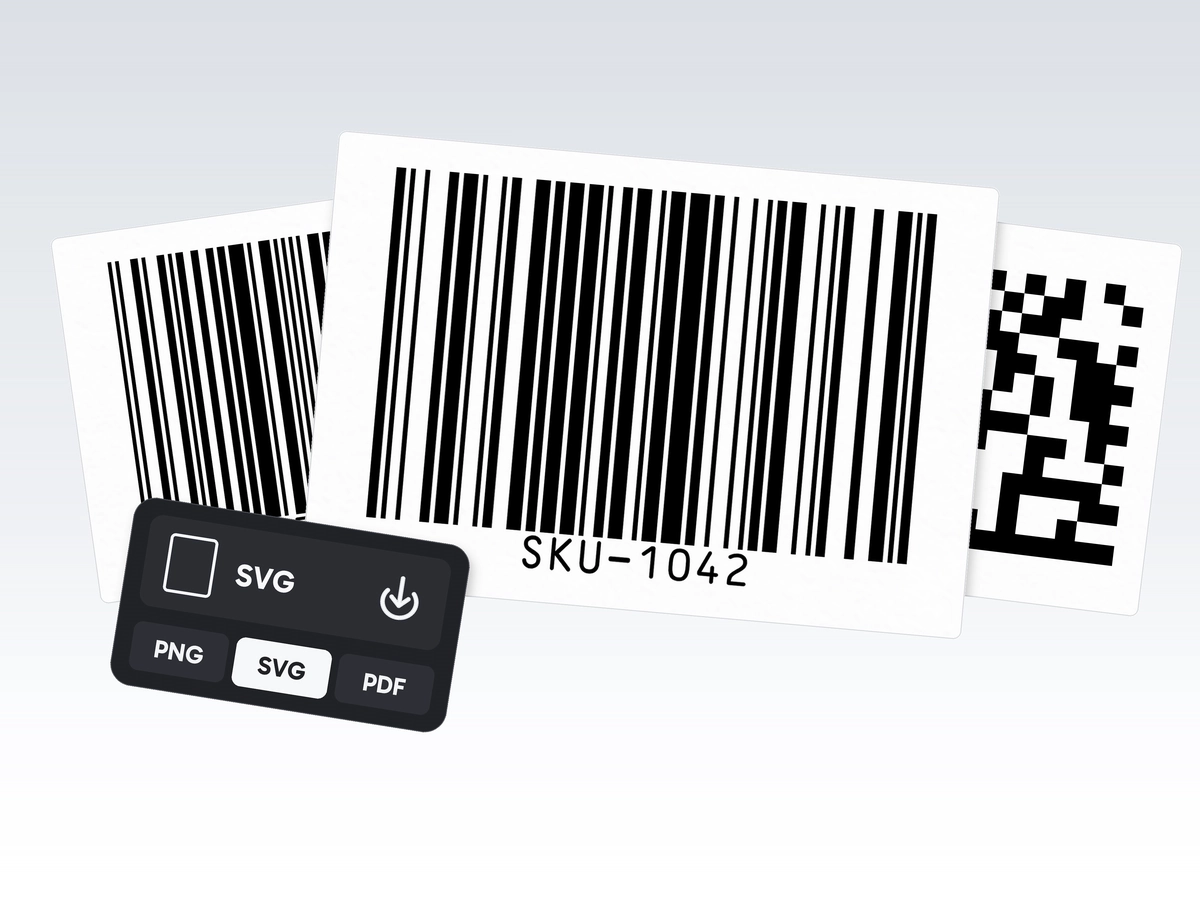
Create barcodes in ten formats with custom colours, automatic readability checks and PNG, JPG, WebP, SVG, PDF or EPS downloads.
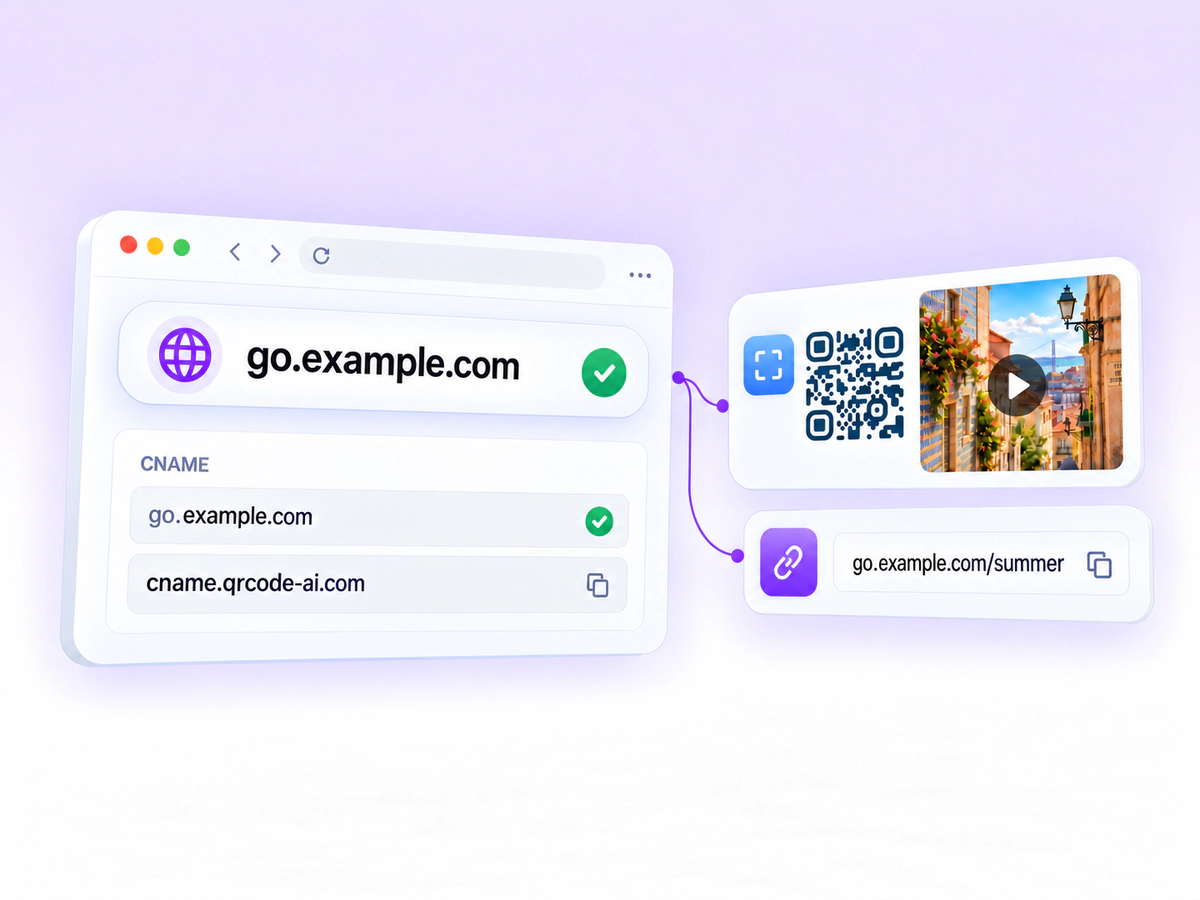
Connect your own domain to QR Code AI. Create branded QR code URLs and short links, verify DNS, check domain health, and set a root redirect.
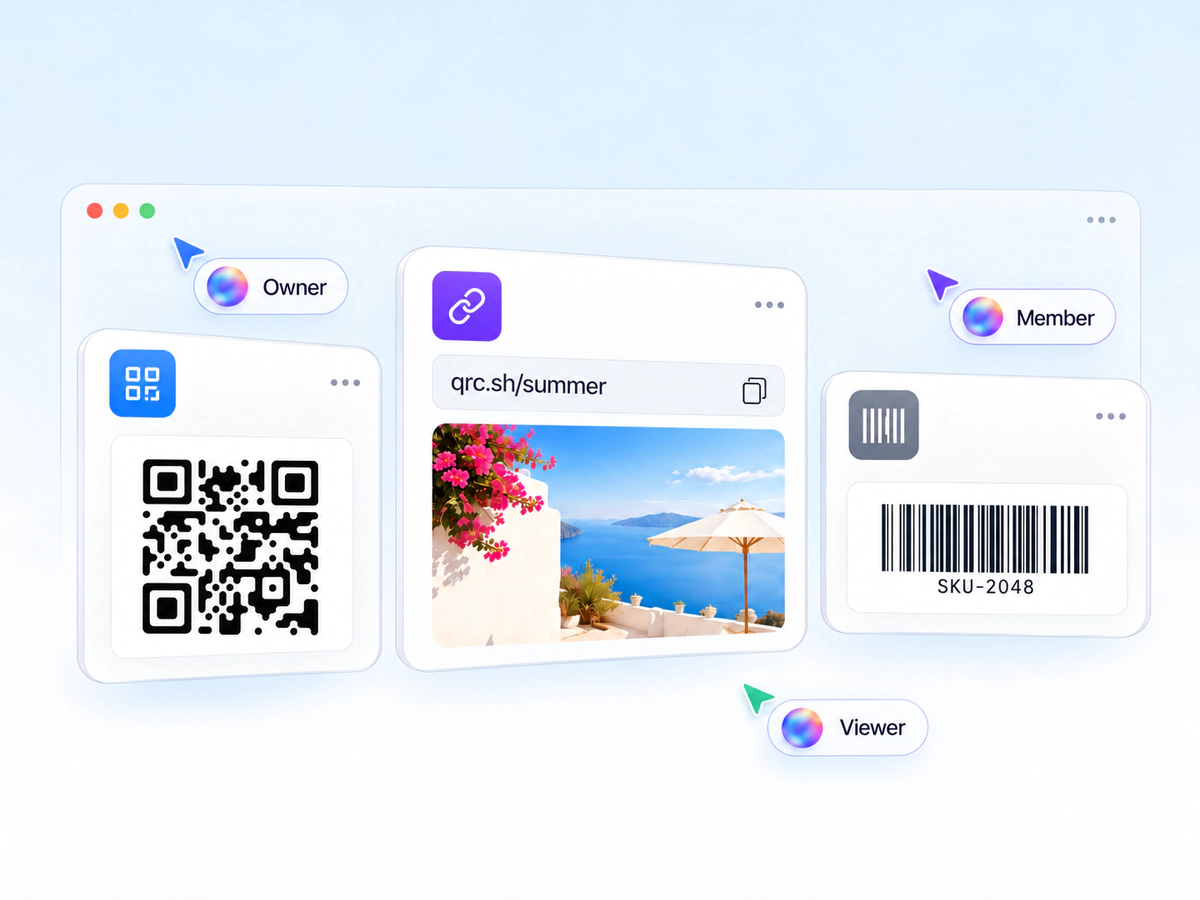
Share QR codes, Smart Links, and Barcodes with your team. Assign roles, separate client campaigns, and review Workspace activity.
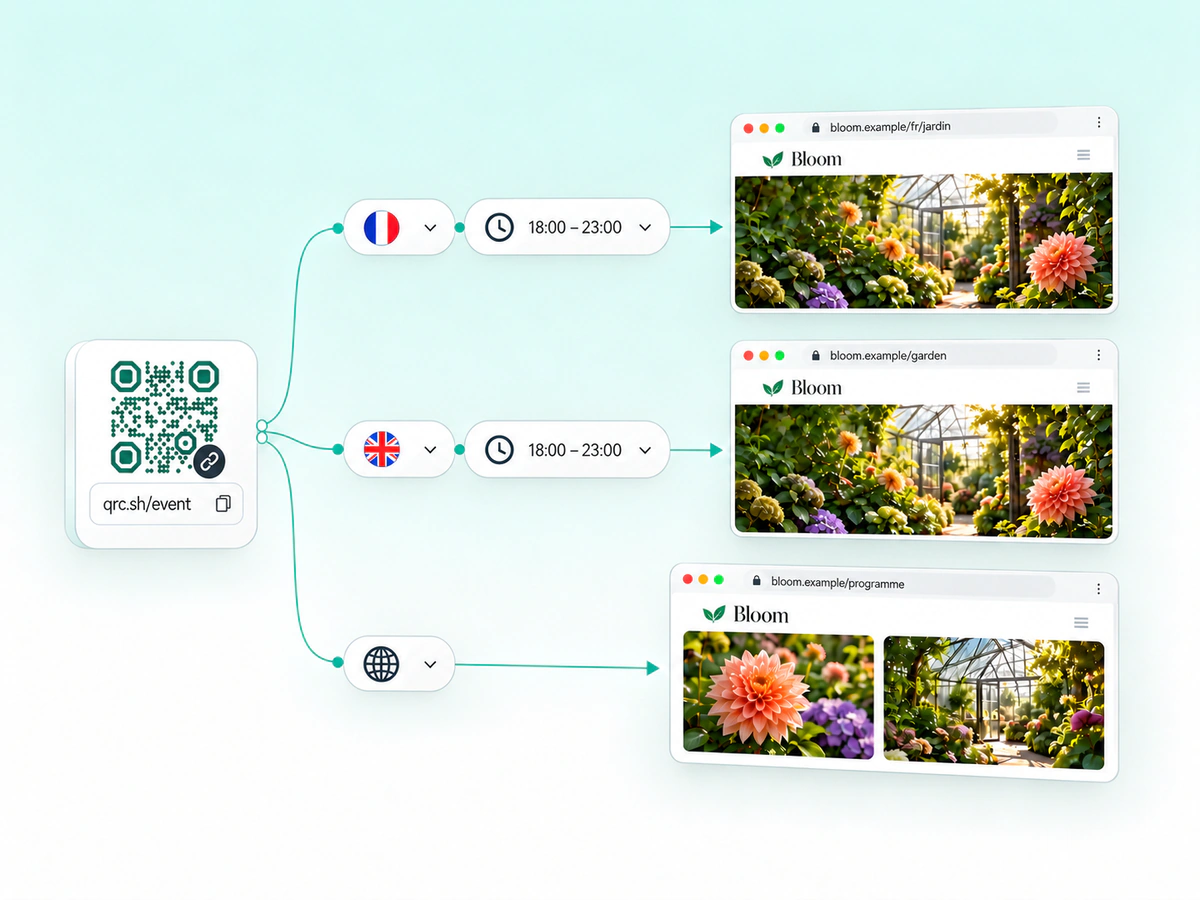
Send visitors to relevant URLs with Destination Rules for QR codes and Smart Links. Set conditions, simulate routes, and check the fallback.
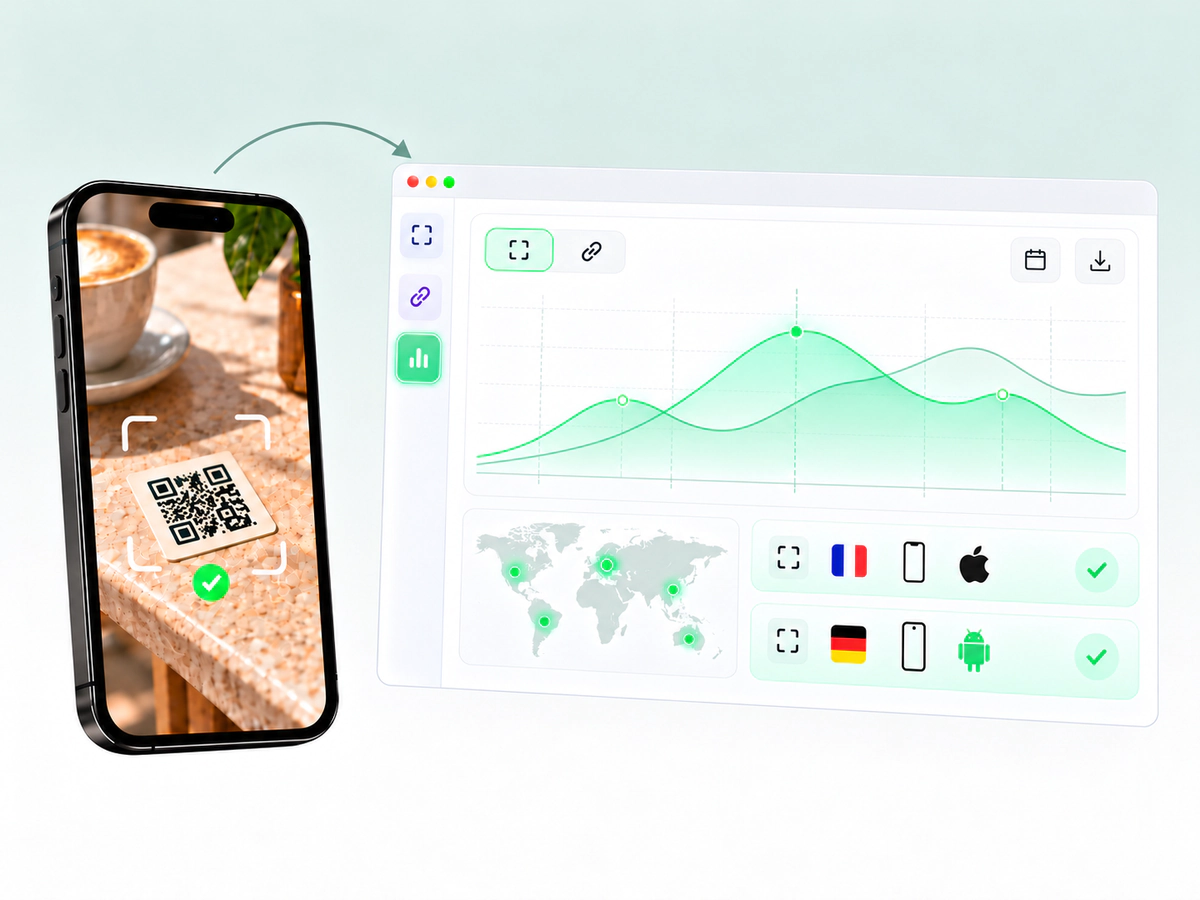
Compare managed QR code scans and Smart Link clicks, explore campaign reports and share aggregated analytics.
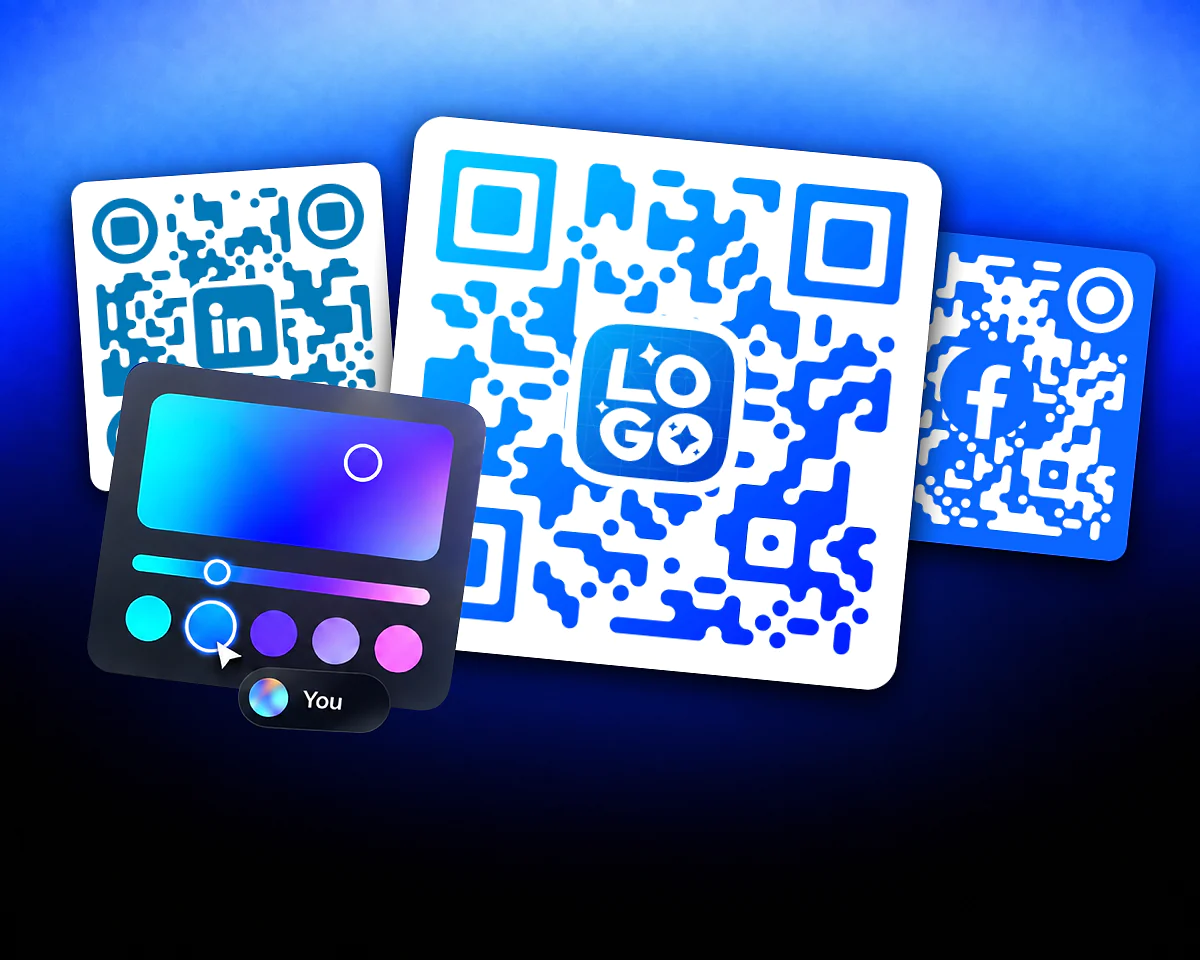
Create QR codes with custom photos, shapes, logos, gradient backgrounds, images, transparent elements, and colours for branding.
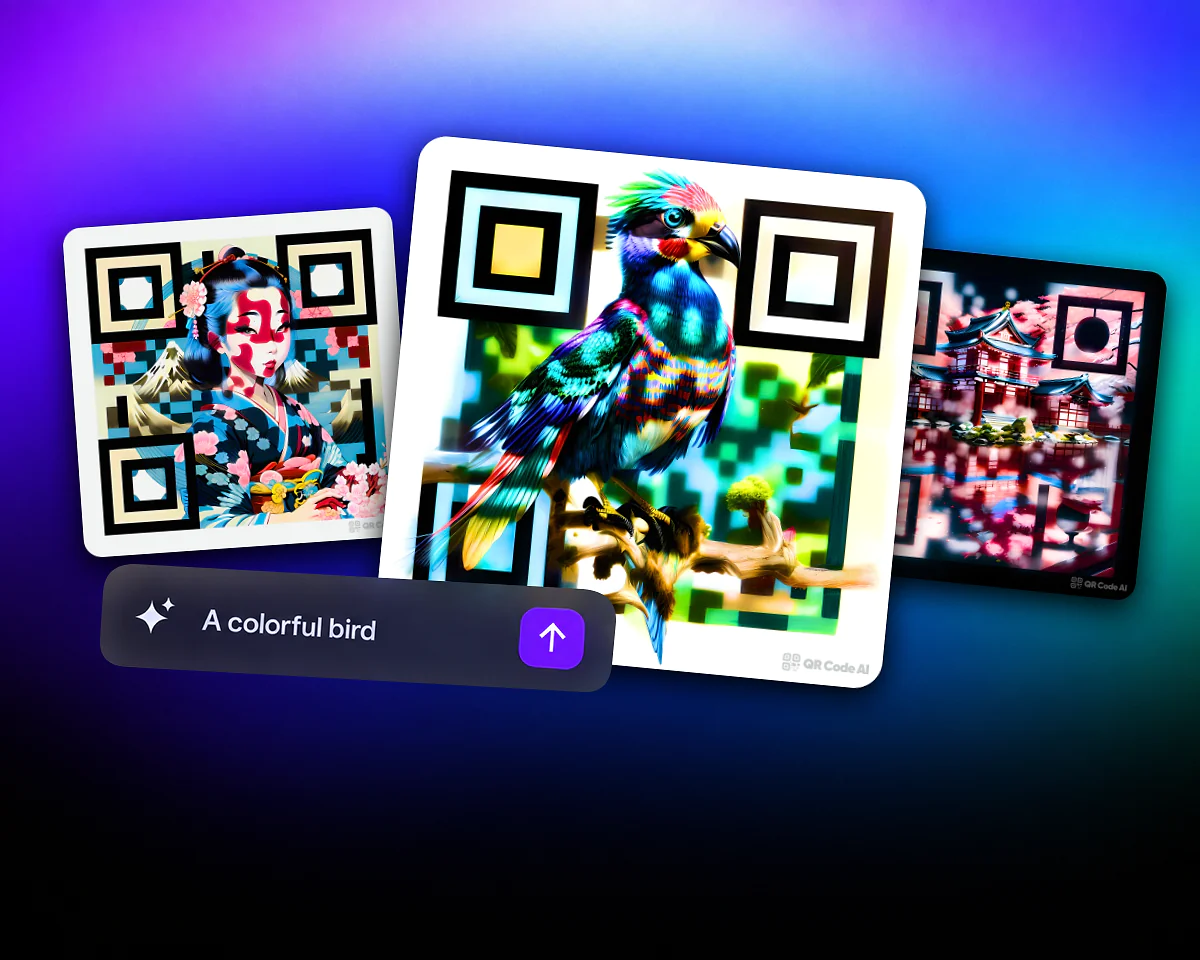
Create QR code art with AI. Choose a template or describe your idea with a text prompt.
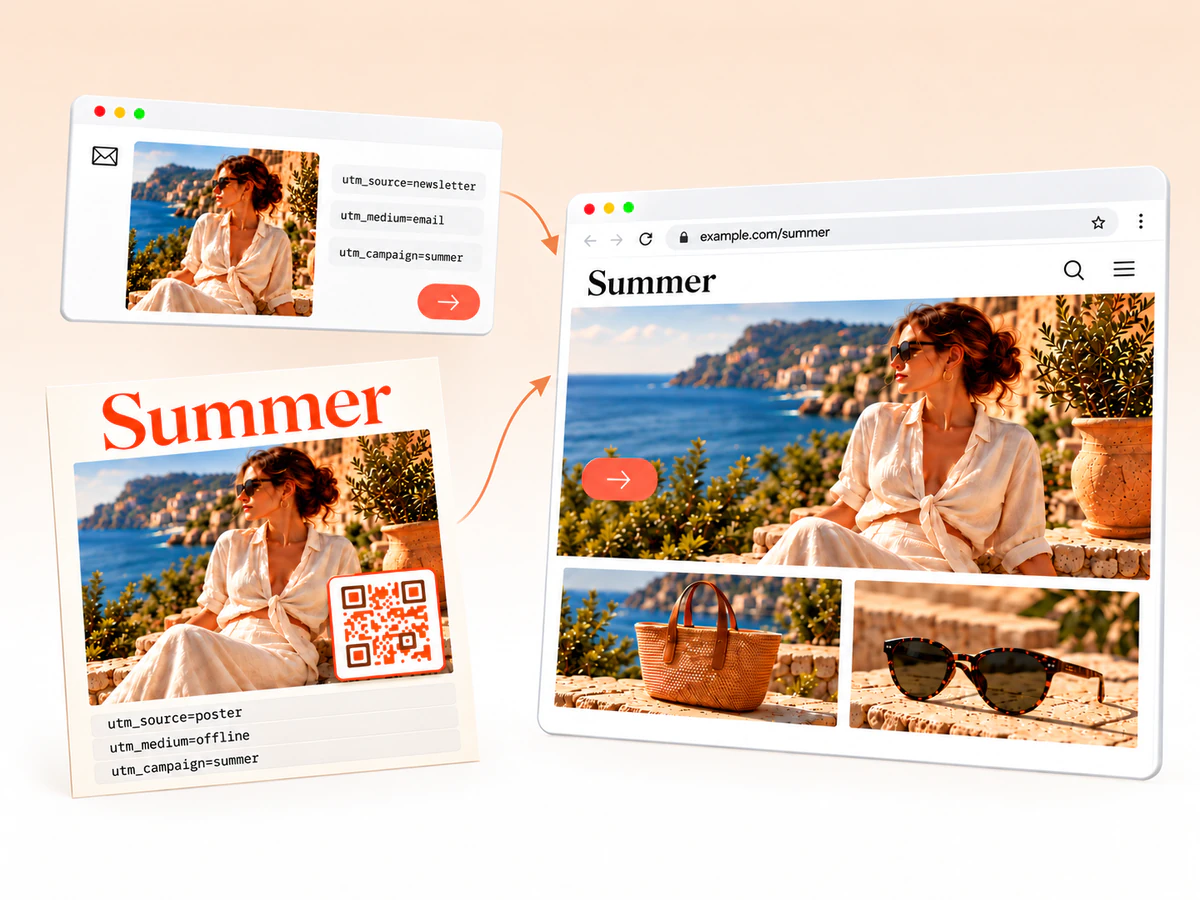
Add UTM parameters to your destination URL, then continue in the Smart Link or QR code editor. Keep source, medium, and campaign names consistent.
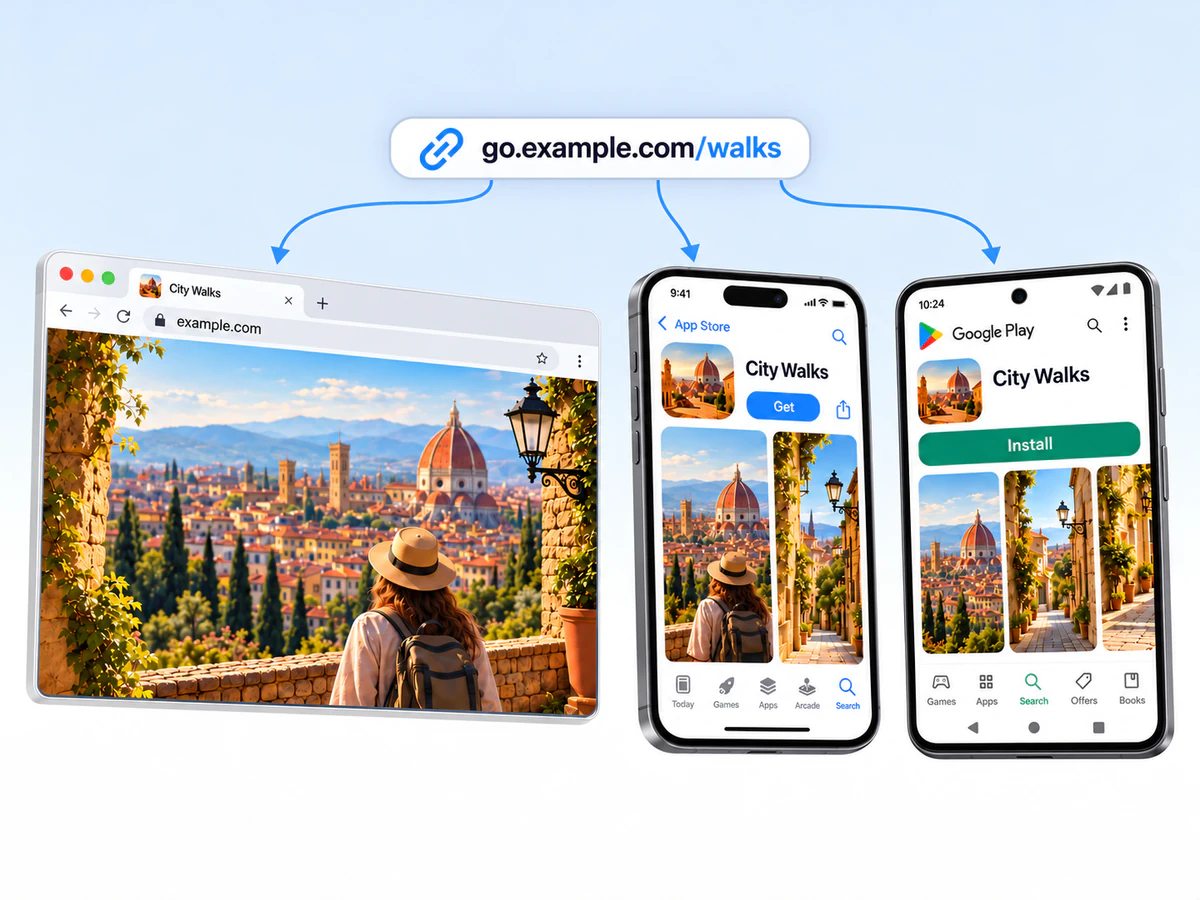
Share one app link across your campaigns, send visitors to the matching store or website, and track clicks.
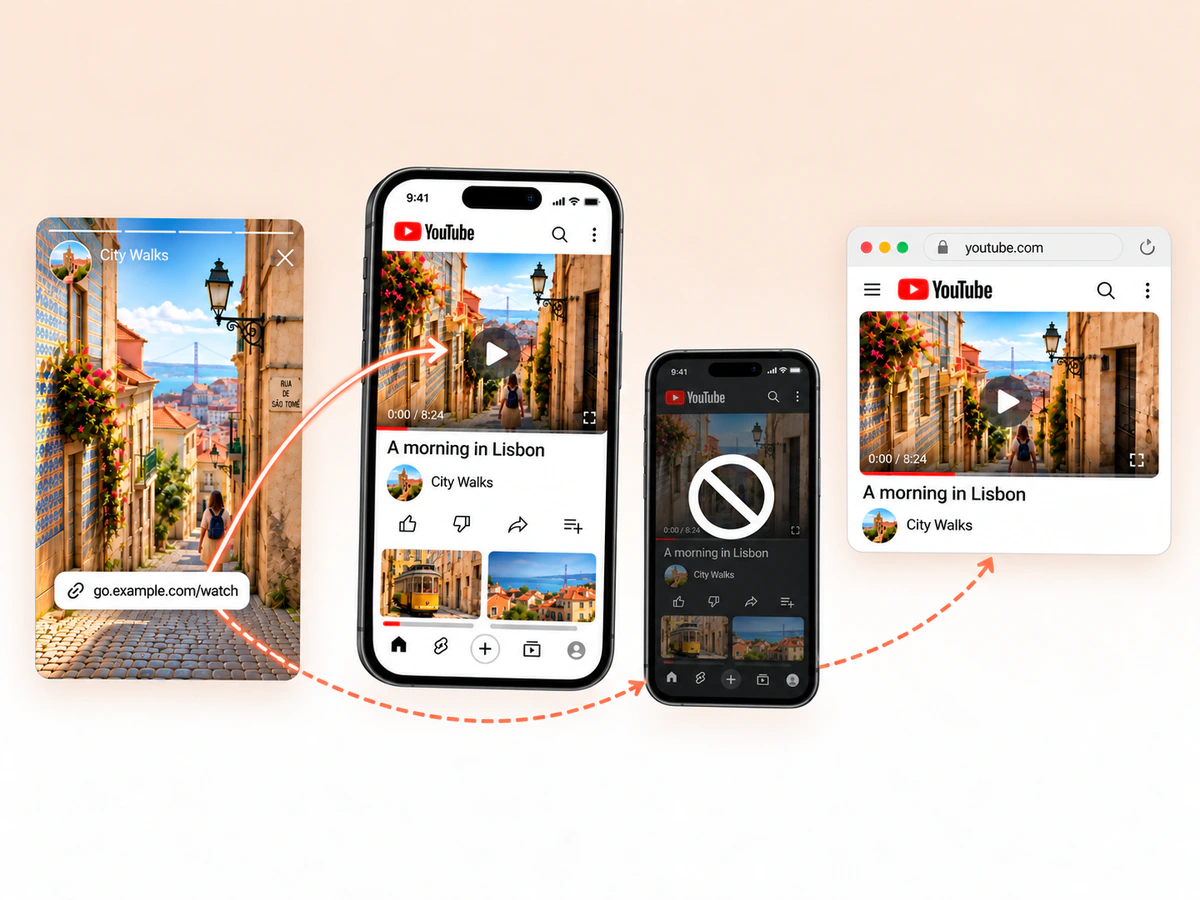
Share compatible content with a link that opens it in the app when possible, keeps a web fallback and tracks clicks.