Barcode Generator

Create barcodes online for products, inventory and packaging. Choose from 10 formats, customize colors and text, and download PNG, JPG, WebP, SVG, PDF or EPS.

COMPANIES OF ALL SIZES TRUST US

Turn a product number or inventory ID into a barcode

A barcode generator converts your data into a symbol that a compatible scanner can read. QR Code AI creates static barcodes for retail products, stock records, cartons, books and component labels.

Design, check and manage your barcodes

Create a label that fits your workflow, check the rendered symbol and keep the saved artwork organized. These tools work across all ten barcode formats.

Customize barcode colors and text

Set foreground and background colors to fit your label. Keep bars or modules darker than the background; the live preview warns when contrast is too low. For linear barcodes, show the human-readable value for manual entry or hide it for a simpler label. Data Matrix uses the symbol without a text caption.
Check readability before downloading

Review the High, Medium, Low or Not scannable result before saving. Fix a Not scannable result to continue. Each download is checked against your saved data and format; unreadable or mismatched files are blocked. These checks do not certify print quality.

Download images or true vectors

Download PNG, JPG or WebP images, or SVG, PDF or EPS vectors. Each file preserves the colors and proportions of your saved barcode.

Keep the required clear space

Adjust extra padding from 0 to 32 pixels. The required quiet zone, the clear area around the symbol, remains even at zero extra padding. Preserve it when placing the download on packaging or a label.

Organize your barcode library

Find saved Barcodes with search and tags, inspect their encoded value and format, or duplicate one as a starting point. Archive and restore items, and review up to one year of change history.

Manage barcodes with your team

Keep barcodes, QR codes and Smart Links in one Workspace. Create and edit barcodes as a Workspace Owner or Member. Viewers can preview, download, export and read history. Filter by member or export up to 10,000 matching records as CSV. The CSV contains records, not barcode images.

Need a QR code instead?

QR Code AI also creates QR codes for website links, WiFi access and documents. Use a barcode to identify a product and a QR code to open its instructions. Share branded short links in emails or messages with Smart Links.

Generate barcodes with our API

Integrate barcode generation into your applications and workflows. Use product numbers or inventory IDs from your own system to create barcodes for labels and packaging. Automate repeated creation tasks without entering each value manually in the editor.

How to create a barcode online

Go from an identifier to a downloadable barcode in three steps.

  1. Step 1

    Choose a format and enter your data

    Select the format required by your scanner or receiving system. Enter your identifier, or use the structured fields for GS1-128. The editor checks the input and provides check-digit guidance where applicable.

  2. Step 2

    Customize and check the preview

    Adjust the foreground, background, human-readable text and padding. Review the automatic readability result as you make changes. If the result is Not scannable, correct the design before saving.

  3. Step 3

    Save, download and test your label

    Save the Barcode, then choose PNG, JPG, WebP, SVG, PDF or EPS. The final download is checked against the saved data. Test a printed sample at its intended size, on the intended material, with the receiving system. Use formal barcode verification when your trading partner requires it.

Which barcode fits your task?

Choose by the data you need to encode and the system that will read it. For retail and logistics, follow your trading partner’s requirements and the GS1 guide to choosing a barcode.

Data to supply

Letters, numbers and supported ASCII characters

Example internal ID

SKU-1042

Code 128 Barcode Generator

Data to supply

Uppercase letters, digits and selected punctuation

Code 39 Barcode Generator

Data to supply

A 13-digit product number, including its check digit

EAN-13 Barcode Generator

Data to supply

An assigned 8-digit product number

Format guidance

EAN-8 requires its own assigned identifier; it is not a shortened EAN-13.

EAN-8 Barcode Generator

Data to supply

A 12-digit product number, including its check digit

UPC-A Barcode Generator

Data to supply

An eligible compressed UPC number

Format guidance

UPC-E compression applies only to eligible UPC numbers.

UPC-E Barcode Generator

Data to supply

Structured Application Identifier fields

Format guidance

Code 128 and GS1-128 serve different needs. Use the GS1-128 fields when the receiving system expects structured data such as a lot number or expiration date.

GS1-128 Barcode Generator

Data to supply

Supported text or identifiers

Format guidance

Use a compatible 2D scanner. This generator creates generic Data Matrix, not GS1 DataMatrix.

Data Matrix Generator

Barcodes in a product workflow

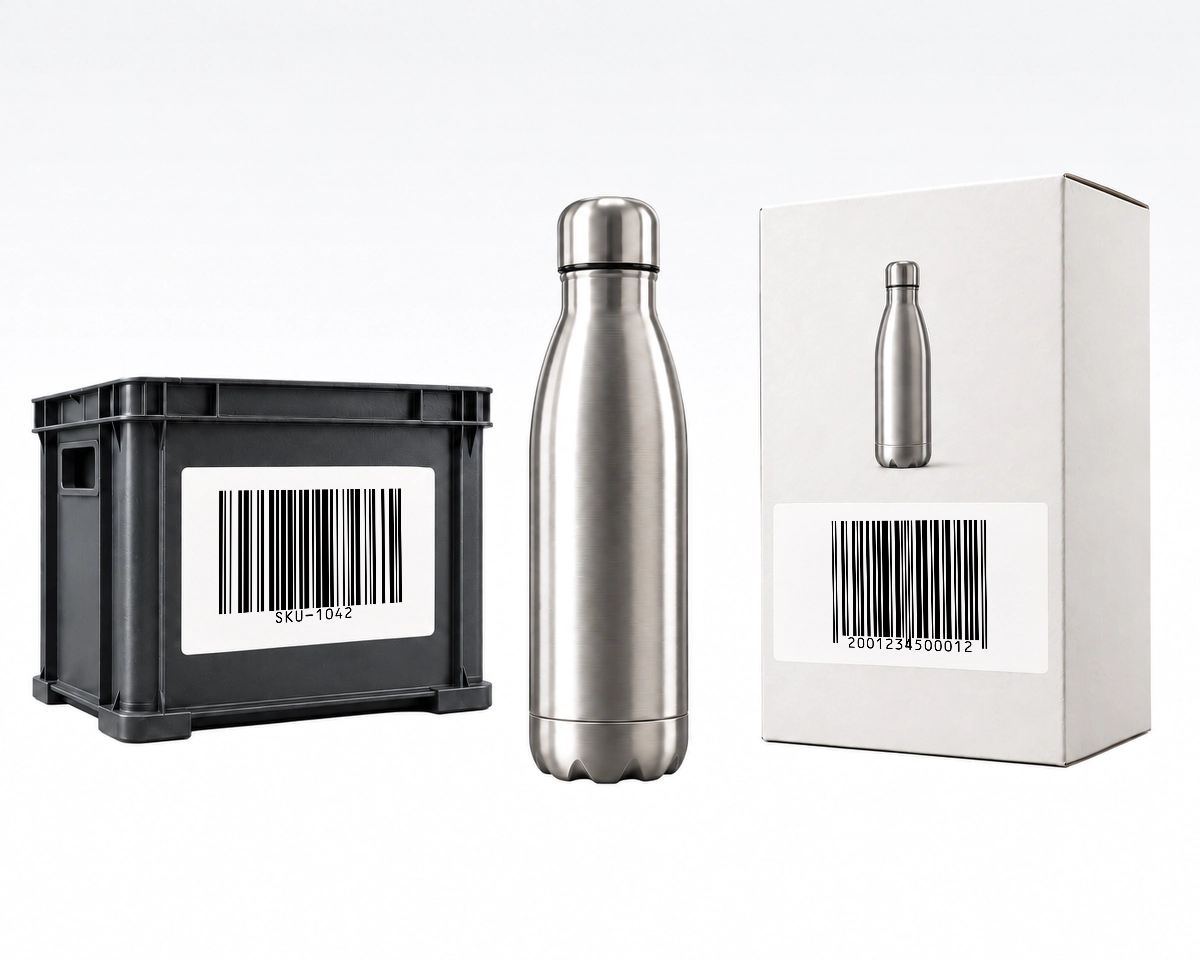
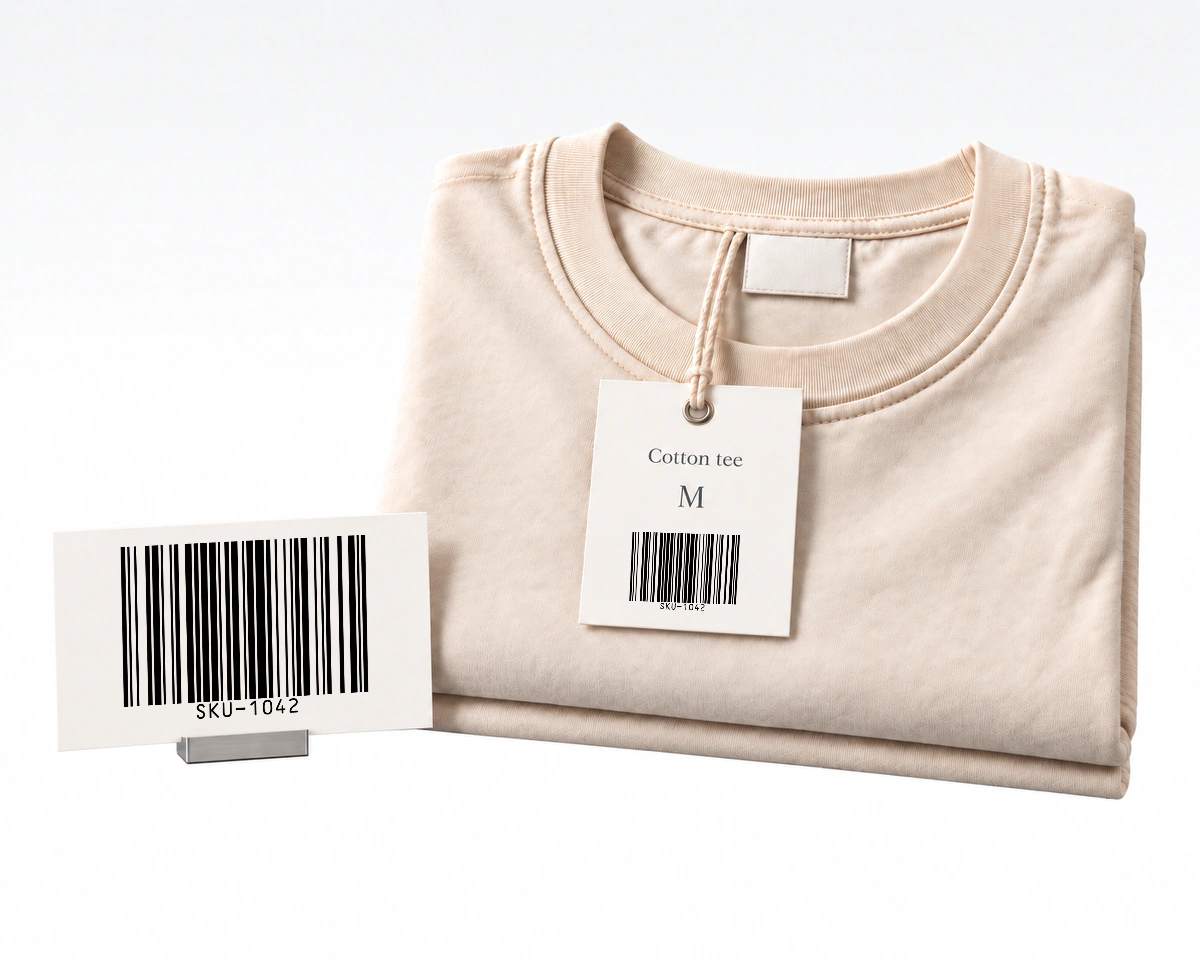
One product with an internal SKU stock label and a separate retail barcode on its packaging.

One product, two different identifiers

An internal SKU such as SKU-1042 and an assigned retail GTIN can identify the same product in different systems. Use the identifier required at each scanning point and keep their relationship in your product records.

Barcode artwork beside a finished product label with a name and size outside the encoded symbol.

A barcode is one part of a finished label

A finished label may combine a barcode with a product name, a size or handling information. QR Code AI supplies the barcode artwork; arrange the surrounding label content in your packaging or label-design software. Text placed beside the symbol is not automatically added to its encoded data.

Explore all 10 barcode formats

Open a dedicated generator for input rules, examples and format-specific guidance. The same editor supports every format and all six download options.

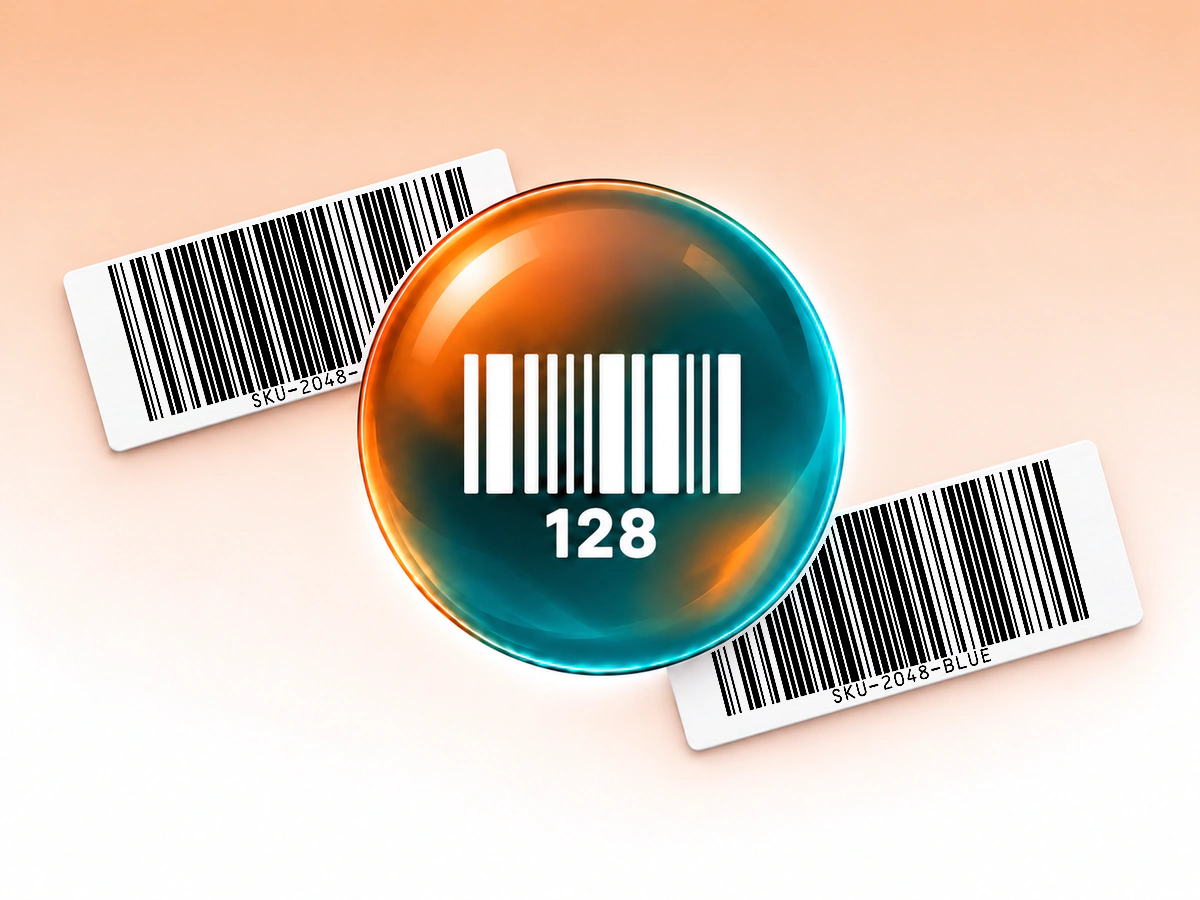
Copper and teal Code 128 glass orb centered in front of two white paper labels printed with native Code 128 symbols.

Code 128 Barcode Generator

Create Code 128 barcodes for inventory IDs and internal labels. Enter text or numbers, adjust colors and download SVG, PNG, PDF and other formats.

Code 128 Barcode Generator
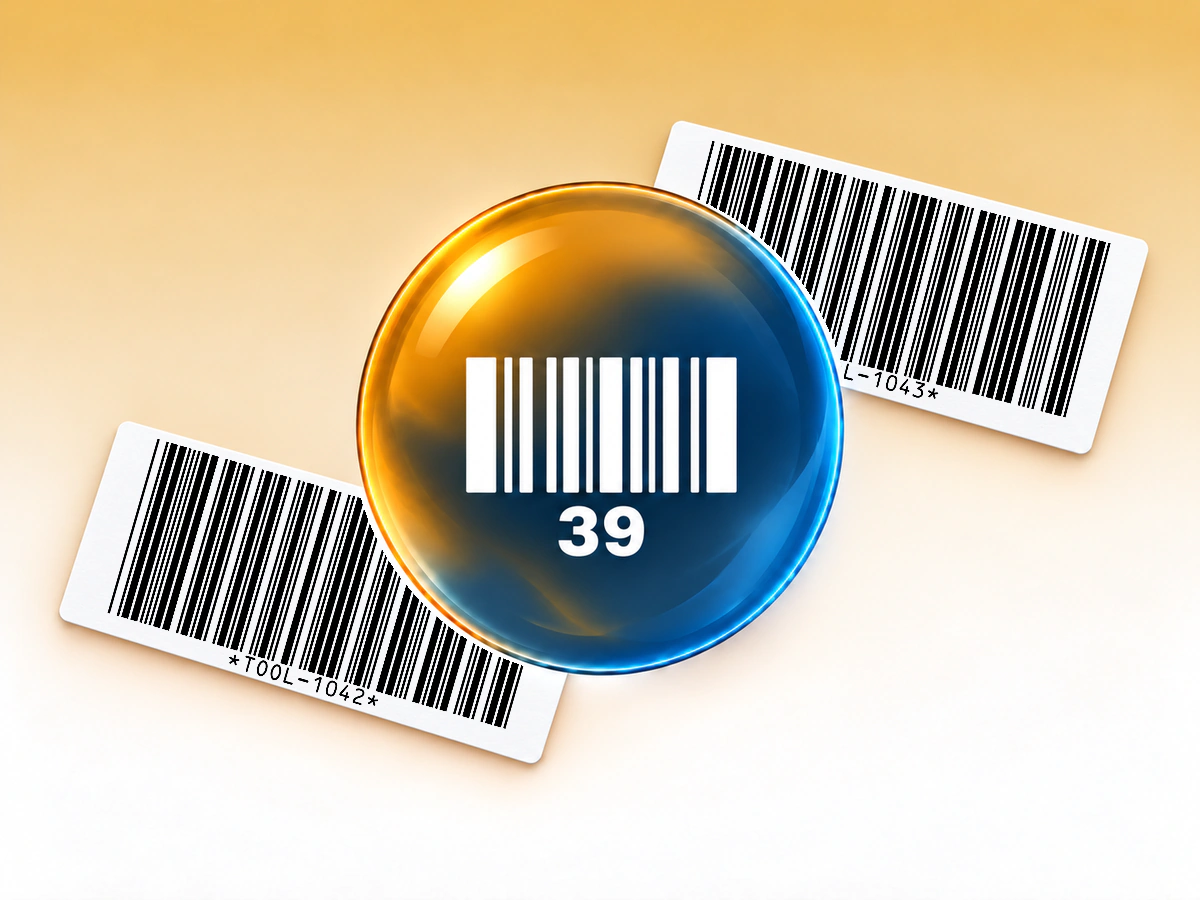
Amber and slate Code 39 glass orb centered in front of two white paper labels printed with native Code 39 symbols.

Code 39 Barcode Generator

Generate Code 39 barcodes for asset tags and inventory labels. Check supported characters, customize the colors and download vector or raster files.

Code 39 Barcode Generator
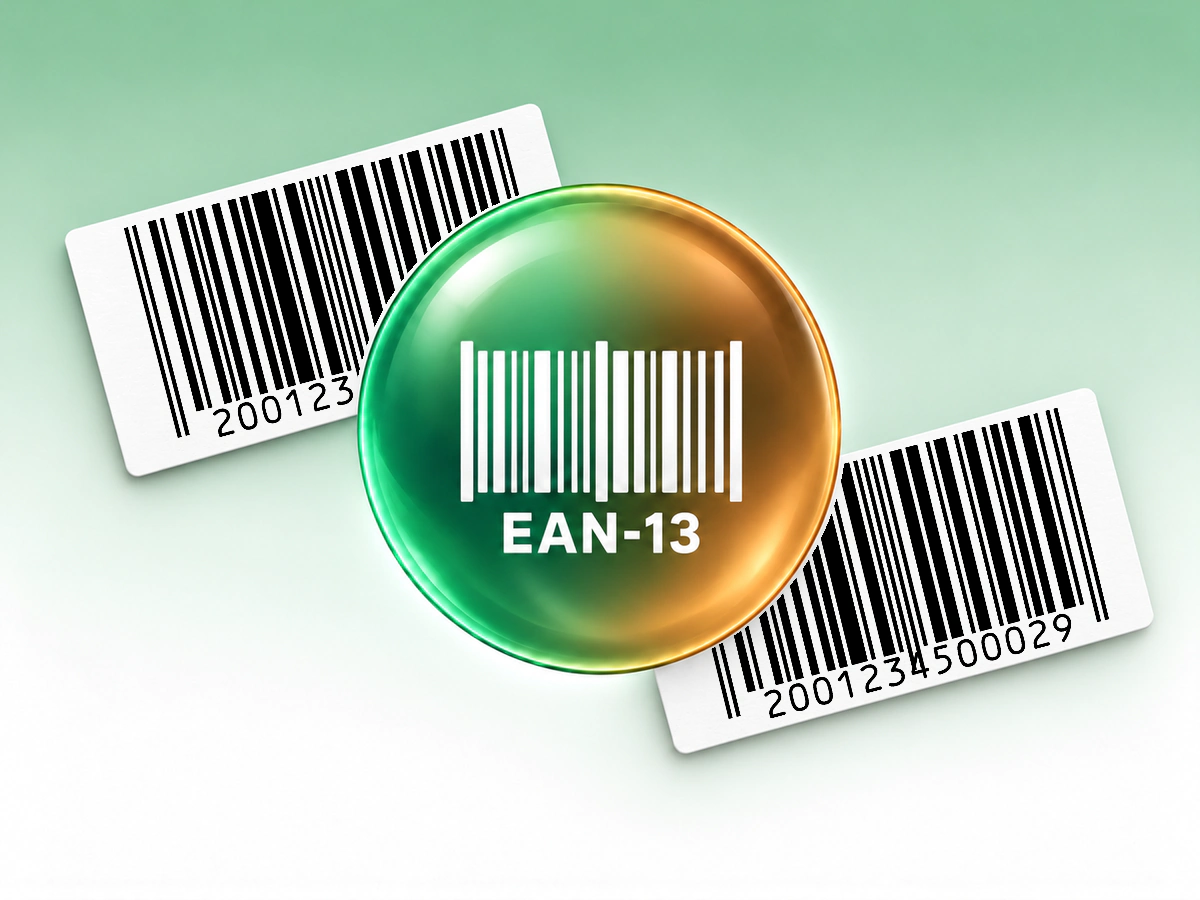
Celadon and bronze EAN-13 glass orb centered in front of two white paper labels printed with native EAN-13 symbols.

EAN-13 Barcode Generator

Create an EAN-13 barcode from your 13-digit product number. Check the final digit, keep clear margins and export a barcode for your packaging layout.

EAN-13 Barcode Generator
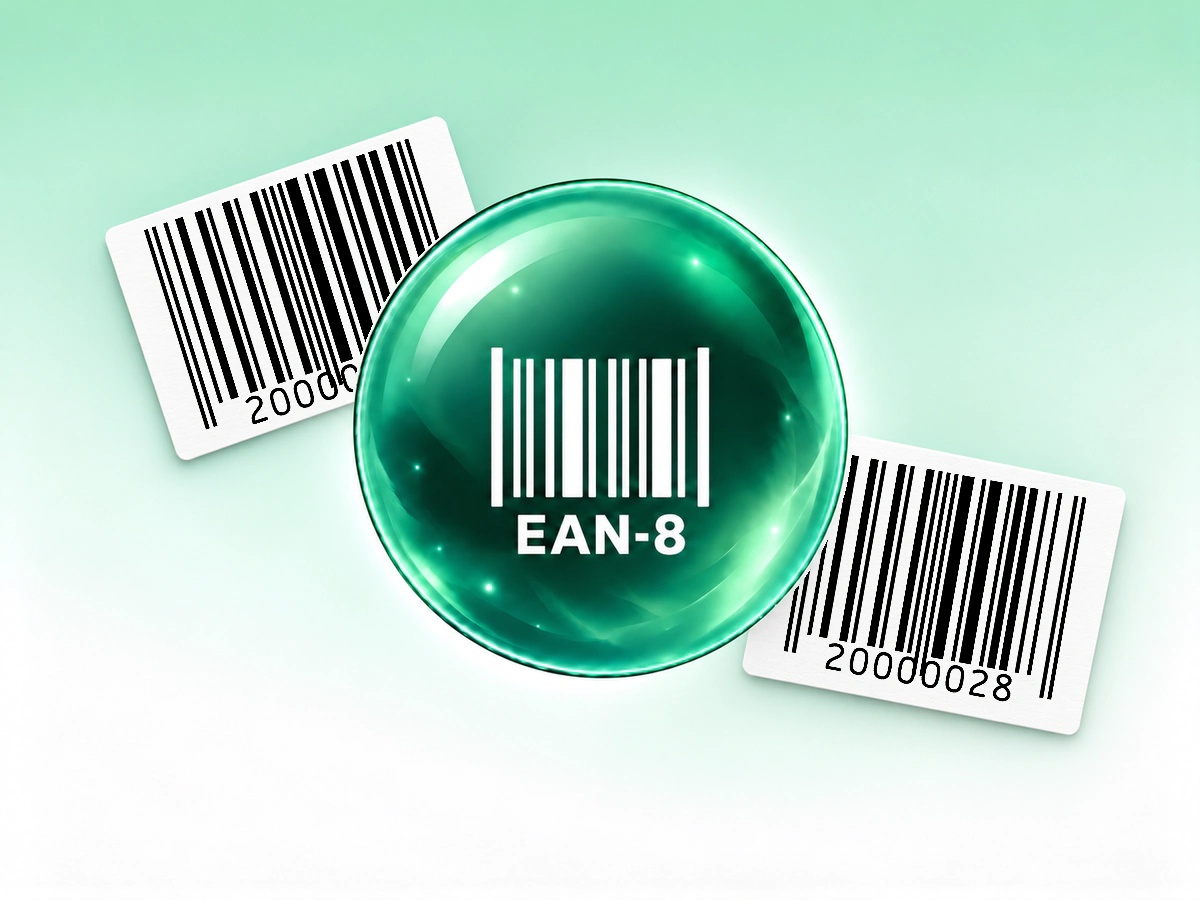
Mint and forest green EAN-8 glass orb centered in front of two white paper labels printed with native EAN-8 symbols.

EAN-8 Barcode Generator

Generate an EAN-8 barcode from an assigned 8-digit GTIN. Review the check digit and export vector or raster artwork for small retail packaging.

EAN-8 Barcode Generator
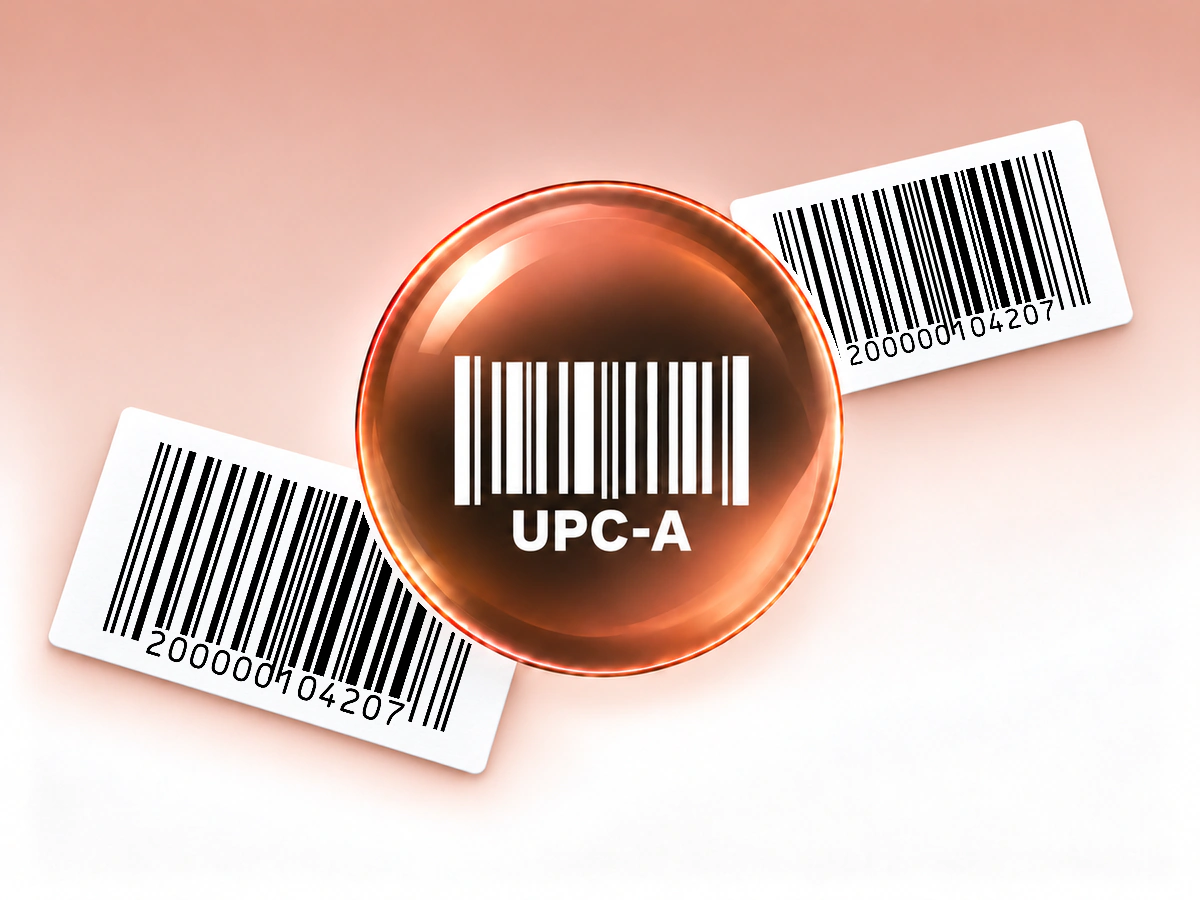
Rose gold and coffee brown UPC-A glass orb centered in front of two white paper labels printed with native UPC-A symbols.

UPC Generator (UPC-A)

Create a UPC-A barcode from your assigned 12-digit UPC number. Customize colors and download SVG, PNG, PDF, EPS, JPG or WebP artwork.

UPC Generator (UPC-A)
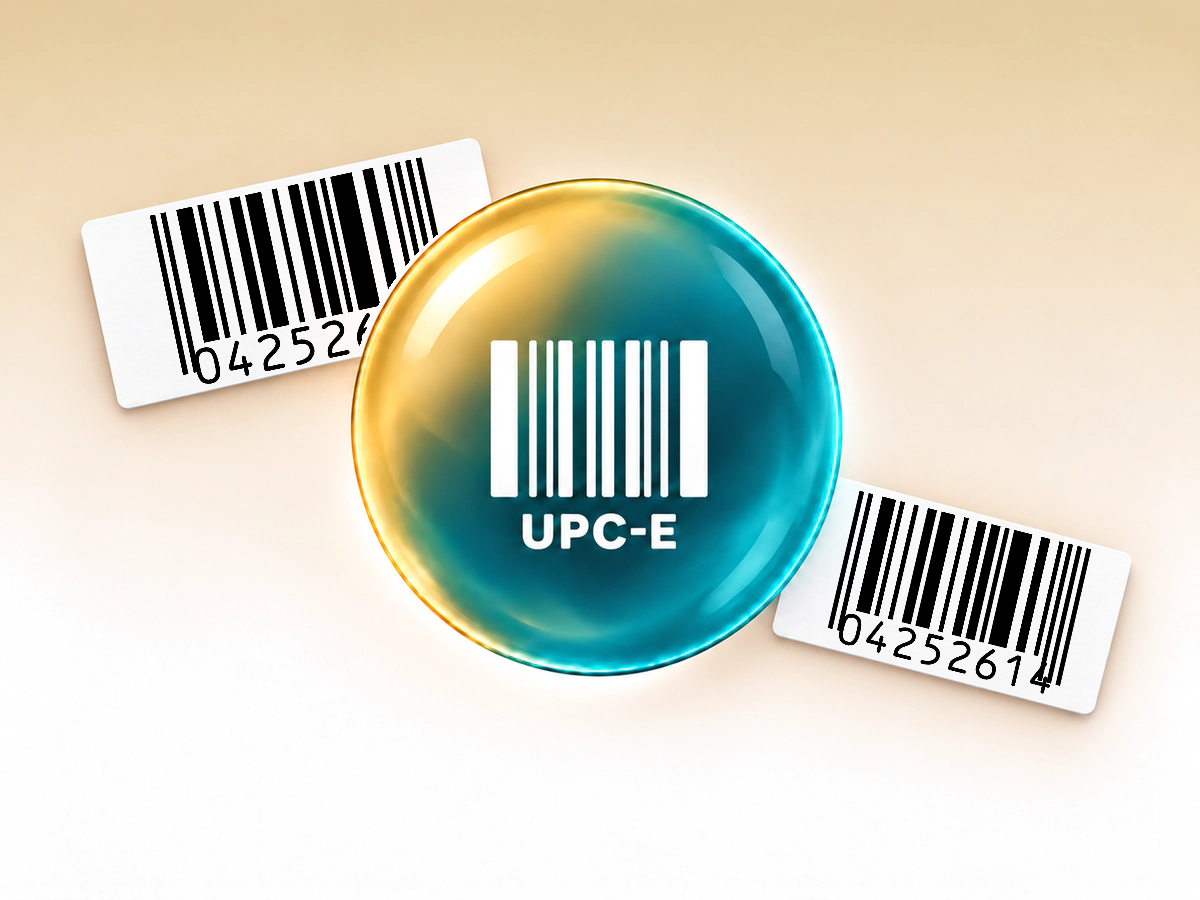
Champagne and turquoise UPC-E glass orb centered in front of two white paper labels printed with native UPC-E symbols.

UPC-E Barcode Generator

Create compact UPC-E barcodes from compatible product numbers. Check the complete input, preserve clear margins and download a vector or raster file.

UPC-E Barcode Generator
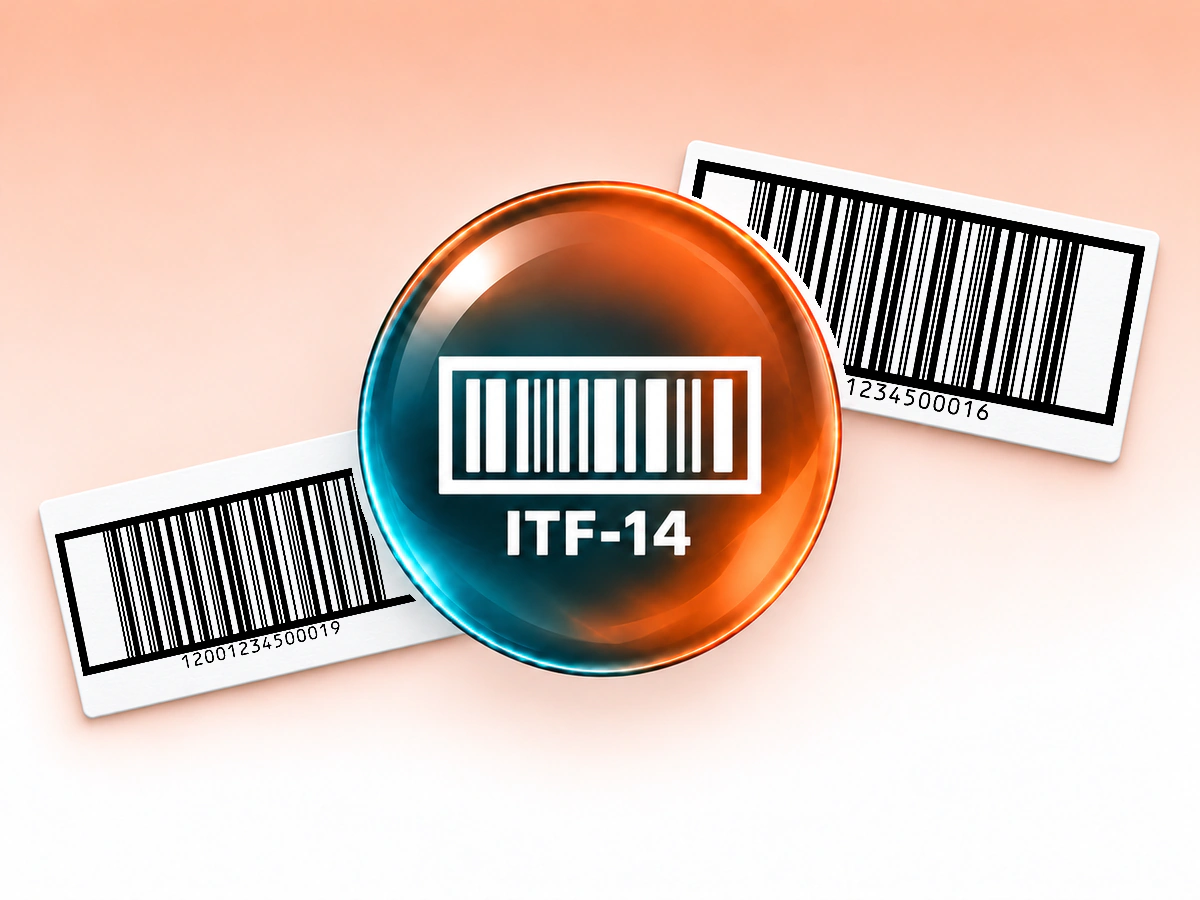
Terracotta and charcoal ITF-14 glass orb centered in front of two white paper labels printed with native ITF-14 symbols.

ITF-14 Barcode Generator

Generate ITF-14 barcodes for case and carton identifiers. Enter a 14-digit GTIN, check the label and export vector artwork with bearer bars.

ITF-14 Barcode Generator
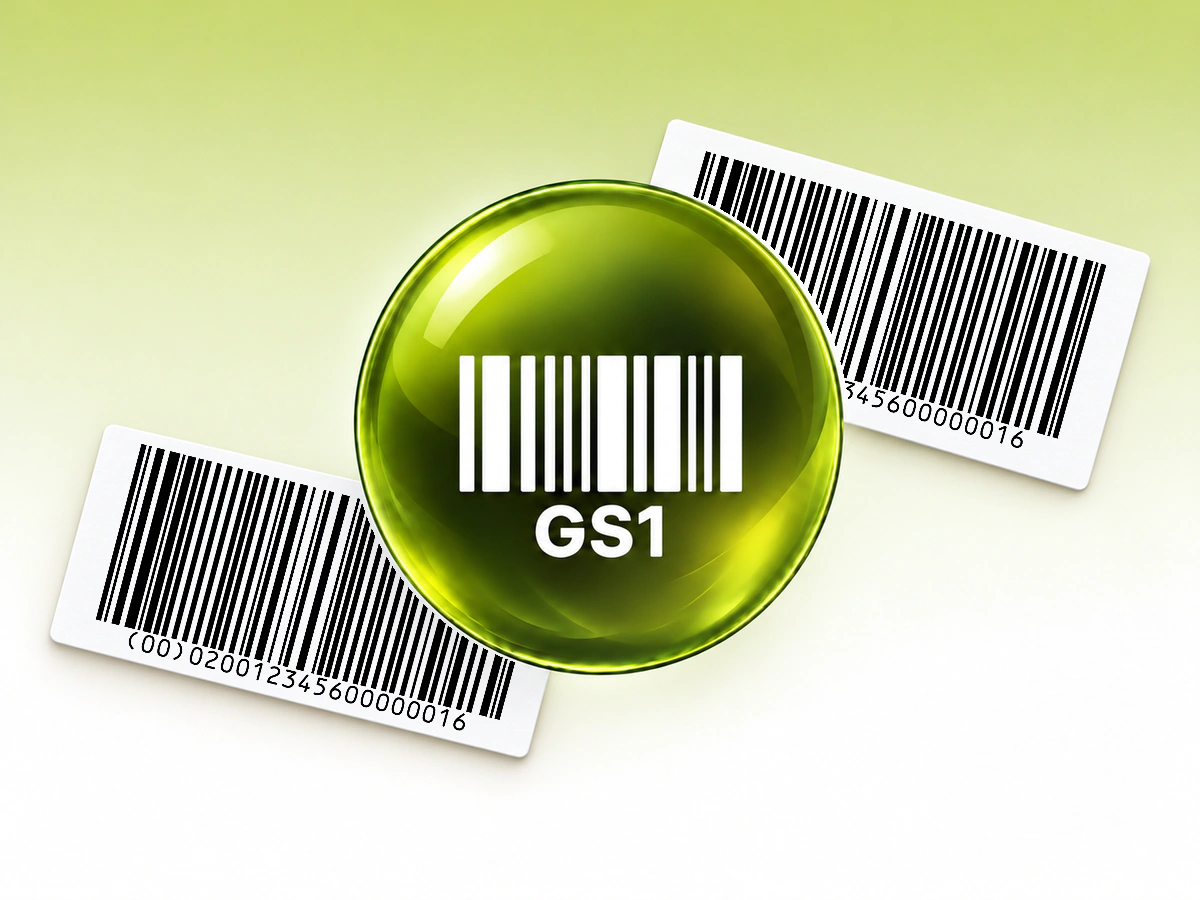
Citrine and olive GS1-128 glass orb centered in front of two white paper labels printed with native GS1-128 symbols.

GS1-128 Barcode Generator

Encode supported GTIN, lot, date, serial and SSCC fields in a GS1-128 barcode, then export a label for your logistics workflow.

GS1-128 Barcode Generator
Ivory and burgundy ISBN glass orb centered in front of two white paper labels printed with native ISBN symbols.

ISBN Barcode Generator

Create a book barcode from an existing ISBN-10 or ISBN-13. Check the normalized number, add an optional five-digit supplement and export the artwork.

ISBN Barcode Generator
Ice blue and steel Data Matrix glass orb centered in front of two white paper labels printed with native Data Matrix symbols.

Data Matrix Generator

Create a Data Matrix symbol for supported ASCII text or internal identifiers. Keep clear margins and export vector or raster artwork.

Data Matrix Generator

Download your barcode in six formats

Choose image files for everyday layouts or native vectors for scalable artwork.

Images: PNG, JPG and WebP

PNG for labels and image layouts.
JPG for software that requires JPEG.
WebP for compatible digital layouts.

Images are at least 1024 pixels wide and keep the barcode’s proportions. Long barcodes may be wider so each bar stays at least three pixels wide. Data Matrix exports are 1024 × 1024 pixels.

Vectors: SVG, PDF and EPS

SVG for design tools.
PDF for print layouts and documents.
EPS for packaging and illustration workflows.

All three preserve vector shapes, text outlines, colors and gradients. Keep the complete barcode and its quiet zones when resizing. Choose the physical print size for your barcode and scanner; pixels alone do not determine it.

QR Code AI in numbers

Create barcodes with QR Code AI, a platform used by 500,000 people across more than 200 countries.

  1. 10M

  2. 500K

  3. 200+

Barcode generator FAQ

Yes. Create three Barcodes in your personal account and three in each non-Premium Workspace, with free PNG, JPG, WebP, SVG, PDF and EPS downloads. Editing does not use a creation slot; archiving does not restore one. Premium allows more creations. Barcode creation, editing and downloads never start the seven-day trial. The encoded value keeps working after a trial ends.

You can choose a format, enter data, customize the design and check its readability in the website editor before signing in. Sign-in is required to save the Barcode to your account and download it. Your in-progress design stays on your device, and the same design continues into your account.

No. QR Code AI creates the barcode image from the number you provide; it does not issue a GTIN or ISBN or register a retail product. For an item sold through a retailer or marketplace, use the assigned identifier and the format that partner requires. For an internal inventory label, use an identifier linked to your own stock record. GS1 US explains the difference between a GTIN and its barcode.

A standard EAN or UPC product barcode carries an identifier. The checkout or inventory system uses that number to retrieve the product name, price and other details from its database. Generating the symbol does not create those records. The ISBN option can also include a five-digit price add-on when the book workflow requires it.

These barcodes contain their value directly and have no built-in expiration date or managed redirect. The printed data stays the same. A receiving system can still reject an unknown identifier, so keep the corresponding inventory or product record available. An expiration date encoded as a GS1-128 data field describes the item; it does not switch the barcode off.

You can edit the saved Barcode and download an updated image. Changing the encoded value requires replacing the existing printed or shared symbol; old copies keep their original data. QR Code AI Barcodes do not include scan analytics. Your inventory or checkout software may record scans within its own workflow.

A phone needs a camera app or scanner that supports the chosen barcode format. Support varies, and Data Matrix needs a compatible 2D reader. Test the final label with the actual device and software your team will use. The editor’s automatic readability check does not guarantee that every camera app supports the format.

Barcode is the broader family of machine-readable symbols. Linear formats such as Code 128, EAN and UPC use bars; QR codes and Data Matrix use two-dimensional patterns. This editor offers nine linear format options plus generic Data Matrix, not GS1 DataMatrix. For a website link, WiFi connection or hosted document, use the QR code generator.