COMPANIES OF ALL SIZES TRUST US

Take viewers from your shared link to your content

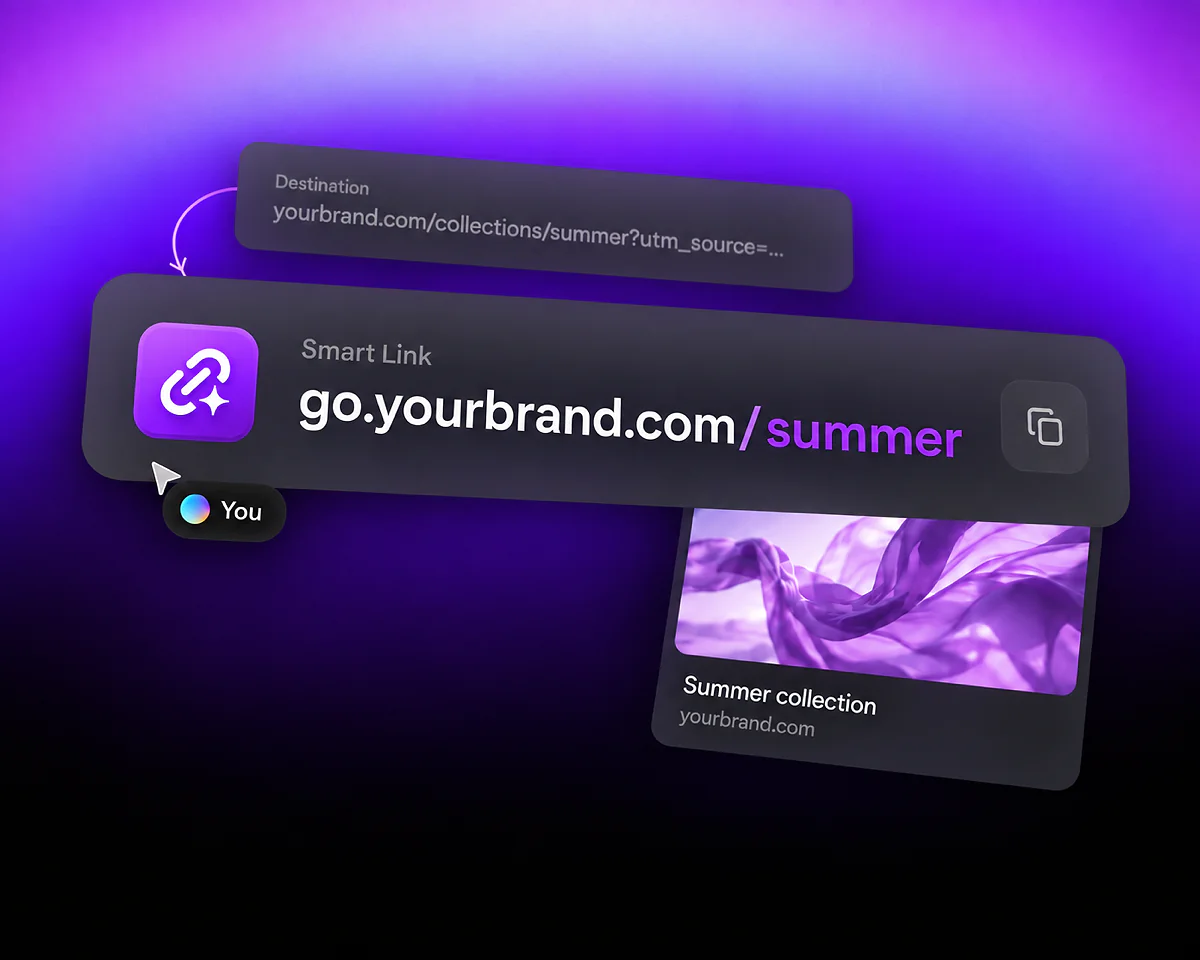
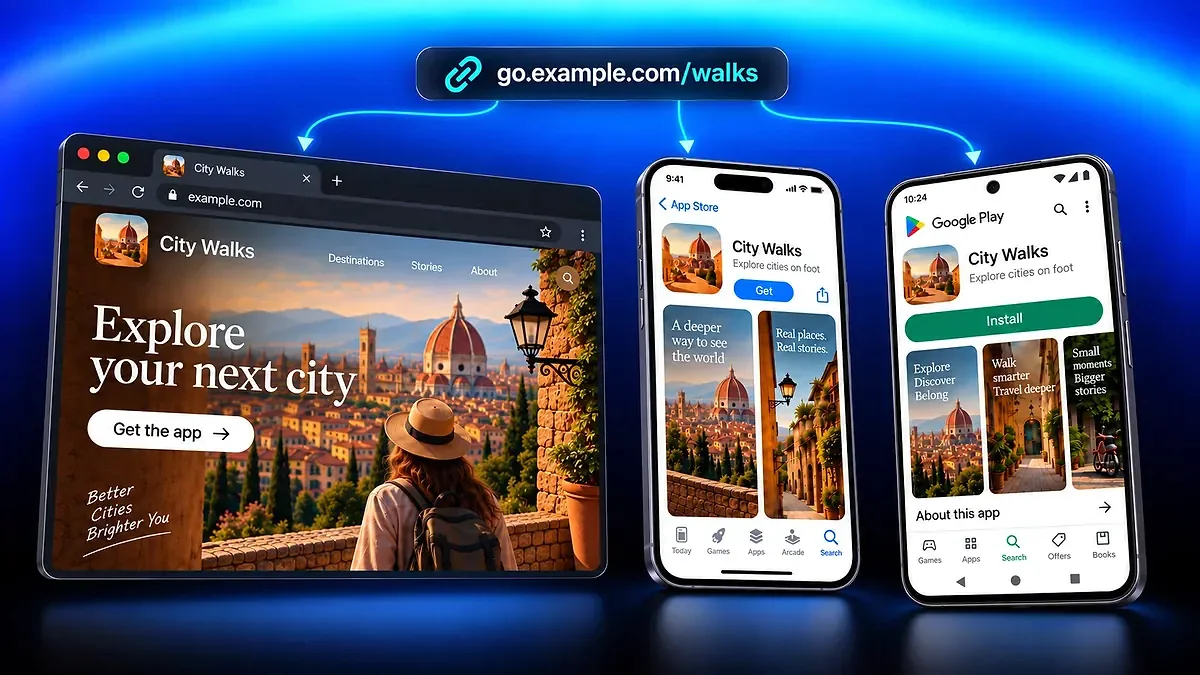
A deep link takes visitors to specific content inside an app when opening it is supported. With QR Code AI, you can share that content through one Smart Link and keep a web destination for other visitors.

Make it easier to watch and interact

A video shared in a story can open inside a browser that asks viewers to sign in before liking or subscribing. When the link opens YouTube and the viewer is already signed in there, those actions are available in the app. Opening still depends on the content, device and browser.
Keep a way to reach your content on the web

If the app cannot open, visitors still have a web destination. Keep a browser-accessible version of the same content as your required fallback, so your shared link remains useful in that context.

Native appUnavailableUse website Compatible content URL

Create and save a deep link

Paste a compatible content URL in the editor above. This page enables Deep Link automatically for eligible URLs; you can review its settings on a computer before creating your link.

  1. Step 1

    Paste the content you want to share

    Enter the video, profile or other content URL. For Website URL, the Deep Link option appears for valid addresses on recognized app domains such as YouTube or Instagram. A recognized domain does not mean every page can open in the app.

  2. Step 2

    Review the app and web destinations

    On a computer, select Deep Link to open Destination Rules, where you control where visitors go. Review the prefilled app-opening rule and required web fallback, then select Apply to keep your edits. The simulator previews the routing logic; it does not test whether an app opens on a real device.

  3. Step 3

    Create your link, test it and share

    Select Create Smart Link to continue in your QR Code AI account and save the link. Test the saved address on iPhone and Android, including from the social or messaging app where you will share it. Check that it reaches the intended content and that the web fallback works. Applying rule edits alone does not save the Smart Link.

Compatible contentWebsite URLyoutube.com/watch?v=…Deep LinkRecognized app domainYou

One video, shared from a story or message

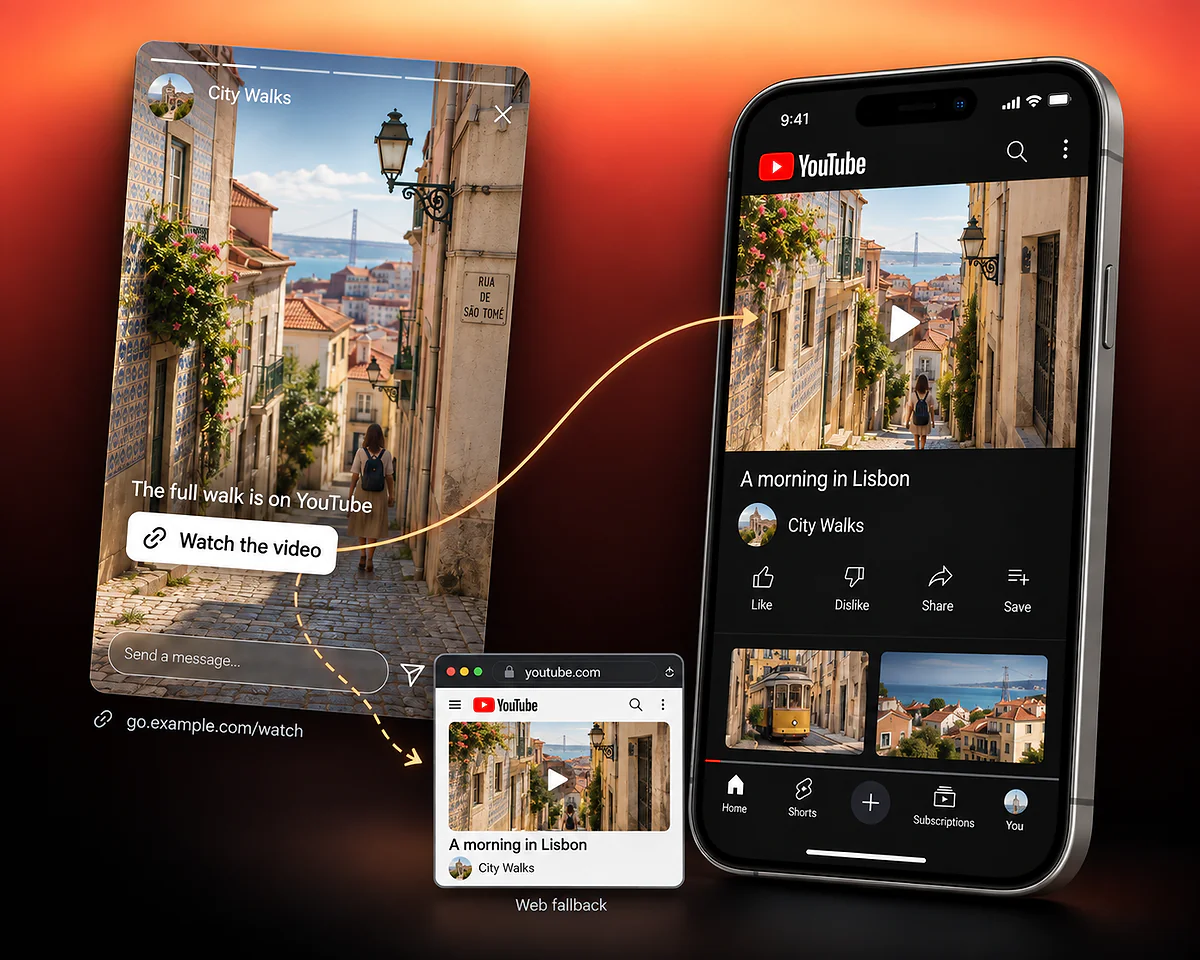
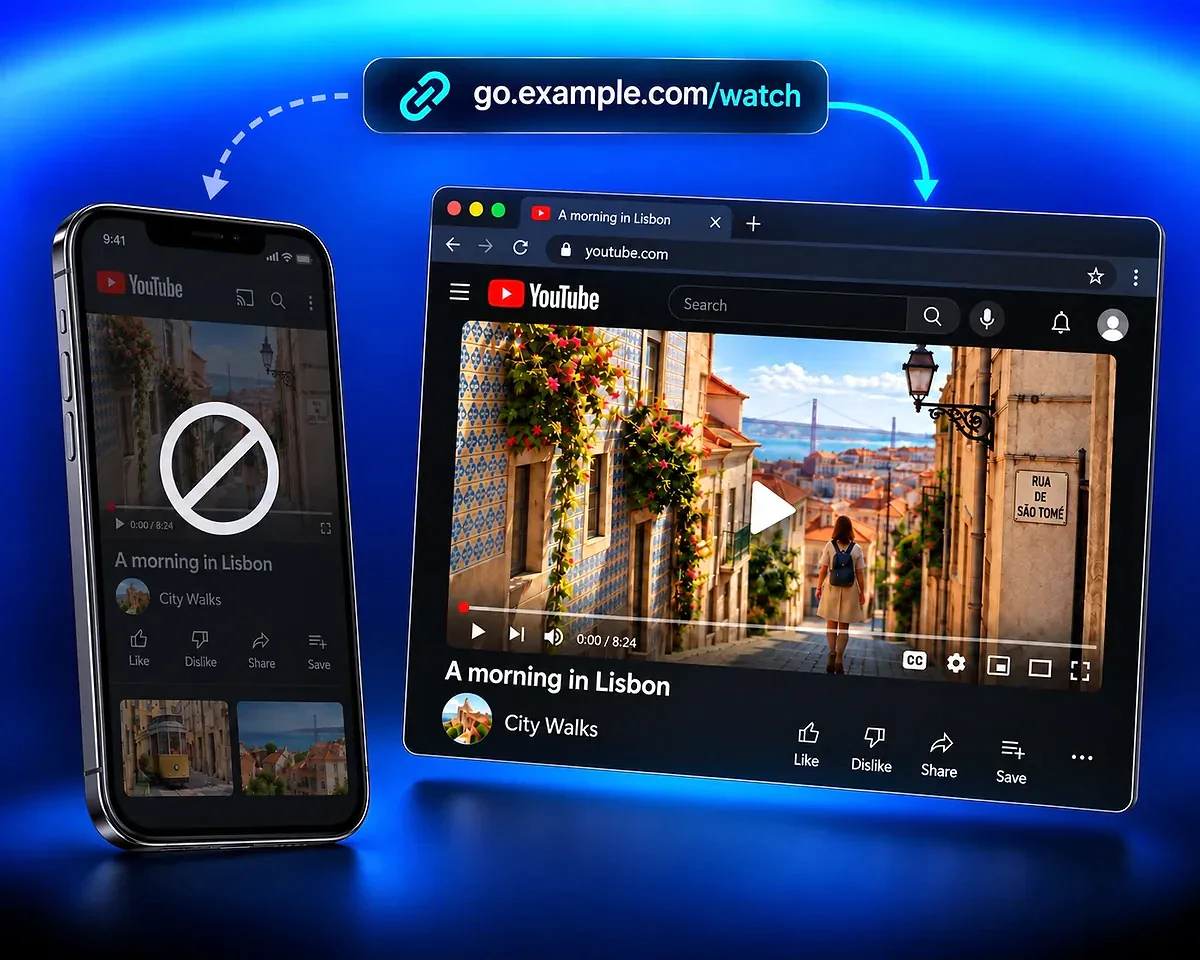
In this fictional City Walks example, a story links to the video “A morning in Lisbon.” The same video can be reached in YouTube or through the web fallback, depending on the visitor’s context.

From your story to your video in YouTube

Share your video through a story or message. When native opening is available, the link takes viewers to that video in YouTube, where they can watch and interact with your content. They reach the video you shared rather than the app’s home screen.

A City Walks story points to the same Lisbon video in the YouTube app, with a smaller browser fallback below.

Keep your video accessible on the web

On a desktop or when native opening is unavailable, the web fallback gives viewers a way to watch the same video in their browser. Set a web destination that matches what your story or message promises.

go.example.com/watch leads to the Lisbon video in a YouTube browser window beside a dimmed phone.

QR Code AI in numbers

Create deep links with QR Code AI, a platform used by 500,000 people across more than 200 countries.

Smart Links created

4M

Users

500K

Countries represented

200+

Deep link questions

App opening, web fallback and what you can measure

This deep link generator creates a Smart Link for compatible content, such as a YouTube video, with an app-opening rule and a required web fallback. The editor on this page enables Deep Link automatically for eligible URLs. On a computer, select Deep Link to review the settings in Destination Rules, then create and test your saved link before sharing it.

Eligible app destinations and recognized web addresses can expose the Deep Link shortcut. YouTube and Instagram are examples of recognized domains. Eligibility depends on the actual destination: not every page on a recognized domain has a compatible native route, and the app or browser may prevent native opening.

The required web fallback provides a destination when native opening is unavailable. Use a browser-accessible page for the same content and test that path. The fallback does not install an app or automatically reopen the content after a later installation.

An ordinary website does not become compatible with a native app simply because its URL is shortened. For Website URL, the shortcut appears only when a valid address belongs to a recognized app domain. If the destination changes, review its eligibility and the saved rules again.

QR Code AI configures app-opening rules and a web fallback for compatible destinations. It does not provide an app-development SDK or deferred deep linking that resumes a content journey after a new installation. Supporting links inside your own app is a separate integration: see Apple’s universal links documentation and Google’s Android App Links guide for app and website association.

Smart Link analytics report counted clicks and supported context such as device, location and referrer. They do not confirm successful native opening or app installations. Use the reports to understand traffic to the shared address and test app-opening behavior separately on real devices.

Free creation allows three Smart Links per personal account and separately per non-Premium Workspace. The seven-day trial starts with the first QR code or Smart Link creation in that scope, or with the first eligible scan or click if an existing code or link has not started that trial. After seven consecutive days, Premium is required in that scope for continued use of the affected managed destinations. Without Premium, visitors to those destinations see a deactivated page after the trial.