Add your app destinations
Enter at least one valid iOS store, Android store or web address. Add the other destinations you have and verify each listing. Google’s app listing link format helps you identify the Android destination.
App Store, Google Play and a web destination








An app download QR code gives people a way to reach your available app stores or website by scanning. With the App Store / Play Store type, one managed QR address selects from the iOS, Android and web destinations you provide.
An iPhone visitor goes to the supplied iOS store and an Android visitor to the supplied Android store. If the matching store is absent, the fallback is the web destination or another available store. A web page can explain which platforms your app supports. Opening a listing does not install the app.
Use the App Store / Play Store editor above for the destinations you want people to reach.
Enter at least one valid iOS store, Android store or web address. Add the other destinations you have and verify each listing. Google’s app listing link format helps you identify the Android destination.
Choose the QR colors and, if needed, add a logo. Keep the pattern distinct from the background and leave clear space around it. Check the preview after changes, then create and save the QR code to continue to its download options.
Choose a format suited to the placement. Scan the exported file on iPhone and Android, check the page that opens, and inspect the fallback in a desktop browser. Before a print run, test a physical sample at the intended size and lighting.
An export check and a test on the finished material answer different questions. Use both before distributing posters, packaging or displays.
Saved QR codes support PNG, JPG, WebP, SVG, PDF and EPS. PNG is useful for image workflows; SVG and PDF can suit layout and print workflows. Some designs retain raster artwork inside those formats, so inspect the actual output rather than assuming every file is native vector.
DENSO WAVE explains the quiet zone around a QR code. Keep surrounding text and artwork out of that space. Test the final printed sample and verify its destination; no single printed size or successful screen scan guarantees every placement will work.
For email and social sharing, a clickable App Store / Play Store Smart Link, also called OneLink, serves the same destination task through a click. The URL shortener introduces the Smart Link creation workflow. The addresses and scan counts in these illustrations are fictional examples.
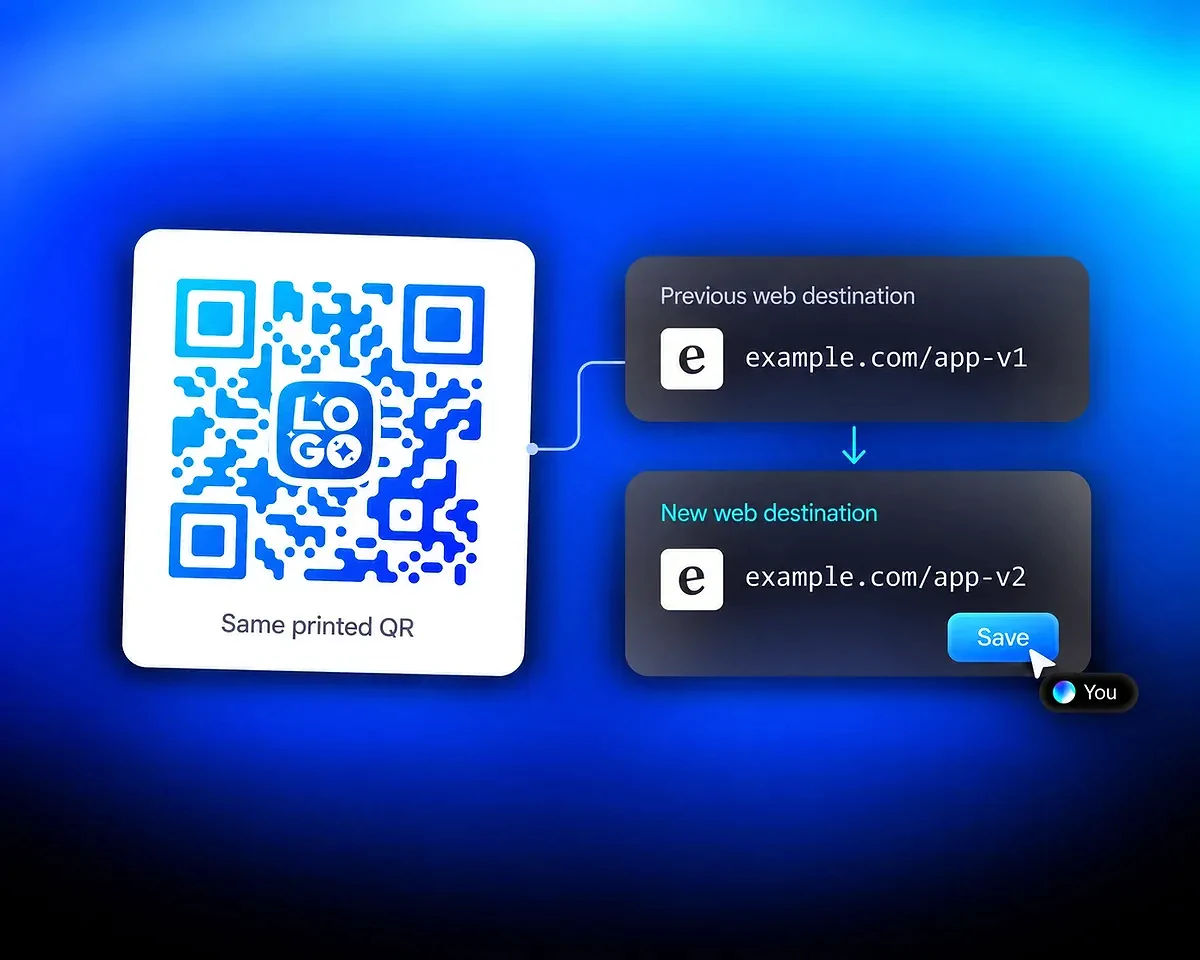
The App Store / Play Store QR code uses a managed address. Edit a store URL or web destination and save the QR code to update future visits without changing the printed symbol. Here, the web destination changes from example.com/app-v1 to example.com/app-v2. Check the saved result before the next distribution.
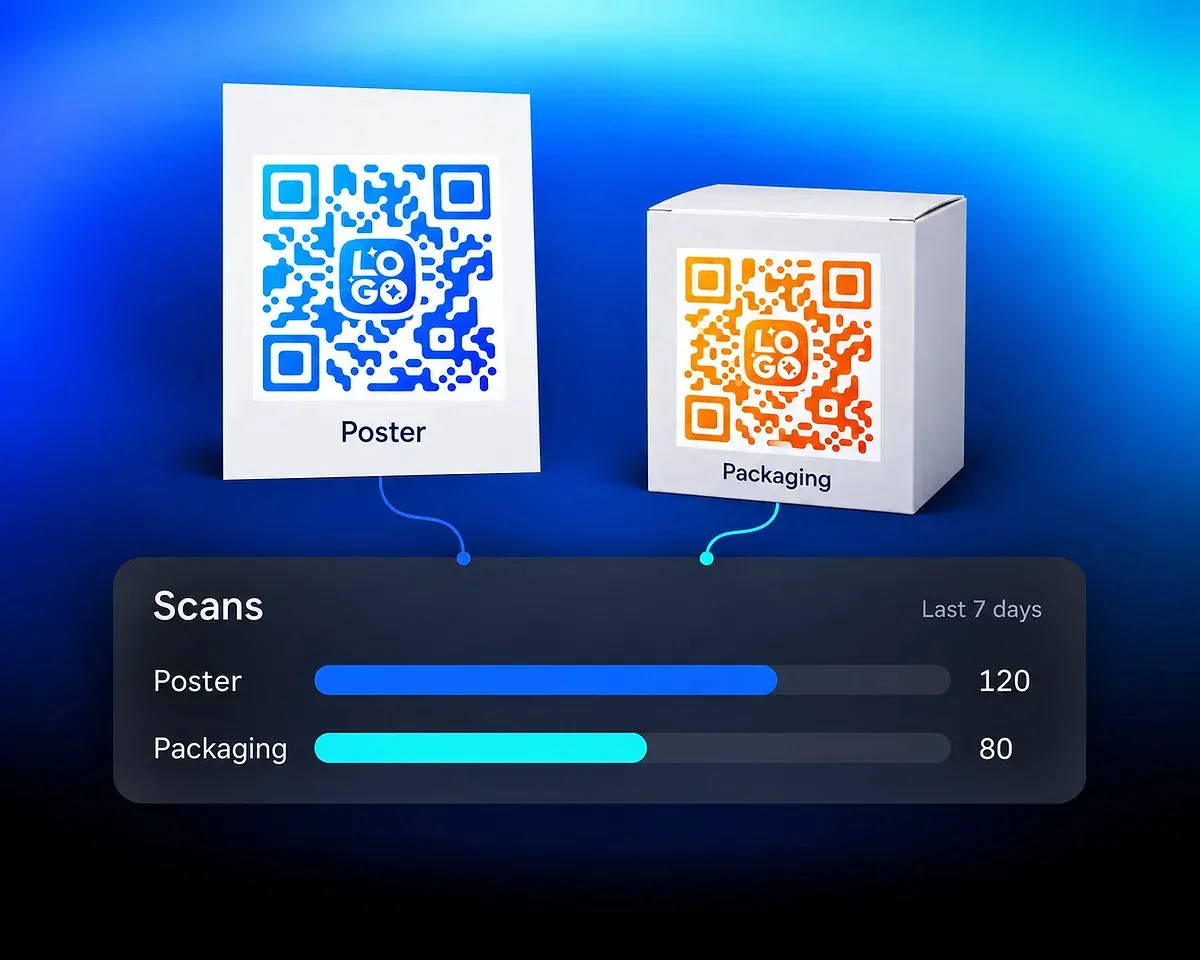
Use separate QR codes for placements you want to compare, such as a poster and a product box. Review QR code scan analytics over the same period. The illustrated seven-day example shows 120 poster scans and 80 packaging scans. Reports show counted scans and supported context; they do not identify the person or confirm an installation.
Share a clickable app download link, review scan activity or explore more QR code design options.
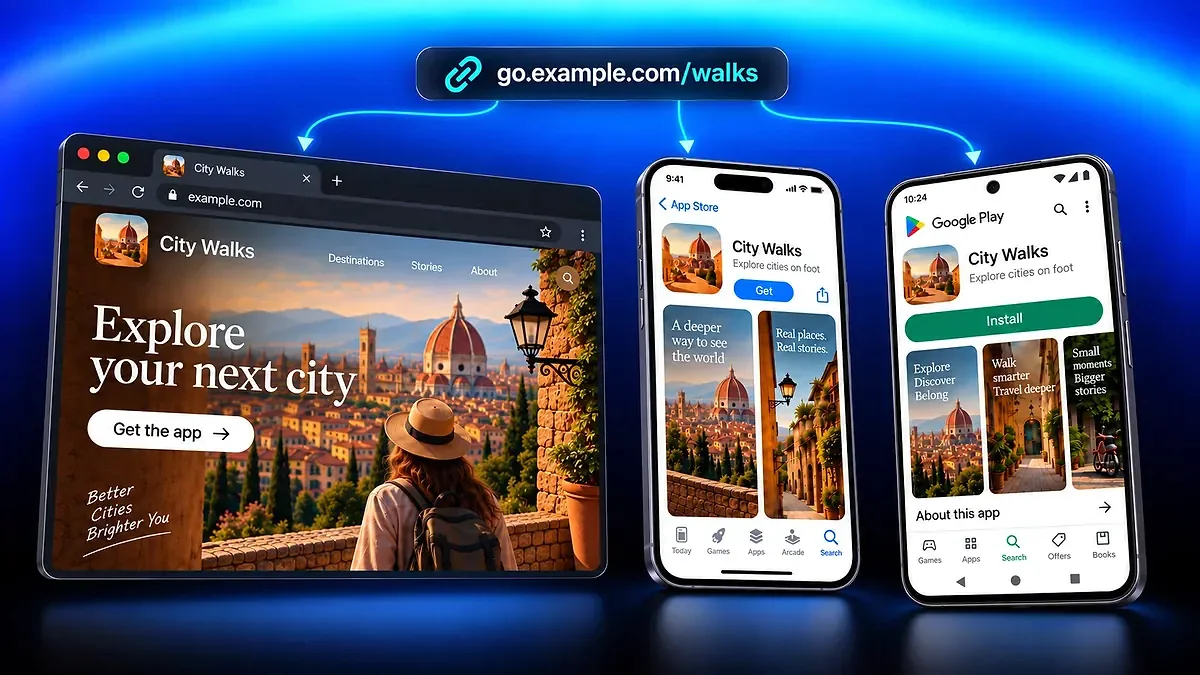
Share one app link across your campaigns, send visitors to the matching store or website, and track clicks.
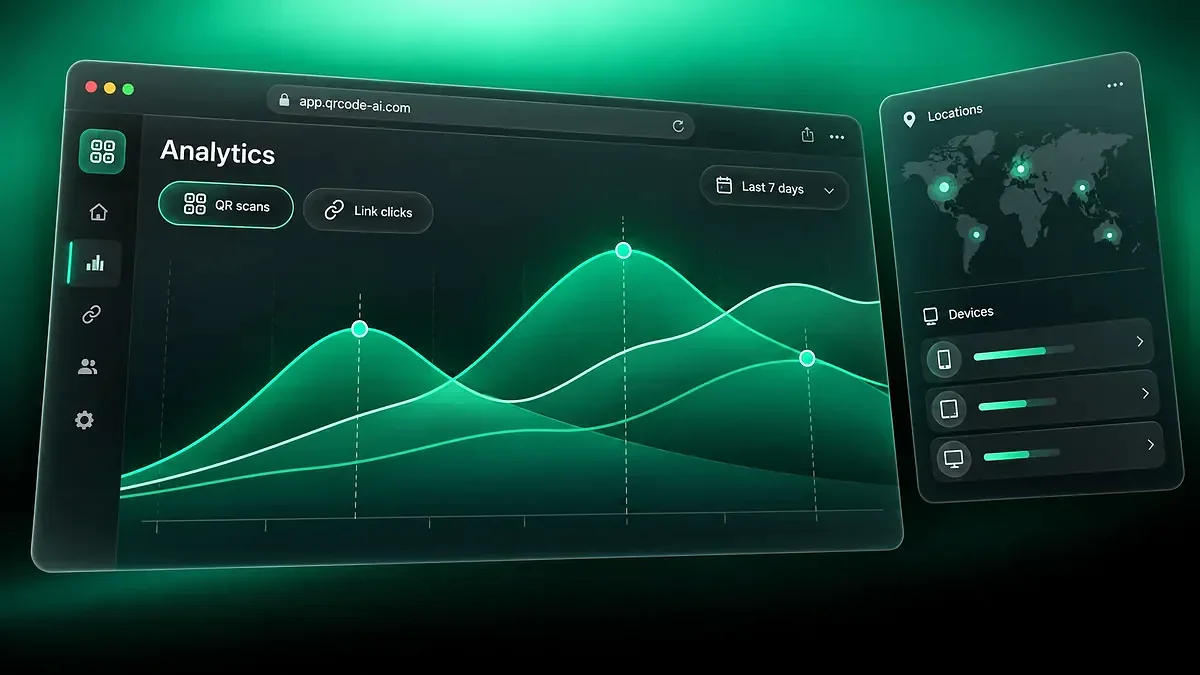
Compare managed QR code scans and Smart Link clicks, explore campaign reports and share aggregated analytics.
Create QR Codes with custom photos, shapes, logos, gradient backgrounds, images, transparent elements, and colors for branding.
Create app download QR codes with QR Code AI, a platform used by 500,000 people across more than 200 countries.
4M
500K
200+
Creation, printing, routing and scan reports
Choose App Store / Play Store in the QR editor, enter the available store and web destinations, and customize the design. Create and save the QR code, select a download format and scan the exported result on the devices you expect visitors to use. Check the page that opens and test a printed sample before distribution.
At least one valid destination is required; you do not have to provide both stores. Add the iOS, Android and web destinations that are useful for your audience. A web fallback is helpful when your app is available on only one mobile platform.
The App Store / Play Store destination selects the supplied iOS store for iPhone visitors and the supplied Android store for Android visitors. When the matching store is absent, it falls back to the web destination or another available store. Optional Destination Rules can override delivery; without a matching rule, normal platform routing applies.
Edit the store or web destination and save the managed QR code. Its printed symbol keeps the same address, so future scans can use the updated destination. Test the saved change. This behavior depends on the managed QR service and differs from a direct QR code whose data is encoded in the symbol.
Choose a format your screen or print workflow accepts. PNG is a raster image; SVG and PDF can suit layout work, but the QR design determines whether they contain native vector paths, traced paths or preserved raster artwork. JPG, WebP and EPS are also available. The download checks decoding, and you should still test the final displayed or printed material.
You can review counted scans of the managed QR code and supported context such as devices, locations and reporting periods. A scan does not prove an app installation or identify the person scanning. Use separate store or app reporting to measure installation and later activity.
Free creation allows three QR codes per personal account and separately per non-Premium Workspace. The seven-day trial starts with the first QR code or Smart Link creation in that scope, or with the first eligible scan or click if an existing code or link has not started that trial. After seven consecutive days, Premium is required in that scope for continued use of the affected managed destinations. Without Premium, visitors to those destinations see a deactivated page after the trial. Direct QR codes that encode data in the symbol do not depend on this managed redirect; their encoded data does not expire with the trial.