Add tags to the destination
This example uses newsletter, email, and summer. The tags travel with the destination URL; the short address remains the address you share.
Add campaign parameters to your URL, then use it in your links and QR codes.
A UTM builder adds campaign labels to a destination URL. Keep one campaign name across your channels, then use source and medium to distinguish where each visit starts.
This example uses newsletter, email, and summer. The tags travel with the destination URL; the short address remains the address you share.
Compare campaign dimensions in supported QR scan and Smart Link click reports. Referrer information is available for Smart Links only; these events do not prove a sale.
QR Code AI provides five UTM parameters and a separate Referral field. Start with source, medium, and campaign; add the other values when they answer a reporting question.
utm_source=newsletter
Use a stable name for the publisher or placement, such as newsletter or poster.
utm_medium=email
Group comparable placements under a channel name, such as email. Keep the same spelling across the campaign.
utm_campaign=summer
Reuse the campaign name across related QR codes and links so their traffic can be compared.
utm_term=garden-furniture
Use this optional field when keyword or audience detail is useful to your reporting.
utm_content=header-button
Distinguish two links within one message, or two creatives sharing the same source and campaign.
ref=partner-a
Referral uses the ref query parameter. It is separate from utm_source and is not one of Google's standard UTM campaign fields.
For Google Analytics parameter definitions and naming guidance, see Google's campaign URL documentation.
Use a Website QR code or a compatible URL-based Smart Link.
Enter the website address visitors should reach in the Destination URL field above. Existing campaign parameters are imported into the form.
Fill source, medium, and campaign. Add term, content, or referral if useful. In the app, you can also apply a saved UTM template. Check that the names match your campaign plan.
Choose Create Smart Link or Create QR Code below the form to open the matching editor with your tagged destination already filled in. Complete your link or QR code there, then test it before sharing.
For a newsletter promoting your summer offer, set the website destination and add utm_source=newsletter, utm_medium=email, and utm_campaign=summer. The shared short address redirects to that tagged URL. The parameters belong to the destination, not to the short path. Use the URL shortener to prepare the clickable address.
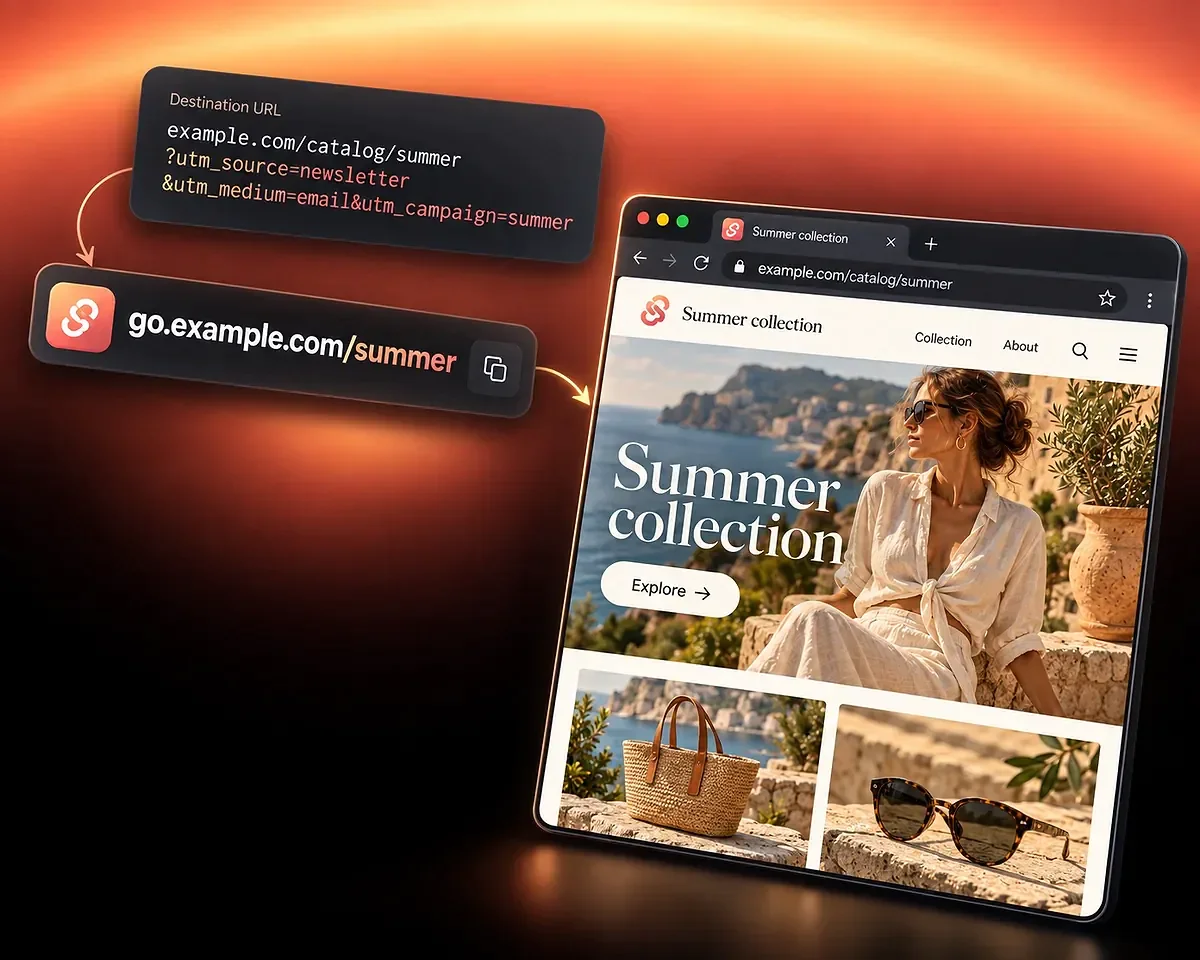
For the same summer offer, give the newsletter utm_source=newsletter and utm_medium=email. Give the printed poster utm_source=poster and utm_medium=offline. Keep utm_campaign=summer on both destinations so the campaign stays consistent while the two placements remain distinguishable.
Create the printed placement with the Website QR code generator. In these examples, poster and offline are chosen naming conventions, not automatic channel classifications. Review recorded scans and clicks in Tracking and Analytics; measure purchases on the destination site.
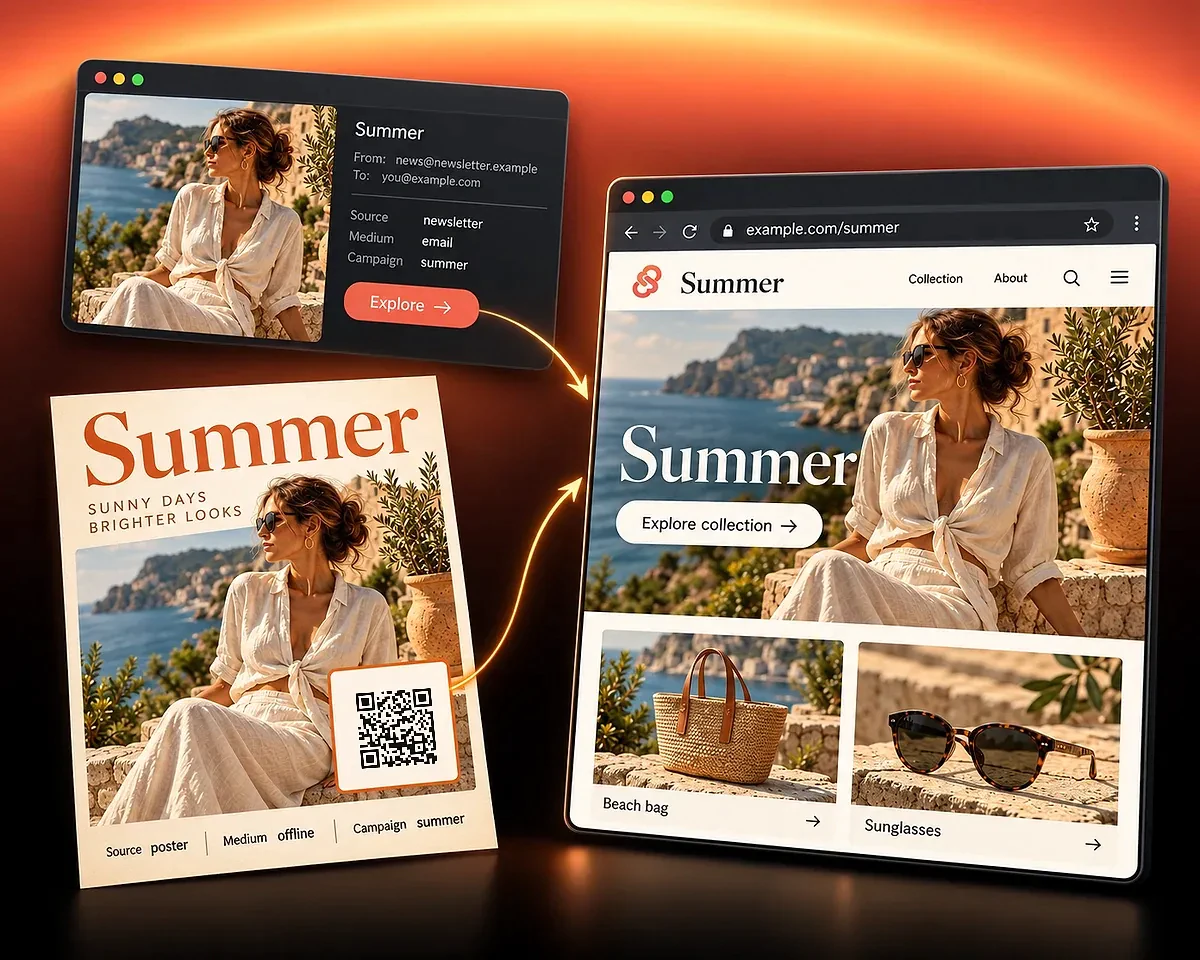
A naming convention makes comparisons easier to interpret.
Reuse a saved template in the app. Save a recurring set of UTM values, then reuse it across eligible QR codes and Smart Links. Templates can be renamed or deleted as your campaign library changes.
Use one spelling for each value. Google Analytics treats differently capitalized parameter values separately. Choose a convention, such as lowercase words with hyphens, and use it consistently.
Separate events from outcomes. QR scans and Smart Link clicks tell you how people arrived. A sale or form completion needs measurement on the destination site. UTM values alone do not prove a conversion.
QR Code AI exposes referral, source, medium, campaign, term, and content in supported scan and click reports. Use Tracking and Analytics to compare recorded traffic for your campaign.
If your website uses Google Analytics, campaign parameters can help identify arriving traffic there. A difference between a redirect click and a recorded website session is not automatically an error: they measure different events.
Choose the format you will share, then review its recorded traffic.
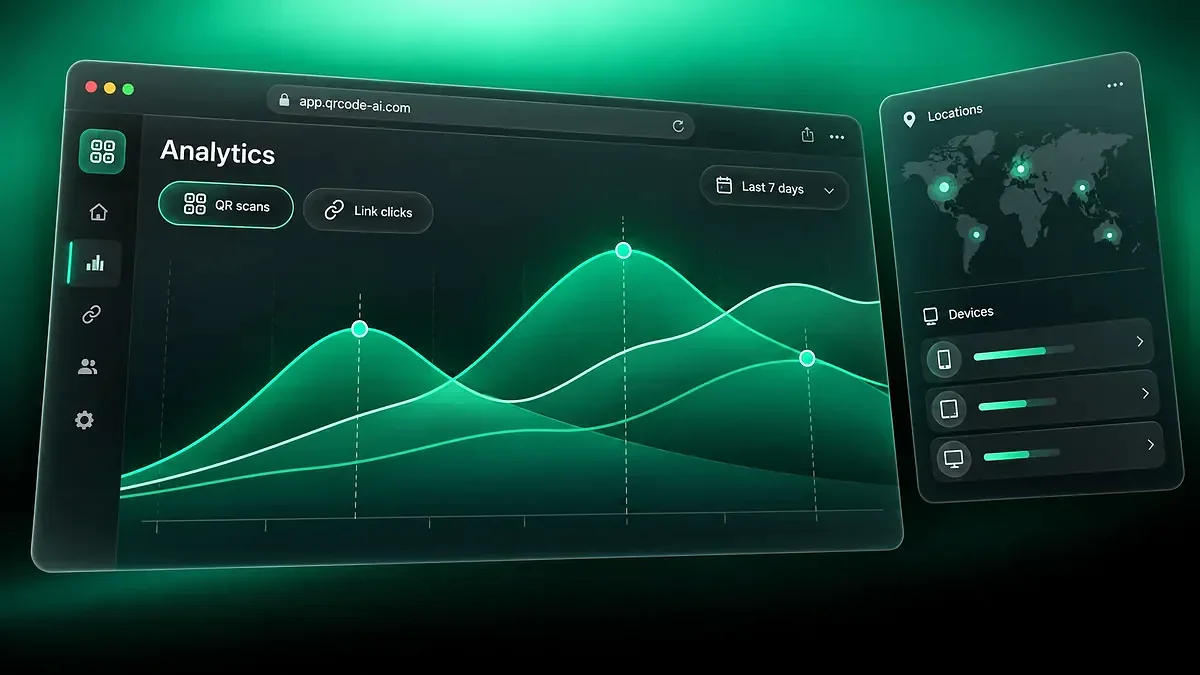
Review recorded scans and clicks with campaign dimensions and reporting filters.
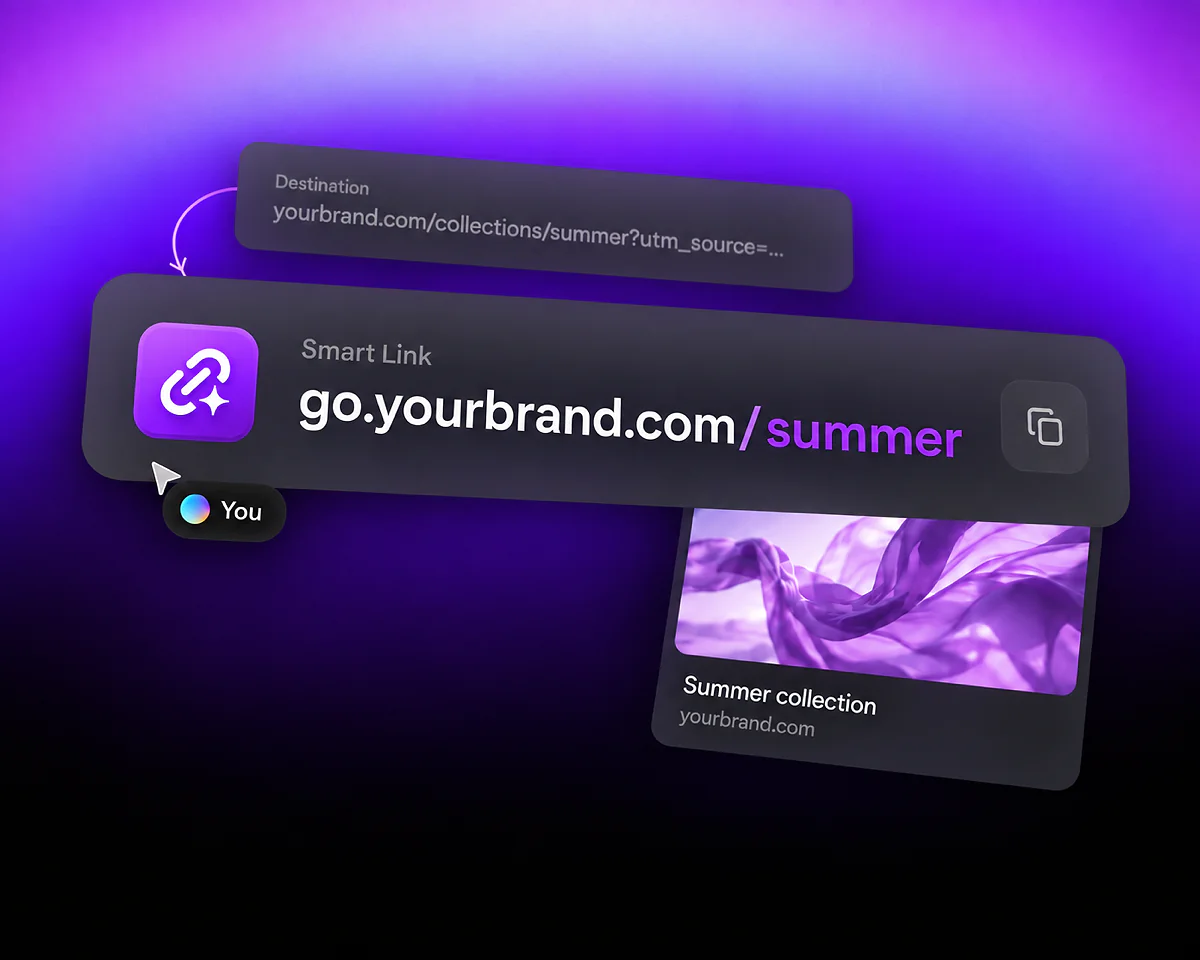
Prepare a clickable short address for your tagged website destination.
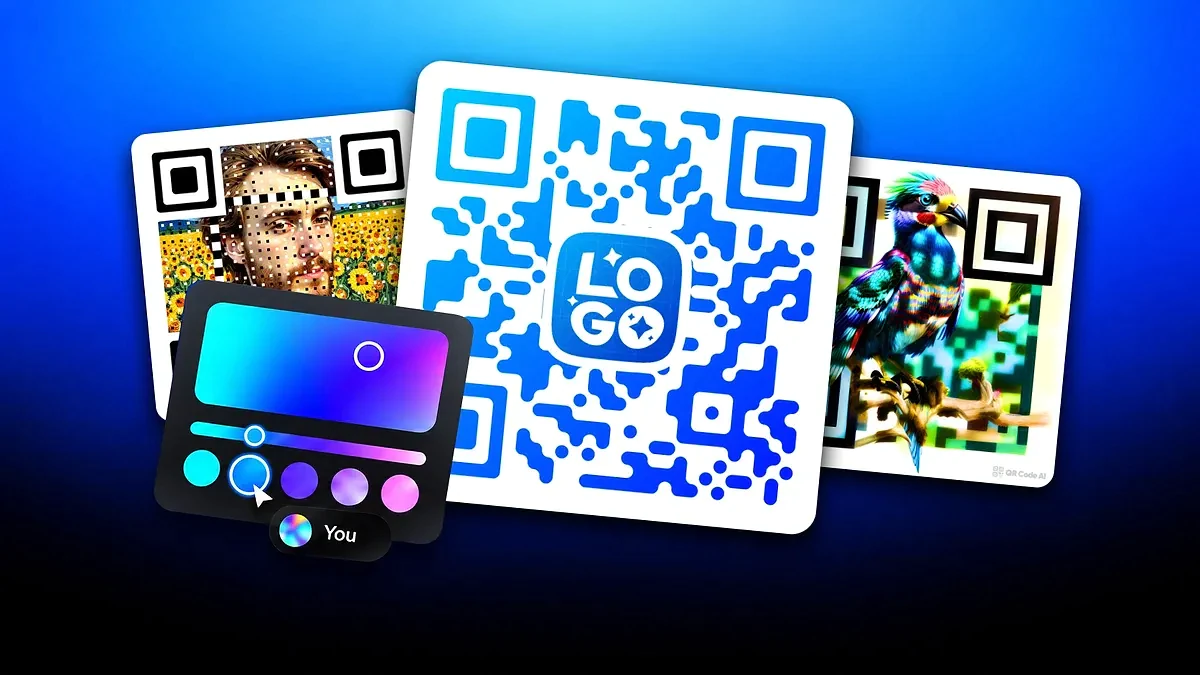
One generator for every QR code you need: links, vCards, WiFi credentials, social profiles, payments, PDFs, menus and more.
A UTM builder adds campaign labels to a destination URL so compatible analytics tools can identify the source of traffic. Use the form above to set the tags, then continue to the Smart Link or QR code editor. QR Code AI also includes the builder in eligible destination editors, with reusable templates in the app.
Yes. The QR code editor provides the UTM Builder for the Website URL type. The tags belong to the website destination; they are not a tracking feature for direct QR content such as WiFi credentials or plain text.
The builder is available on 11 of the 13 URL-based Smart Link types. PDF Document, App Store / Play Store, and the seven hosted Smart Link types do not expose it. Website URL is a suitable starting point for a tagged website campaign.
No. Referral writes a separate ref parameter. Source writes utm_source. Use the five UTM fields for their intended campaign dimensions, and use Referral only when your workflow needs a separate referral identifier.
No. They label campaign traffic. QR Code AI reports scans and clicks, while purchases or other conversions require suitable measurement on the destination website. A tagged URL does not install or configure that measurement.
Yes. In the app, save a set of UTM values and reuse it across eligible QR codes and Smart Links. You can also rename or delete saved templates. Review the campaign name and placement-specific values each time you reuse one.
You can prepare campaign parameters in the form above without creating an account. Creating QR codes or Smart Links has a free allowance of three of each per personal account or Workspace. The first QR code or Smart Link creation starts that scope's seven-day trial; an eligible first visit can start it for an asset created outside that flow. After the trial, Premium is needed to keep dynamic QR and Smart Link visitor delivery active. Each Workspace has its own allowance and subscription.