Enter the correct data
Enter an internal identifier such as PART-2048 or other supported ASCII text. Confirm that the receiving application expects the same data and any line breaks you include.
Create generic Data Matrix barcodes for text and internal IDs. GS1 DataMatrix is not supported.







A Data Matrix barcode stores data in a two-dimensional pattern of modules instead of a single row of bars. A compatible 2D reader returns the encoded value. QR Code AI's Data Matrix editor accepts up to 500 supported ASCII characters, including tabs and line breaks. This is a generic Data Matrix generator; GS1 DataMatrix is not offered by this editor. See the ISO Data Matrix specification for the underlying format.
For an internal component label, encode PART-2048 and scan it into the matching field in your parts system. Verify that the reader supports Data Matrix; a linear-only scanner cannot read a 2D symbol. Preserve clear space on every side and test the downloaded symbol at the intended physical size.
Enter the data, check the symbol and test the downloaded label in the workflow where it will be scanned.
Enter an internal identifier such as PART-2048 or other supported ASCII text. Confirm that the receiving application expects the same data and any line breaks you include.
Choose a dark foreground on a lighter background. Keep the built-in quiet zones and add padding if needed. Review the preview and resolve validation or scannability errors.
Choose PNG, JPG, WebP, SVG, PDF or EPS. Preserve proportions and clear margins in your layout, then scan a printed sample with the intended reader and compare the returned data.
Check your data, preserve clear margins and choose the right file for your label.
Use Data Matrix for internal identifiers read by a compatible 2D scanner. For a website link intended for phone cameras, choose a URL QR code. This generator creates generic Data Matrix symbols; it does not provide GS1 DataMatrix.
The generator preserves required quiet zones around the symbol. Keep these areas clear in your layout, and test a printed sample at its intended size with the scanner you will use.
Download SVG, PDF or EPS vectors, or PNG, JPG or WebP images. Every export is checked against the saved data; test the final print on its intended material too. Compare the six barcode download formats in our guide.
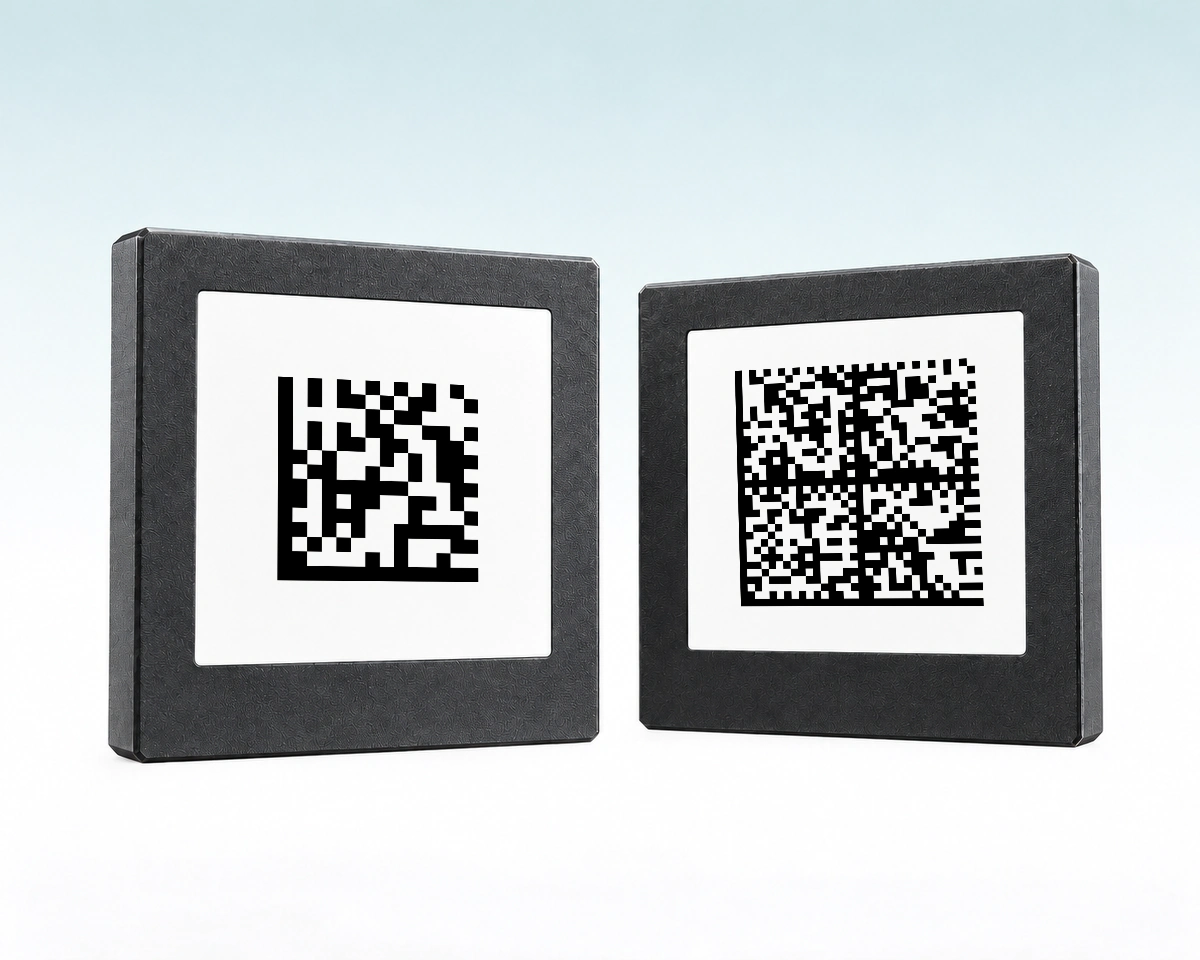
More encoded data can require more modules in a Data Matrix symbol. At the same printed width, a denser symbol leaves smaller modules for the reader to resolve. For an internal record lookup, a short identifier may be more appropriate than copying a long record into the barcode.
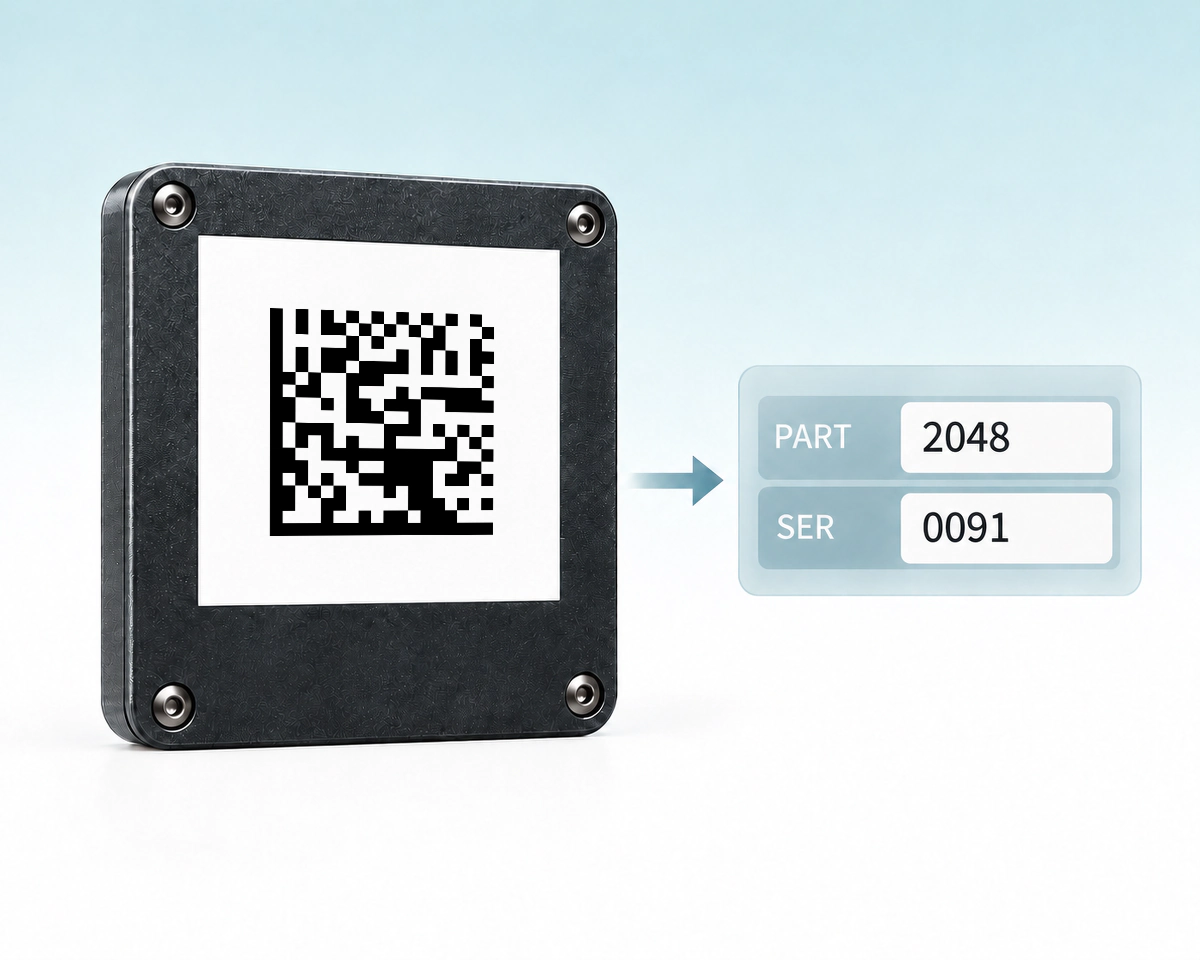
If your internal software expects PART=2048;SER=0091, a generic Data Matrix can carry that exact text. Your software must interpret the field names and separators. Those labels are your internal data convention, not GS1 Application Identifiers.
QR Code AI creates generic Data Matrix symbols with native SVG, PDF and EPS exports for compact text and identifier artwork. Compare the data and reader requirements with QR Code and GS1 DataMatrix; GS1 DataMatrix is not available in this creator. A cross means the creation mode is not offered by this editor. Select an icon or underlined label for details.
| What to compare | Data Matrix | GS1 DataMatrixSeparate GS1 mode | |
|---|---|---|---|
Encoded data | Text / internal IDText / internal ID Text or an internal identifier | URL · text · WiFiURL · text · WiFi Content such as a URL, text or WiFi settings | GS1 AIs + valuesGS1 AIs + values GS1 Application Identifiers and values |
Example task | Parts-system inputParts-system input Read PART-2048 into a parts system | Phone instructionsPhone instructions Open instructions from a phone | Product + attributesProduct + attributes Interpret standardized product and attribute fields |
Reader | Data Matrix 2D readerData Matrix 2D reader A 2D reader with Data Matrix support | QR phone / readerQR phone / reader A QR-capable phone camera or reader | GS1-capable systemGS1-capable system A reader and application supporting GS1 DataMatrix |
Creation path | Generic Data Matrix editor | QR generatorQR generator Separate QR code generator | Not offered by this editor |
Key distinction | Editor: 500 chars maxEditor: 500 chars max This editor accepts up to 500 supported ASCII characters | Content / reader actionContent / reader action The action depends on the encoded content and reader | GS1 mode is distinctGS1 mode is distinct A generic Data Matrix symbol is not automatically GS1 DataMatrix |
QR Code AI keeps the quiet zone around the Data Matrix symbol and checks the exported image or vector artwork against the saved value and expected format before download. That checks the exported artwork; it does not certify a printed mark or turn generic Data Matrix into GS1 DataMatrix.
The 500-character figure is an editor limit, not Data Matrix’s general capacity. Linear-only scanners cannot read these 2D symbols. See the ISO Data Matrix overview, DENSO WAVE’s QR explanation and GS1’s FNC1 and AI explanation. GS1 DataMatrix is included here to explain its distinct scope, not as an available creation mode.
Turn inventory IDs and reference numbers into printable barcodes.
Create a Code 128 barcode
Create uppercase asset labels for scanners that use Code 39.
Create a Code 39 barcode
Encode GTIN, lot and date fields in one structured barcode.
Create a GS1-128 barcode
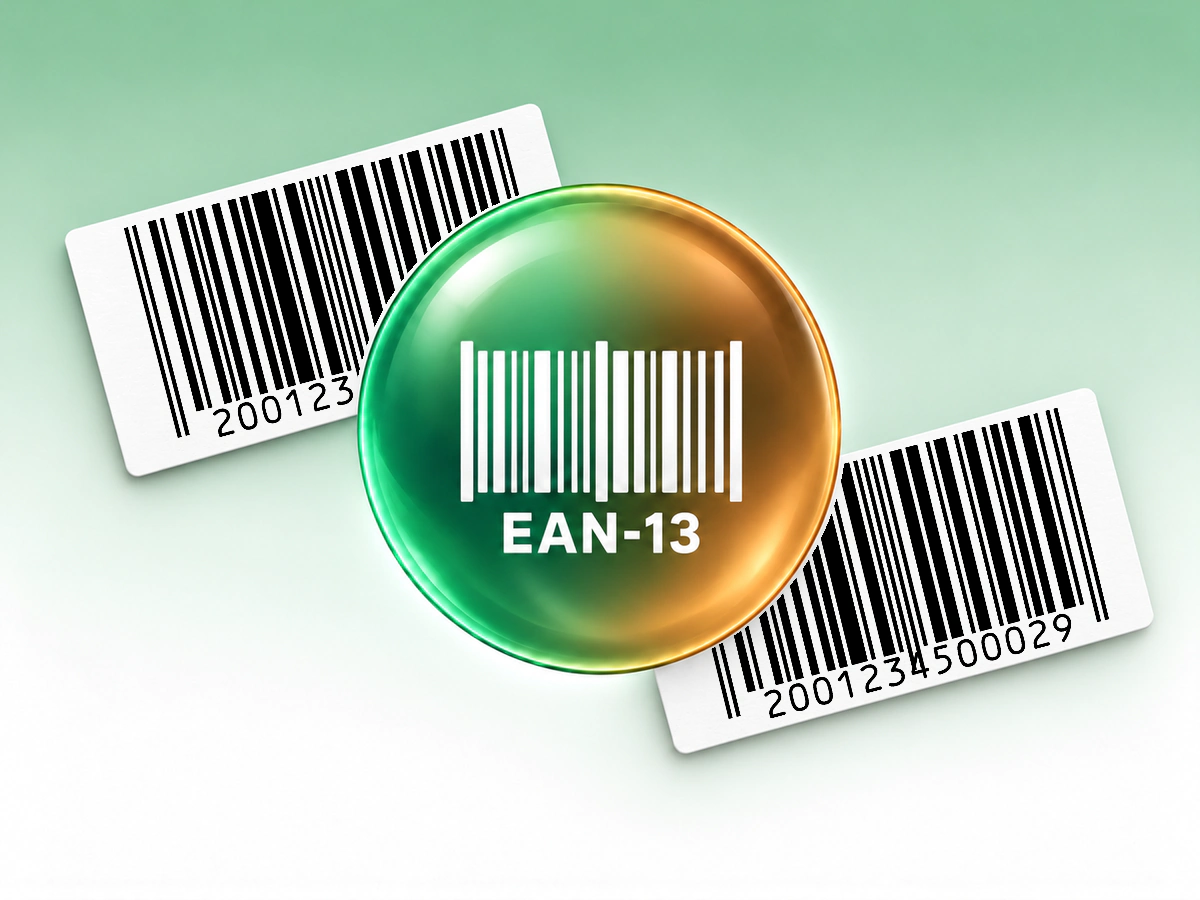
Make a retail barcode from your assigned 13-digit product number.
Create an EAN-13 barcode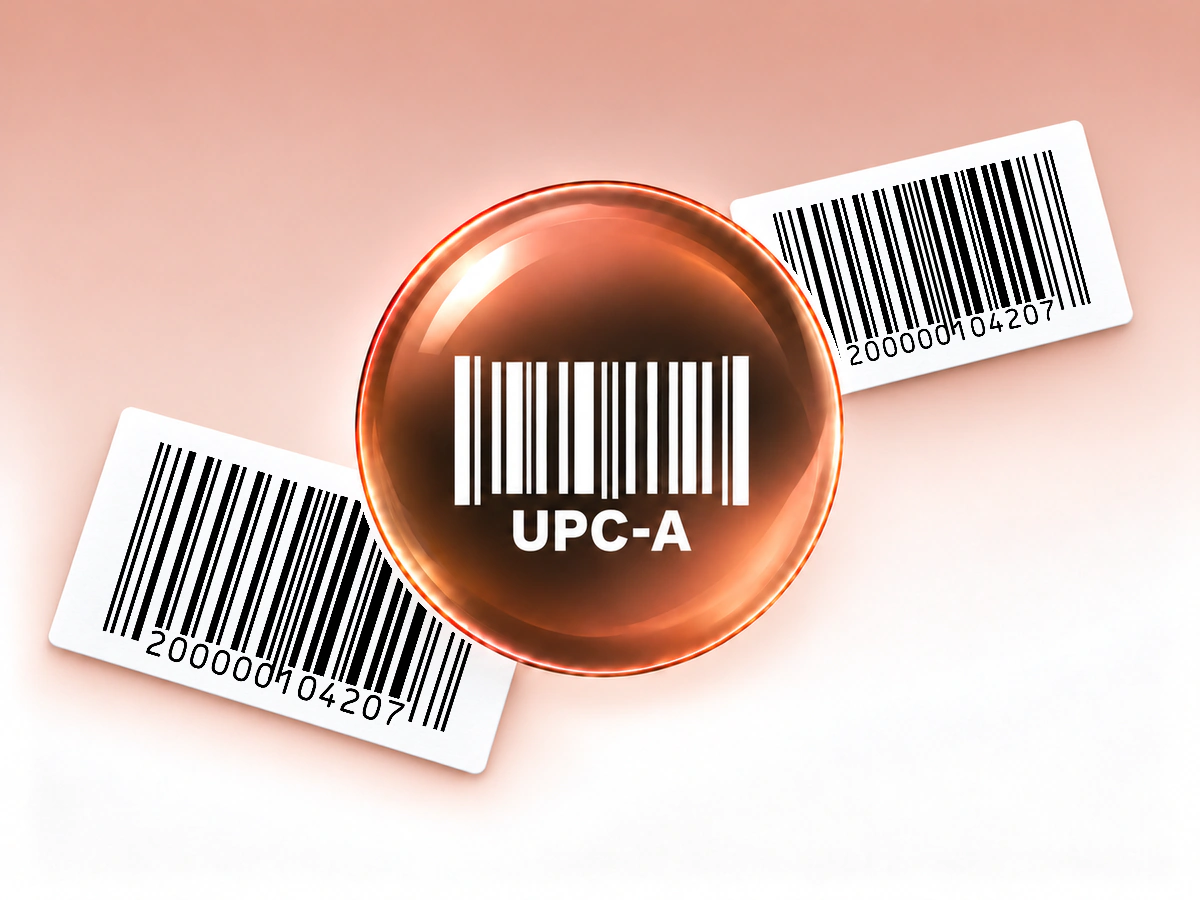
Create a UPC-A barcode for your assigned retail product number.
UPC Generator (UPC-A)Input, printing and saved barcode behavior
This editor accepts 1 to 500 printable ASCII characters, plus tabs and line breaks. It does not accept arbitrary Unicode text. These are the product's supported input limits, not the maximum capacity of every Data Matrix implementation.
No. This tool creates generic Data Matrix symbols. It does not provide the GS1 DataMatrix mode required by some healthcare or regulated supply-chain applications. Select a tool and workflow that explicitly support the required GS1 standard.
The scanner must support Data Matrix and two-dimensional imaging. A linear-only scanner cannot read it. Check the scanner's supported symbologies and verify the decoded value in the receiving software before printing your labels.
Yes. QR Code AI offers SVG, PDF and EPS vector exports, plus PNG, JPG and WebP raster files. Keep the complete symbol and its blank margins in the layout. Verify a printed sample at its intended size with a compatible scanner.
A downloaded barcode contains fixed data and has no built-in expiration date. Changing a saved value requires downloading and printing a new symbol; existing copies keep their original data. These Barcodes do not provide scan analytics or editable redirects. A connected inventory or checkout system may update its own record for the same identifier. For customer-facing web links with scan analytics, consider a URL QR code and QR code tracking.
Yes. A personal account and each non-Premium Workspace can create three Barcodes. Archiving a Barcode does not free a creation slot; Premium allows additional creations. Creating, editing or downloading a Barcode does not start the seven-day trial. The trial begins with the first dynamic QR code or Smart Link in that scope. The barcode itself retains its directly encoded value when a trial ends; it has no managed redirect to keep active.